


How many times have you ever felt like your inbox knows a little too much about your weekend plans or your recent shopping history?
“Gmail Privacy is an illusion.”
We often hear that Google stopped scanning our emails for ads back in 2017. While that sounds great, it is only part of the story.
According to research highlighted by privacy experts on CNBC, Google continues to track specific data points like Purchases and Travel by scanning receipts and confirmations sent to your inbox.
Google’s algorithms can still “read” those specific events to build a profile.
You might not see an ad for shoes inside your Gmail, but that data helps Google follow you across the rest of the web.
For many, this “Privacy Illusion” is the main reason to look for a door.
Table of Contents
Top 6 Alternatives to Gmail
| Provider | Best For | Storage | AI Features | Starting Price |
|---|---|---|---|---|
| Proton | Hardcore Privacy | 5 GB (Free) | No | $3.99/mo |
| Hostinger | Budget AI | 10 – 50 GB | Yes (Kodee) | $0.35/mo |
| Tuta | Metadata Security | 1 GB (Free) | No | €3.00/mo |
| Zoho Mail | Freelancers | 5 GB (Free) | Yes (Zia) | $0.90/mo |
| Fastmail | Speed & Utility | 60 GB | No | $5.00/mo |
| Mailbox.org | Technical Users | 2 GB | No | $1.00/mo |
Here are the 6 best options to consider as you step away from the Google ecosystem.
1. Proton Mail:
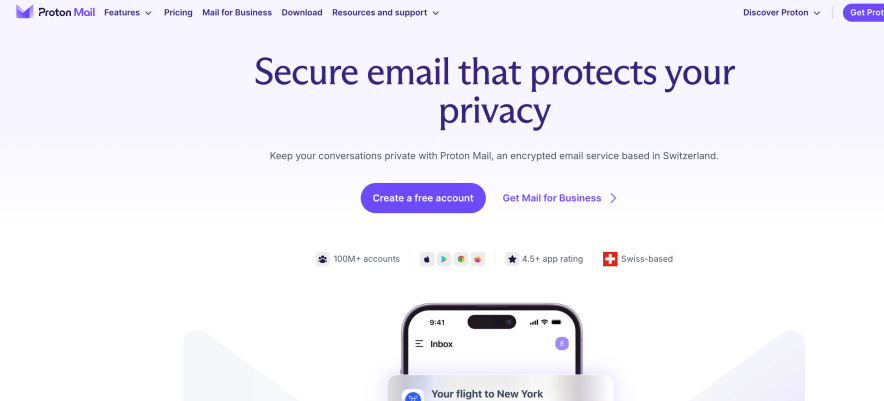
If you want to move your data to a digital fortress, Proton Mail is the most common recommendation.
It is based in Geneva, Switzerland, it operates under the Swiss Federal Data Protection Act, which is much stricter than US laws.
Proton uses Zero-Access Encryption. This means your emails are encrypted on your device before they even reach Proton’s servers.
Not even their employees can read your messages.
Proton has grown to over 100 million users as of 2026, making it the largest secure email provider globally.
Pros:
- Easy Switch Tool: This is a lifesaver. It automatically imports your Gmail messages, contacts, and calendar in the background.
- Integrated Suite: Your account includes Proton Drive, Calendar, and a password manager (Proton Pass).
- Open Source: Their code is public and regularly audited by security experts to ensure no backdoors exist.
- Support Free Migration: They have a Proton Easy Switch tool which lets you migrate all your Gmail messages to Proton email in just 3 simple steps.
Cons:
- Storage Limits: The free plan offers 1 GB, which can feel small compared to Gmail’s 15 GB.
- Limited Search: Because your content is encrypted, you can only search by subject line and sender, not the body of the email.
- No POP3: It is not compatible with some older email apps without the “Proton Bridge” (available on paid plans).
2. Hostinger Business Email:
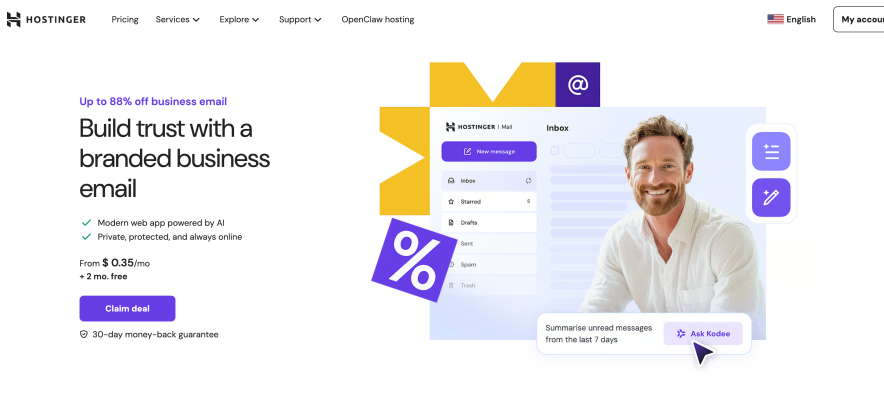
Hostinger has pivoted from being “just a host” to offering a sophisticated standalone email service.
It is designed for those who want Google-level AI features at a fraction of the cost.
They have an AI assistant, Kodee, which is integrated directly into the inbox. It can summarize long threads, draft replies in your specific tone, and even help you manage mailbox settings via chat commands.
Pros:
- Affordable Pricing: It starts under $0.35/month, and that’s why it is the most affordable Gmail competitor.
- Advanced AI Suite: Includes AI-powered smart search and instant summaries that actually rival Google’s Gemini integration.
- High Sending Limits: Allows up to 3,000 emails per day on premium plans, which is higher than many “privacy-first” competitors.
- Migration Assistance: They offer a dedicated IMAP migration tool that pulls data from Gmail quickly.
- Zero-Cost Professional Branding: Every plan includes a free custom domain for the first year. This allows you to ditch the generic
@gmail.comtag immediately and launch a branded inbox that builds customer trust without any upfront domain registration fees.
Cons:
- No Free Tier: Unlike Proton or Zoho, there is no permanent free version; it is a paid-only service.
- Interface: While modern, the hPanel can feel slightly more “technical” than a simple Gmail interface.
- Lack of Cloud Storage: Unlike Google Drive, you cannot store photos, videos, and other files associated with your mail.
Try Hostinger Business Email. Or, You can also read my entire review on it here.
3. Tuta:
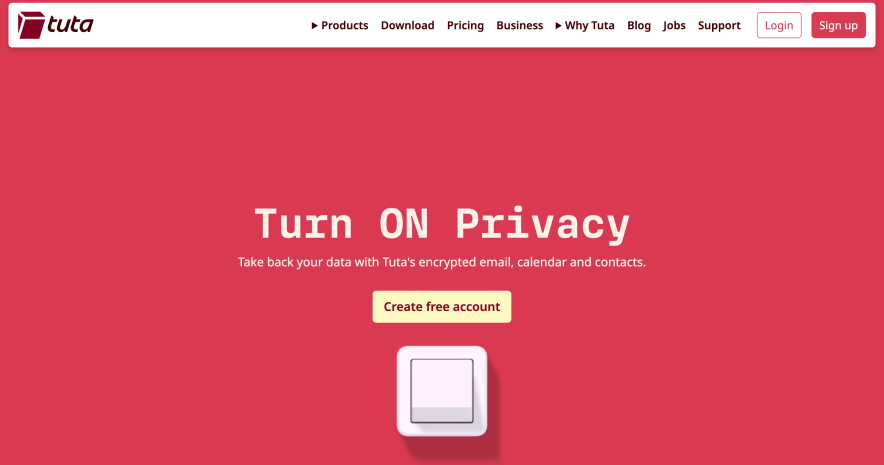
Based in Germany, Tuta (formerly Tutanota) goes a step further than Proton by encrypting your subject lines and contact lists.
If you are worried about “who” you are talking to being tracked, this is your best bet.
Tuta is also a leader in Quantum-Resistant Encryption. As computers get faster, they will eventually be able to break traditional encryption. Tuta already uses the “Kyber” algorithm to protect your data from future threats.
Pros:
- Total Encryption: Encrypts everything including the email subject and your entire address book.
- Eco-Friendly: Their data centers run on 100% renewable energy.
- Affordable: Their “Revolutionary” plan offers 20 GB of storage for a very competitive price.
Cons:
- No IMAP Support: You cannot use Tuta with apps like Outlook or Apple Mail. You must use their specific web or mobile app.
- Heavy Indexing: Local search indexing can sometimes slow down your mobile device or take up extra disk space.
4. Zoho Mail:
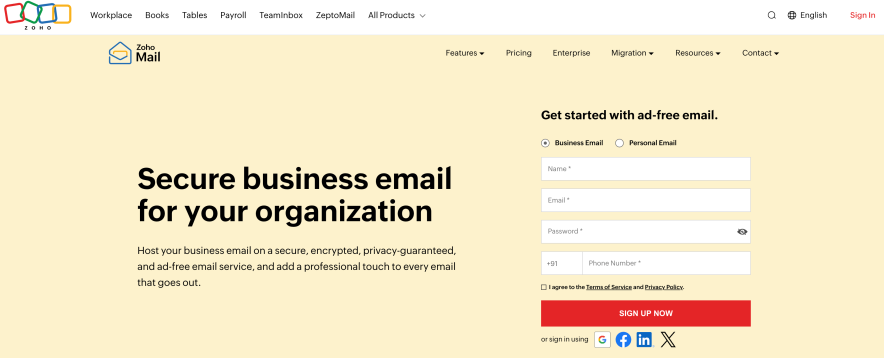
Zoho Mail is the go-to for freelancers and small teams. It is a clean, ad-free environment that feels more like a professional workspace than a social inbox.
According to my research Zoho manages to offer a “Forever Free” plan for up to five users without selling a single byte of user data.
Pros:
- Zia AI Assistant: Helps you draft professional replies and can summarize long, confusing threads in seconds.
- Streams Feature: This turns email into a social-media-style feed. You can “tag” a teammate on an email instead of forwarding it to them.
- Control Panel: Admins get a powerful dashboard to manage custom domains and user permissions.
Cons:
- Complex Setup: The UI has many icons and menus that can feel overwhelming for a casual user.
- Workflow Logic: It uses a specific organizational style that takes a week or two to master.
- Migration: Strong migration tools, but the learning curve is slightly higher.
5. Fastmail:
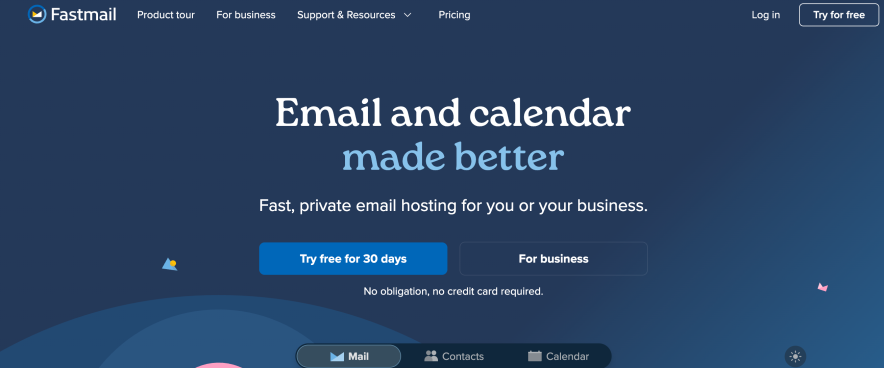
Fastmail is an Australian-based provider that focuses on speed and customization.
They use a modern protocol called JMAP, which makes syncing your inbox nearly instantaneous. While they don’t offer a free plan, the $5 starting price ensures you are never the product.
Pros:
- Masked Email: Through a partnership with 1Password, you can create a random email address for every website you visit. This keeps your real identity hidden from marketers.
- Undo Send: You get a 20-second window to pull back an email you regret sending.
- Fastest Search: Their search tool is widely considered the best in the industry for finding old attachments.
Cons:
- Jurisdiction: Australia is part of the “5-Eyes” intelligence alliance, which might worry high-level privacy advocates.
- No E2EE: Fastmail can technically access your emails if legally required, as they do not use end-to-end encryption by default.
6. Mailbox.org:
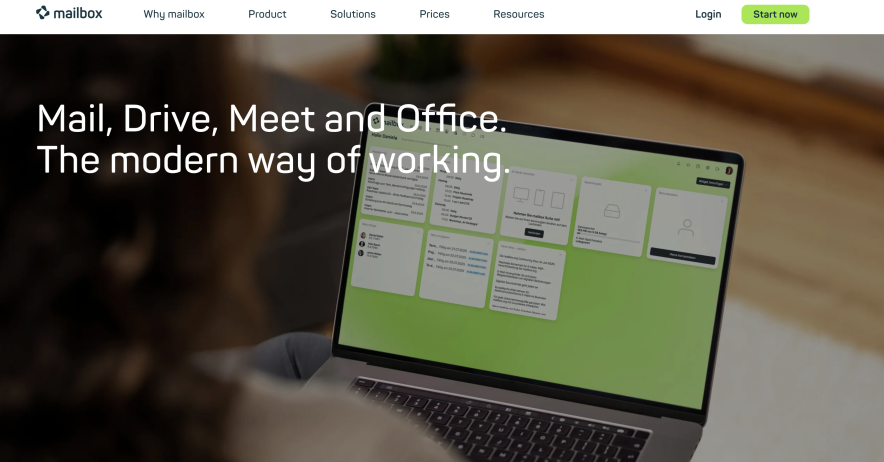
Mailbox.org is a German favorite that has been around for 30 years. It is incredibly affordable, starting at just €1 per month. It is a full office suite that includes secure document editing, video conferencing, and a calendar.
Pros:
- Anonymous Registration: You can sign up without giving your name and even pay with cash or Bitcoin.
- Server-Side PGP: They make complicated PGP encryption easy to use for non-techies through their “Guard” system.
- Security Check: It tells you if the recipient’s email server is secure before you send sensitive info.
Cons:
- Miniscule Storage: Their cheapest plan only offers 2 GB of storage, which fills up quickly if you receive many attachments.
- Aging Interface: The design is functional but looks a bit dated compared to modern apps like Fastmail.
Where Does Your Data Actually Live After Leaving Gmail?
When you leave Gmail, you aren’t just changing an app; you are changing the legal jurisdiction of your data.
The EU Shield (Germany & Lithuania)
Providers like Tuta (Germany) and Hostinger (Lithuania) operate under the EU’s GDPR.
These are some of the strictest privacy laws in existence, requiring companies to be transparent about every byte of data they process.
Germany, in particular, has laws that make it nearly impossible for the government to access private communications without a high-level warrant.
The Swiss Exception
Proton (Switzerland) sits outside the EU and the 14-Eyes surveillance alliance. While Switzerland passed new metadata laws in 2025 (BÜPF), the content of your emails remains protected.
If a court orders a Swiss company to hand over data, they can only hand over encrypted “gibberish” that they themselves cannot read.
The “Eyes” Alliance
Fastmail (Australia) reside within the 5-Eyes intelligence alliance. While these services are secure and private from hackers, they are more vulnerable to government data requests than their European or Swiss counterparts.
The “Clean Break” Checklist: Your Step-by-Step Migration From Gmail to Others
Leaving a Gmail you have used for a decade is not just about signing up for a new one.
Use this checklist to ensure you don’t lose access to your bank account or those old family photos.
1.) Audit Your Logins:
Open your Gmail settings and check “Security” then “Your connections to third-party apps.” List every app that uses “Sign-in with Google.” You must change these to a standard email and password before you deactivate your account.
2.) The Google Takeout Export:
Go to takeout.google.com. Uncheck everything except for Mail and Contacts. Google will email you a download link for a .mbox file. This is your life’s history in a single folder.
3.) Set Up a “Catch-All”:
If you are using a custom domain with a provider like Hostinger, set up a “Catch-All” address. This ensures that if someone typos your new address or emails an old alias, the message still lands in your inbox.
4.) The Forwarding Safety Net:
Do not delete your Gmail yet. Set up Automatic Forwarding in your Gmail settings to send everything to your new provider. Do this for at least 30 to 60 days. This gives you time to see which newsletters or services you forgot to update.
5.) Import Your History: Most modern providers like Proton and Hostinger have a 1-click import tool. Upload your .mbox file or simply provide your Gmail credentials to their secure migration tool, and they will pull your history into the new folders automatically.
FAQs:
Which email provider is best for de-googling?
The best email provider for de-googling is Proton Mail if your priority is privacy, or Hostinger Business Email if you need a professional, AI-powered inbox with a custom domain. Both offer simple migration tools to move your Gmail history without technical headaches.
Is Outlook safer than Gmail?
Outlook and Gmail offer similar security levels for the average user, including two-factor authentication and transit encryption. However, Outlook is generally preferred by businesses because it offers more robust enterprise controls, while Gmail is built primarily on a data-tracking model for advertising
Can I keep my Gmail address while using a more private app?
Yes. You can use an app like Apple Mail to manage your Gmail inbox. This gives you a better interface and more features, but keep in mind that Google still hosts the data and can still access it on their servers.
Do I lose my Google Photos if I switch email?
Not necessarily. You can keep your Google Account active for Photos and Drive while moving your primary email communication to other email providers. However, for full privacy, it is best to export your photos and move them to a secure cloud like Proton Drive.
Conclusion: Your Next Inbox is Waiting
Now you must have selected your Gmail Alternative.
The hardest part is the first step. Start by exporting your data today. You don’t have to delete your Gmail tomorrow, but you should at least have a backup of your digital life safely stored outside of the Google ecosystem.


![hostinger business email review [my experience]](https://bloggerspassion.com/wp-content/uploads/2026/02/hostinger-business-email-review-my-experience.webp)
