


Want to start a blog but don’t want to spend money upfront? You’re in the right place.
There are dozens of free blogging platforms out there. But most of them come with many limitations. Ugly subdomains. Annoying ads. Limited storage. The list goes on.
I’ve been blogging since 2010 and have tested almost every free platform at some point. Some were great for getting started. Others were a complete waste of time.
In this post, I’m sharing 13 free blogging sites that actually work. I’ve ranked each one based on ease of use, customization, SEO features, and monetization options.
Whether you want to start a blog, build a portfolio, or test a niche before investing money, this list will help you pick the right platform in minutes.
Let’s get into it.
Quick Comparison: 13 Free Blogging Platforms
| Platform | Free Plan | Ease of Use | Best For | Rating |
|---|---|---|---|---|
| WordPress.com | Yes (subdomain) | Easy | Bloggers who want flexibility + SEO | 4 out of 5 |
| Blogger | Yes (subdomain) | Very Easy | Complete beginners | 4 out of 5 |
| Wix | Yes (subdomain) | Easy | Small business owners | 4 out of 5 |
| Medium | Yes (full) | Very Easy | Writers who want an instant audience | 4 out of 5 |
| Substack | Yes (full) | Very Easy | Newsletter-style bloggers | 4 out of 5 |
| Tumblr | Yes (subdomain) | Very Easy | Good for microblogging | 3½ out of 5 |
| Weebly | Yes (subdomain) | Easy | Beginners who want drag-and-drop | 3½ out of 5 |
| Ghost | 14-day trial | Moderate | Tech-savvy bloggers | 4 out of 5 |
| Squarespace | 14-day trial | Easy | Best for portfolios | 4 out of 5 |
| HubSpot CMS | Yes (full) | Easy | Marketers and business bloggers | 3½ out of 5 |
| Hashnode | Yes (full) | Easy | Developers & tech bloggers | 4 out of 5 |
| Edublogs | Yes (subdomain) | Moderate | Teachers, students, and schools | 3 out of 5 |
| Jimdo | Yes (subdomain) | Easy | Small business owners & freelancers | 3 out of 5 |
How to Choose the Right Free Blogging Platform in 2026?
You don’t need to sign up for all the blogging sites under the sun. Not every free platform works for every blogger. The “best” one depends on what you actually need.
Ask yourself three questions before picking one:
- What’s your goal? If you want to build an audience fast, go with Medium or Substack. If you want full control over design and SEO, WordPress.com or Wix makes more sense.
- Do you want to monetize your blog? Some platforms like Blogger let you run Google AdSense for free.
- How technical are you? Platforms like Ghost give you powerful tools but you need some coding knowledge. Blogger and Medium don’t need any experience.
Here’s a simple rule I’ve followed for 15+ years of blogging: Start free. Learn the basics. Then invest in a self-hosted WordPress blog when you’re ready.
Read: 10 Popular Personal Blogs That Are Actually Worth Reading in 2026
Now let’s look at each platform in detail.
1. WordPress.com
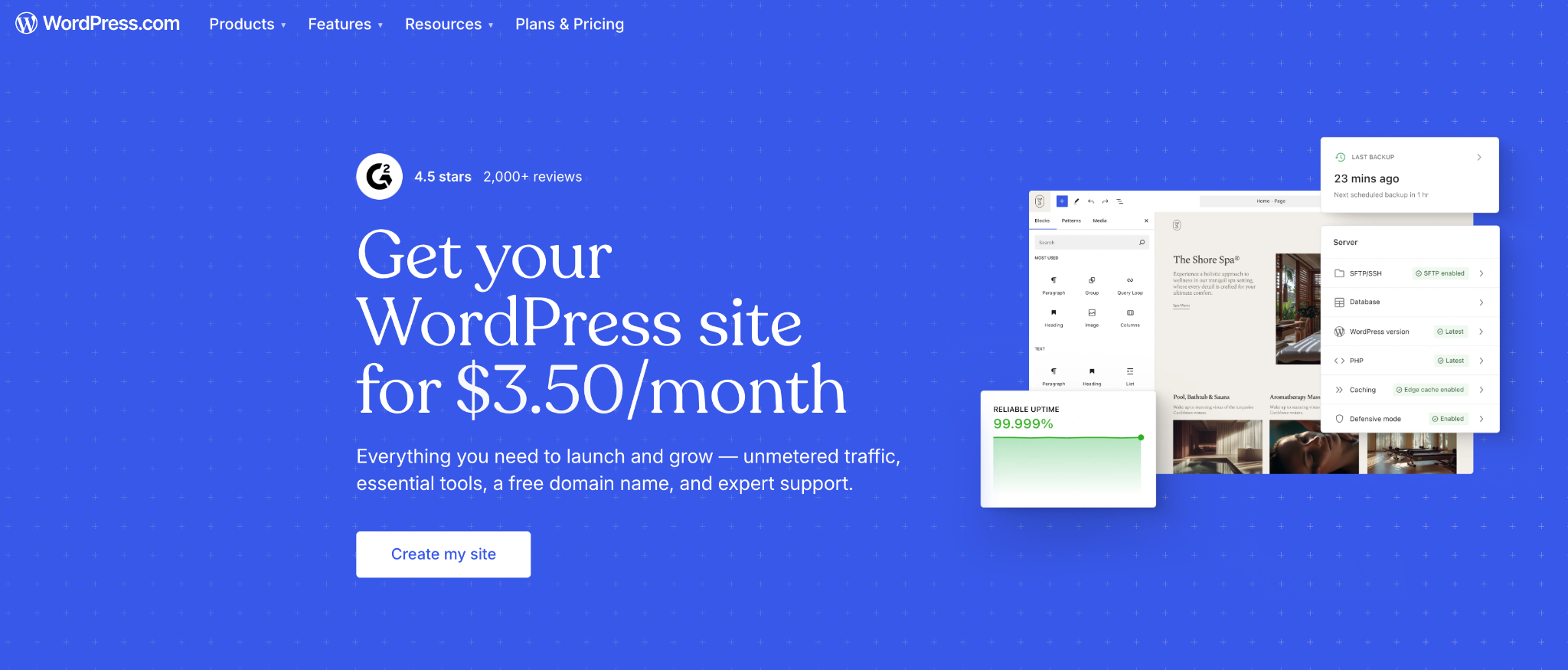
WordPress is one of the most reliable and widely used free blogging platforms. You can use WordPress for creating personal blog sites, professional blogs, and blogs of any type.
Over 42.5% of the websites worldwide are hosted on the WordPress content management system.
With WordPress.com, you sign up, pick a theme, and start publishing. No need to buy web hosting. It gives you access to hundreds of free themes, a built-in block editor, and basic SEO tools right out of the box.
I’ve been using WordPress for many years, and it’s a great platform for beginners.
What you get for free: A yourname.wordpress.com subdomain, 1 GB storage, dozens of free themes, basic SEO settings, and a mobile app to manage your blog on the go.
Limitations: You can’t install custom plugins or third-party themes on the free plan. WordPress places ads on your blog that you can’t control. And the subdomain doesn’t look professional.
Verdict: If you’re a beginner looking for free options, start here. You can always upgrade to a paid plan or move to self-hosted WordPress later. It’s the best choice among all free blogging sites.
2. Blogger
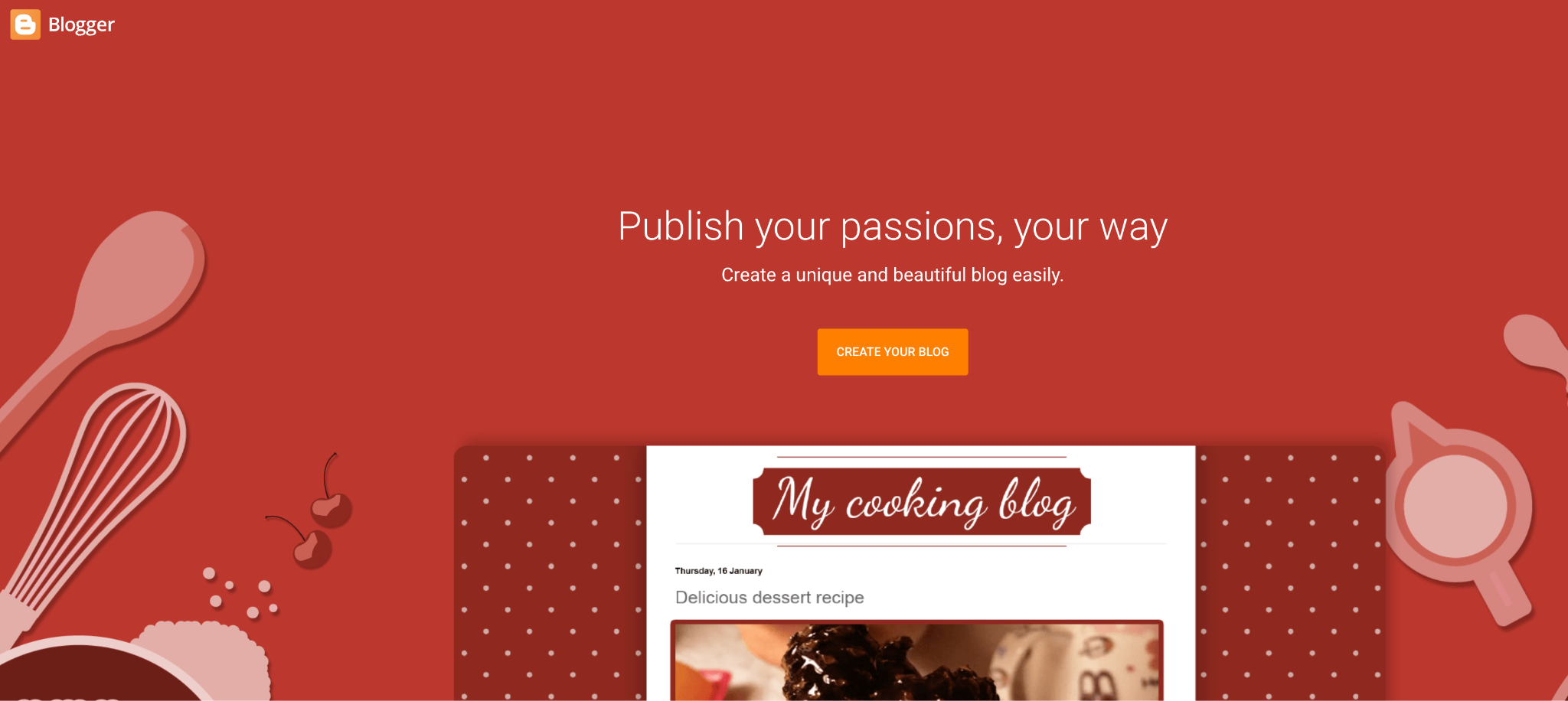
Blogger is Google’s free blogging platform. It’s been around since 1999, and it’s still one of the simplest ways to start a blog.
You need a Google account. That’s it. No credit card. No setup required. You pick a template, choose a blogspot.com subdomain, and you’re live in under five minutes.
Google handles everything, starting from hosting to security to backups and SSL certificates. You don’t have to worry about any of it.
The biggest advantage? AdSense integration. Since both Blogger and AdSense are Google products, approval is faster than on other free platforms.
I’ve used Blogger multiple times over the years. It’s incredibly user-friendly. Just like opening a social media account.
What you get for free: Free hosting on Google’s servers, a blogspot.com subdomain (or map your own custom domain), built-in Google Analytics integration, mobile-responsive templates, and multi-language support across 41 languages.
Limitations: Design options are very basic. There are no plugins, no SEO tools beyond basic analytics, and no eCommerce features. You also don’t truly own your blog. Google can shut it down at any time.
Verdict: Perfect for complete beginners and hobby bloggers with no coding skills. Not ideal if you plan to make money blogging.
Must Read: Blogger vs WordPress: Why Self-Hosted WordPress Blog is Better Than Blogger
3. Wix
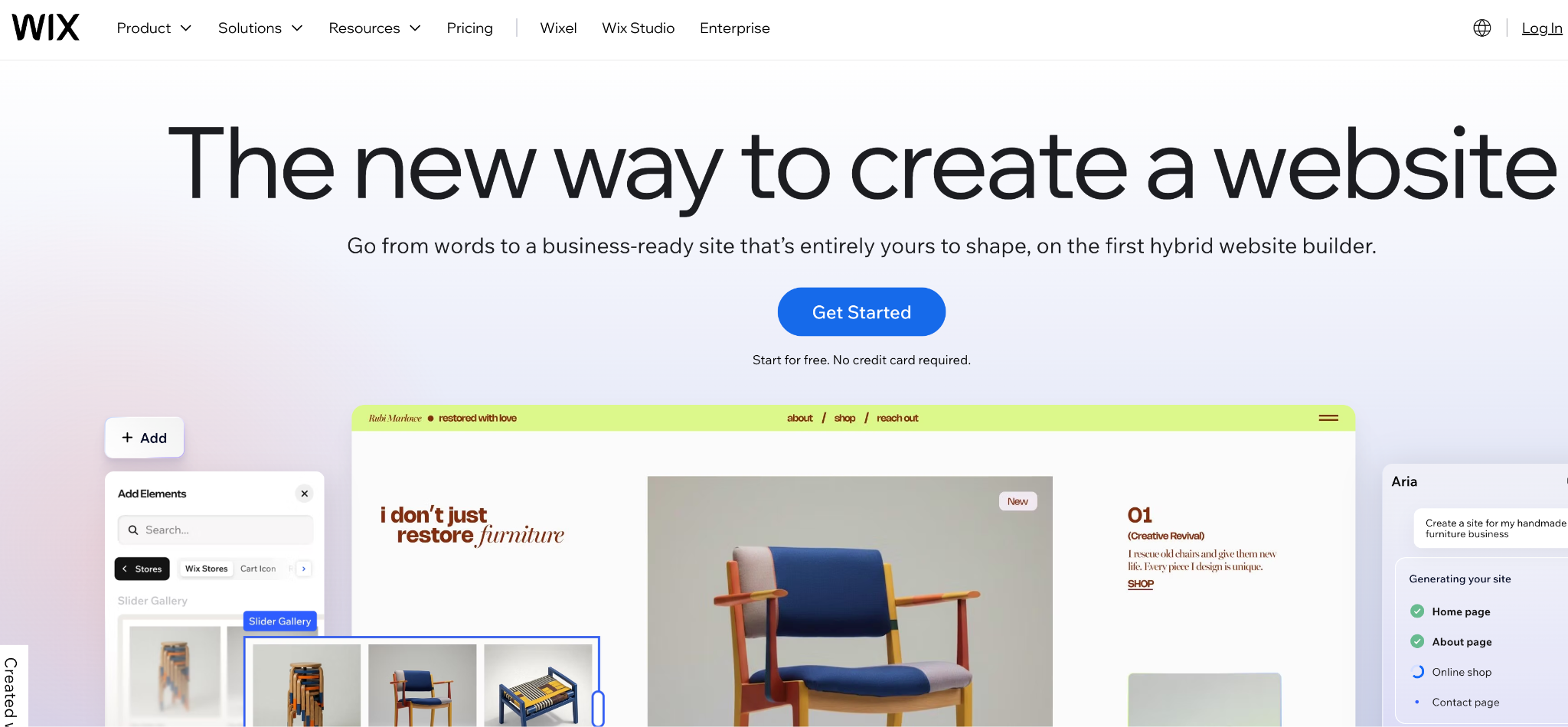
Wix is a drag-and-drop website builder that also works as a free blogging platform. If you want to build an appealing design, Wix is the best choice among the most free options.
You don’t need to know a single line of code. Create a free account, and Wix’s AI sets up a website for you. You can tweak everything from there using the visual editor.
Wix has over 900 customizable templates. You can add image galleries, videos, contact forms, and even an online store alongside your blog. It’s an all-in-one platform.
One thing that sets Wix apart is its built-in SEO tools that manage everything from meta titles and descriptions to URL optimization.
What you get for free: A Wix-branded subdomain (accountname.wixsite.com/sitename), 500 MB storage, 1 GB bandwidth, drag-and-drop editor, AI-powered setup, and basic SEO tools.
Limitations: Wix places ads on your free blog. You can’t connect a custom domain without upgrading. Storage is only 500 MB. And once you pick a template, you can’t switch to another without rebuilding your site.
Verdict: Great choice if you want a professional-looking blog without touching any code. Just know that the free plan is very limited.
4. Medium
Unlike other sites listed here, Medium is NOT a traditional blogging platform. It’s more like a publishing network with over 100 million monthly readers.
You sign up, write a post, and hit publish. No themes to pick. No hosting to manage. Medium handles everything. You just write. This is the reason most writers love Medium.
The best part? It’s massive reach. Your articles can appear in Google search results and be recommended to Medium readers.
Medium also has a Partner Program. If you write quality content, you can earn money based on how much time paying members spend reading your articles.
What you get for free: Unlimited publishing, a profile page (medium.com/@yourname), social features like follows and comments, and the ability to submit stories to popular publications.
Limitations: You don’t own the platform. Medium can change its rules or pricing at any time. You can’t customize your blog’s design. There’s no custom domain option.
Verdict: Best for writers who want instant visibility without any technical setup. Use it to build an audience and hone your writing skills.
5. Substack
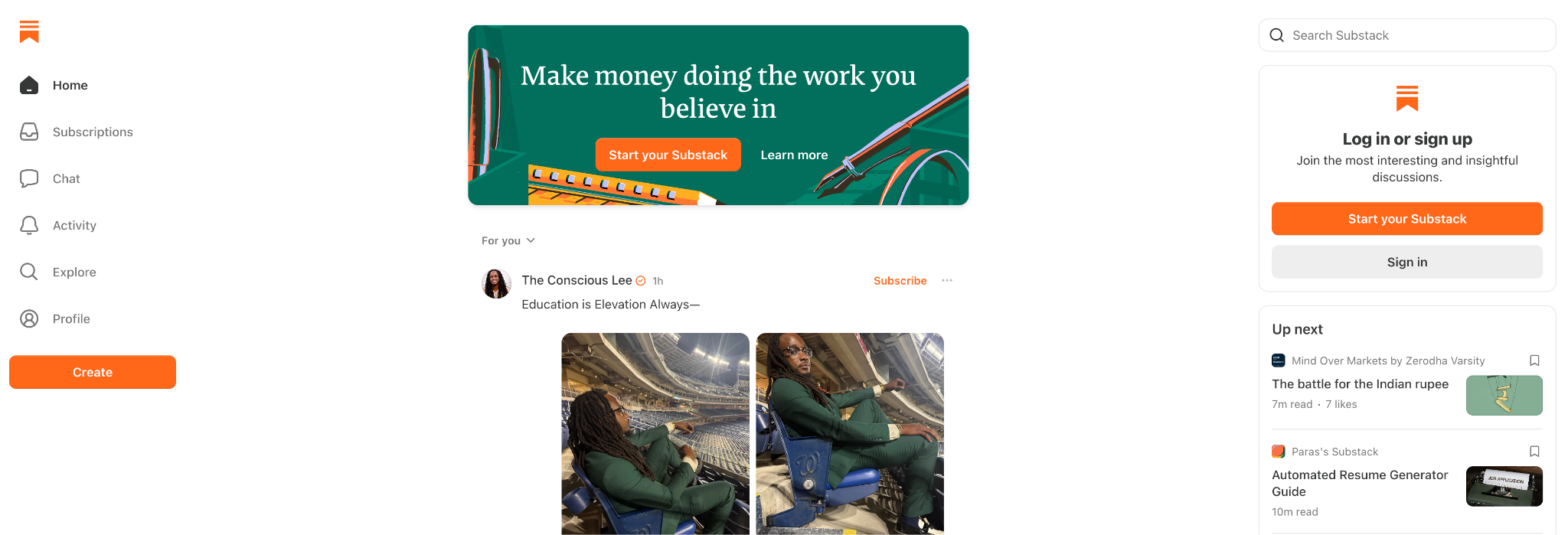
Substack is one of the fastest-growing free blogging options.
Here’s how it works: you write a post, and Substack publishes it on your Substack page and simultaneously emails it to your subscribers. That means blog posts and newsletters delivered with a single click.
What makes Substack powerful is the built-in monetization model. You can offer free posts to everyone and hide premium content for a paid subscription. Substack takes a 10% cut only when you earn.
What you get for free: Unlimited posts, a custom Substack subdomain (yourname.substack.com), email newsletter delivery to all subscribers, built-in analytics, podcast hosting, and more.
Limitations: There are no customization options. No SEO tools. No custom domain on the free plan.
Verdict: Ideal if you want to build an email audience while blogging. This is extremely useful for writers covering niche topics like finance, tech, politics, or personal development.
6. Tumblr
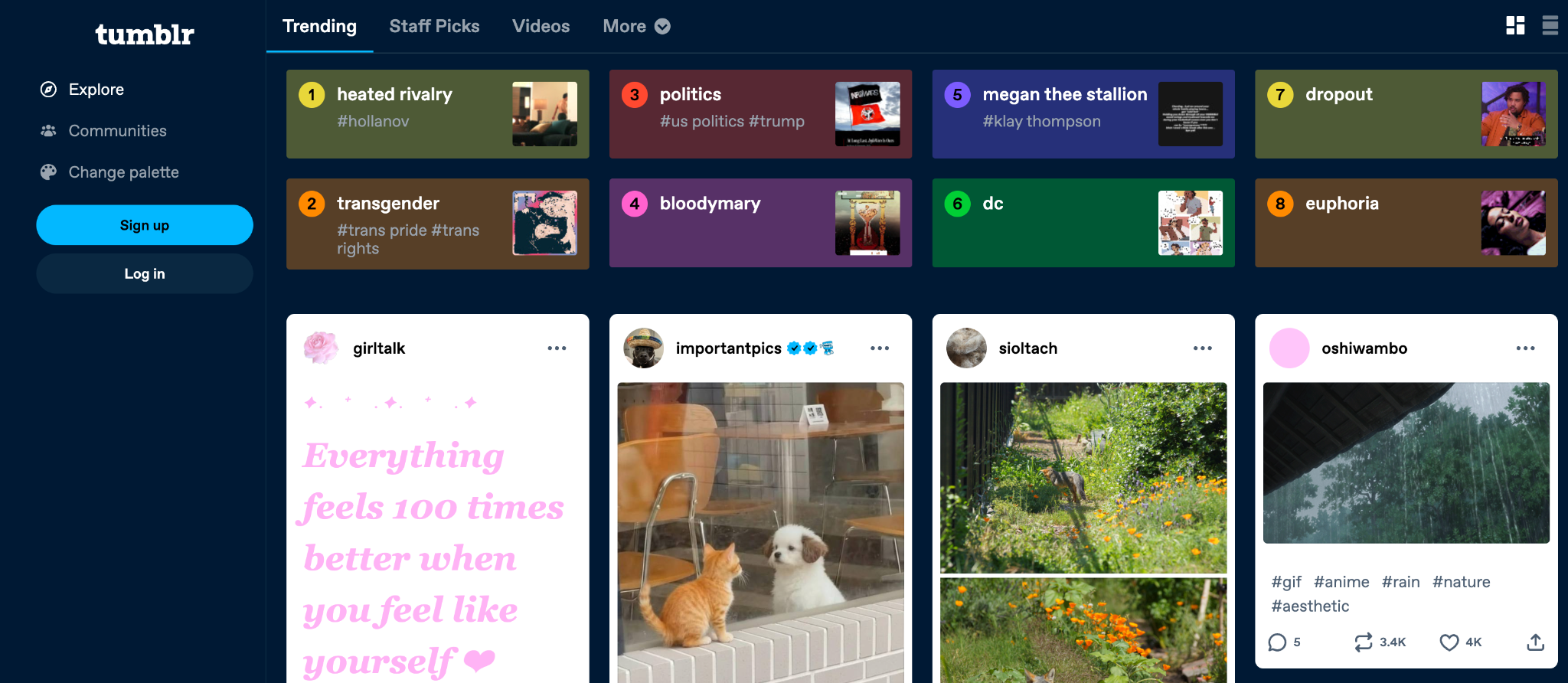
Tumblr is a microblogging platform that feels more like social media than a traditional blog. If your content is visual, this is a solid choice.
You can post text, images, GIFs, videos, audio, and quotes. Each post type has its own format.
The platform is especially useful for artists, photographers, and meme creators.
Setting up is easy. Create an account, pick a theme, and start posting. Tumblr has hundreds of customizable themes, and you can even edit the HTML if you want more control.
What you get for free: A tumblr.com subdomain, unlimited posts, multiple post formats (text, photo, video, audio, quote, chat, link), customizable themes with HTML access, social sharing with Facebook and X.
Limitations: Not useful for long-form blogging. Limited SEO capabilities. Monetization options are almost zero.
Verdict: Perfect for people who want to share visual content. Skip it if you’re planning to write long articles or build a money-making blog.
Read: Best Time to Post on Tumblr in 2026
7. Weebly
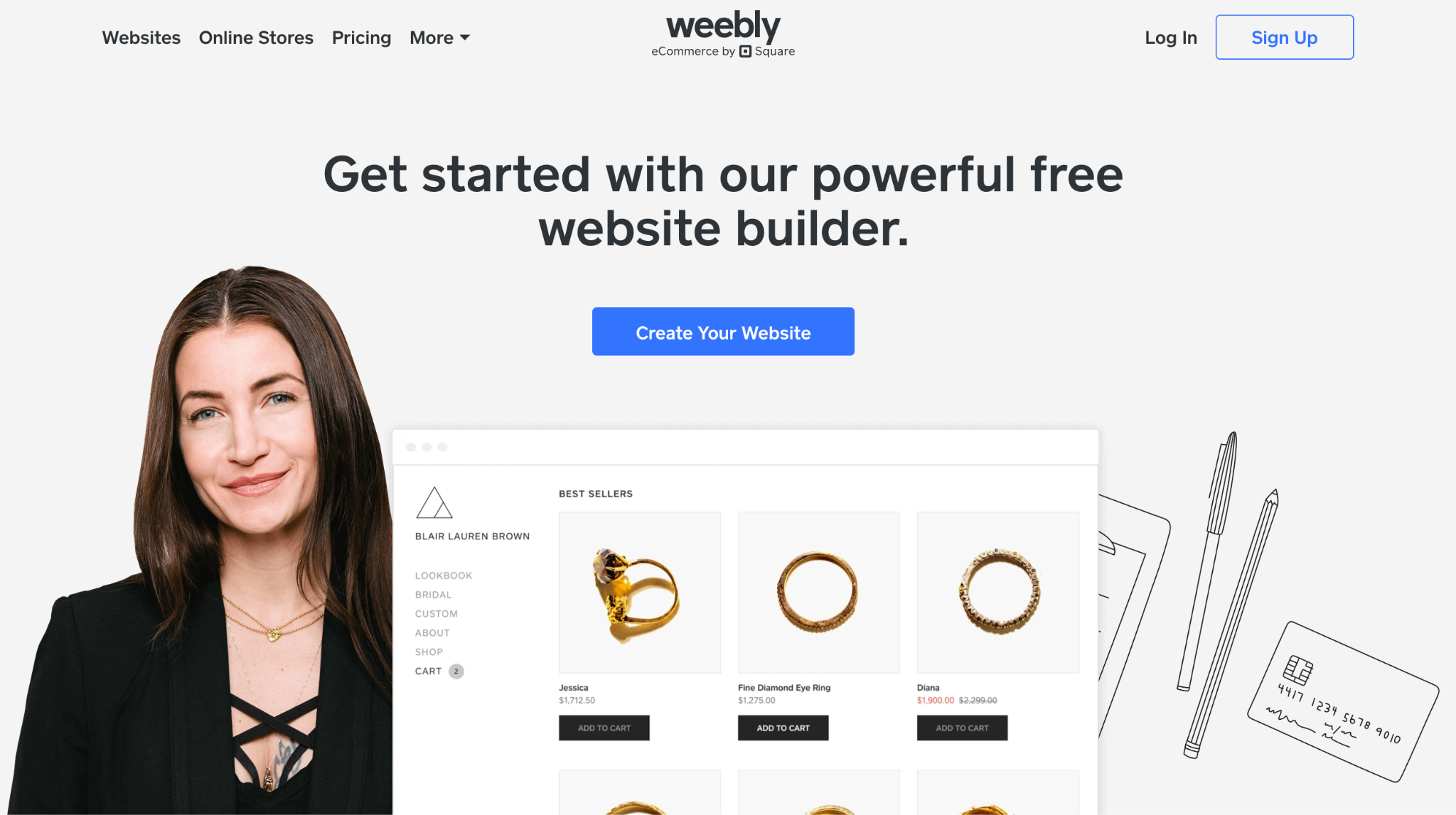
Weebly is a drag-and-drop website builder similar to Wix, but even simpler. Weebly now hosts over 50 million websites worldwide.
What I like about Weebly is speed. What takes 5 hours on WordPress takes 5 minutes on Weebly. You drag elements onto your page, arrange them, and publish. Menus, pages, categories, blog posts. Everything works the same way.
Unlike most free platforms, Weebly doesn’t charge for domain mapping. You can connect your own domain even on the free plan.
What you get for free: A Weebly subdomain, 500 MB storage, drag-and-drop editor, responsive themes, SSL certificate, basic SEO tools, and eCommerce features, including unlimited product listings.
Limitations: Only 500 MB of storage. Weebly shows its own ads on free blogs. And design customization is more limited compared to Wix.
Verdict: Solid pick for beginners who want a simple setup with the ability to sell products. Especially useful if you plan to run a small online store along with your blog.
8. Ghost
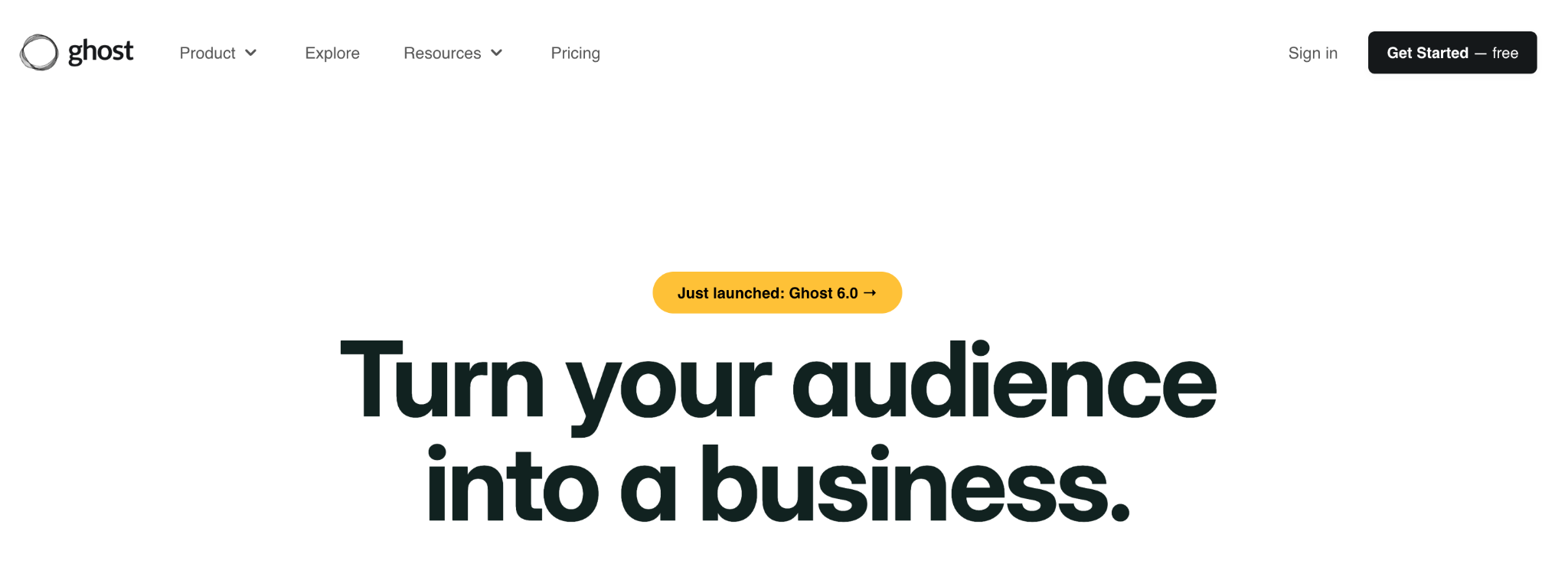
Ghost is built specifically for publishing.
There are no fancy dashboards. No unnecessary plugins. Ghost gives you a distraction-free writing experience with a split-screen editor.
What sets Ghost apart is its built-in monetization. You can turn readers into free or paid members directly from your blog.
The catch? Ghost doesn’t offer a free hosted plan. You get a 14-day trial of their managed hosting. After that, plans start at $9/month.
What you get for free (self-hosted): Full access to the Ghost CMS, customizable themes, built-in analytics, and powerful SEO tools.
Limitations: No free hosted plan. The 14-day trial is NOT enough for most users. Self-hosting requires technical knowledge. And there are no plugins.
Verdict: Best for creators who want to build a membership-based blog with full control.
9. Squarespace

Squarespace is the best blogging platform for photographers, designers, artists, and musicians. It offers a ton of appealing website templates. Every template is mobile-responsive.
It offers a drag-and-drop builder. You can create pages, add blog sections, build portfolios, and even set up an online store from one dashboard.
What you get with the free trial: 14-day access to all features, professionally designed templates, drag-and-drop editor, built-in SEO tools, blog and portfolio sections, eCommerce integration, Google Fonts integration, and CDN.
Limitations: No permanent free plan. After the 14-day trial, pricing starts at $16/month (billed annually). No custom plugins or third-party app marketplace.
Verdict: If appealing design is your top priority and you’re willing to pay after the trial, Squarespace is a great choice. Not ideal if you’re looking for powerful blogging platforms.
10. HubSpot CMS
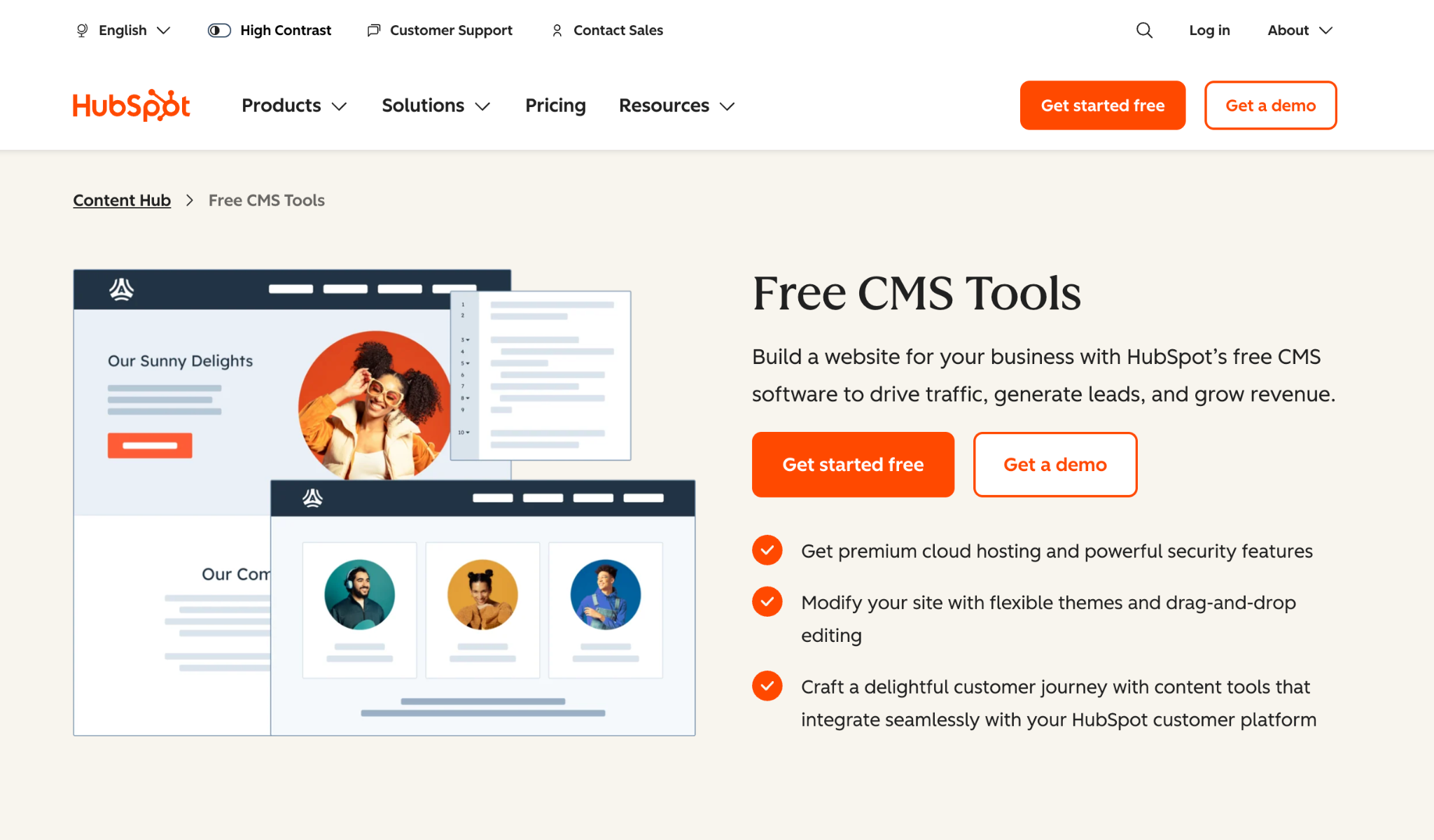
HubSpot CMS is an all-in-one free blogging platform that gives you a blog plus email marketing, contact management, live chat, forms, and basic analytics. All for free.
The blog editor is super clean. You write your post, set your meta title and description, add a featured image, and publish.
It is particularly designed for business bloggers and marketers. If you’re blogging to generate leads or build an email list, HubSpot CMS is the best choice.
What you get for free: Blog hosting on a HubSpot subdomain, drag-and-drop page builder, built-in SEO tools, email marketing (up to 2000 emails/month), contact management CRM, live chat widget, and more.
Limitations: Free plan uses a HubSpot-branded subdomain. Design customization is limited compared to WordPress or Wix.
Verdict: A great choice for bloggers who want to combine content with marketing. If you’re blogging for a business, HubSpot gives you more free tools than any other platform on this list.
11. Hashnode
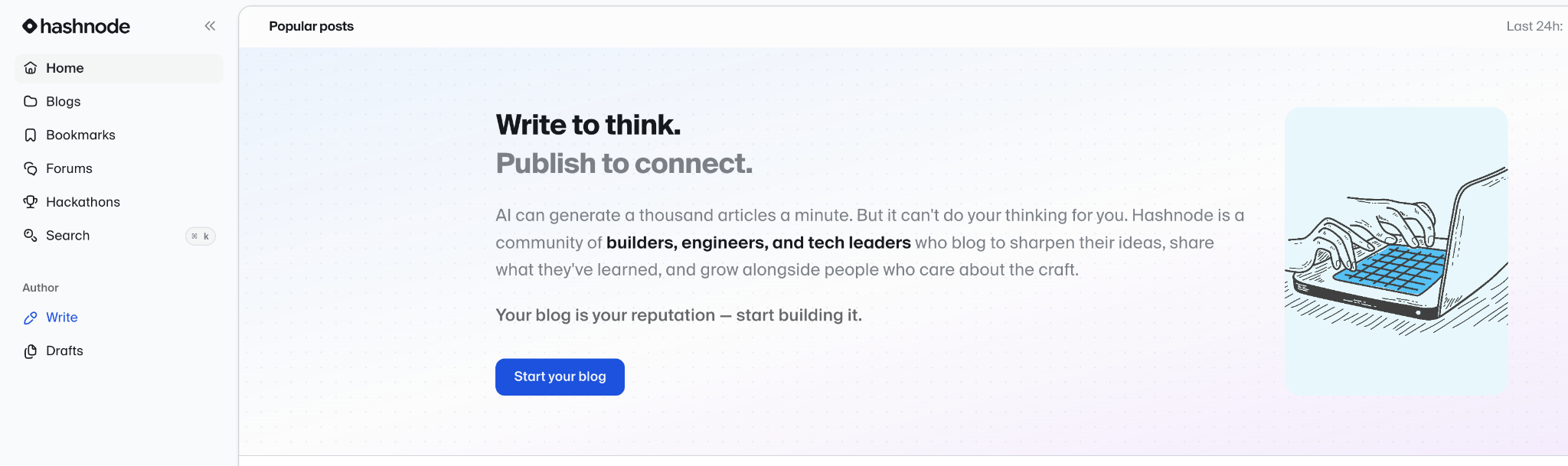
Hashnode is a free blogging site built specifically for developers and tech writers. If you write about programming, DevOps, AI, or any technical topic, pick this.
What makes Hashnode different from Medium or Substack is that you can embed GitHub gists, CodePen projects, and interactive code snippets directly in your posts.
What you get for free: Custom domain mapping (free), Markdown editor with code syntax highlighting, automatic SSL, built-in newsletter, audience analytics, dark mode support, and more.
Limitations: Only makes sense if you write tech content. The audience is entirely developers. Design customization is limited.
Verdict: If you’re a developer or tech writer, Hashnode is the best free blogging option available.
12. Edublogs
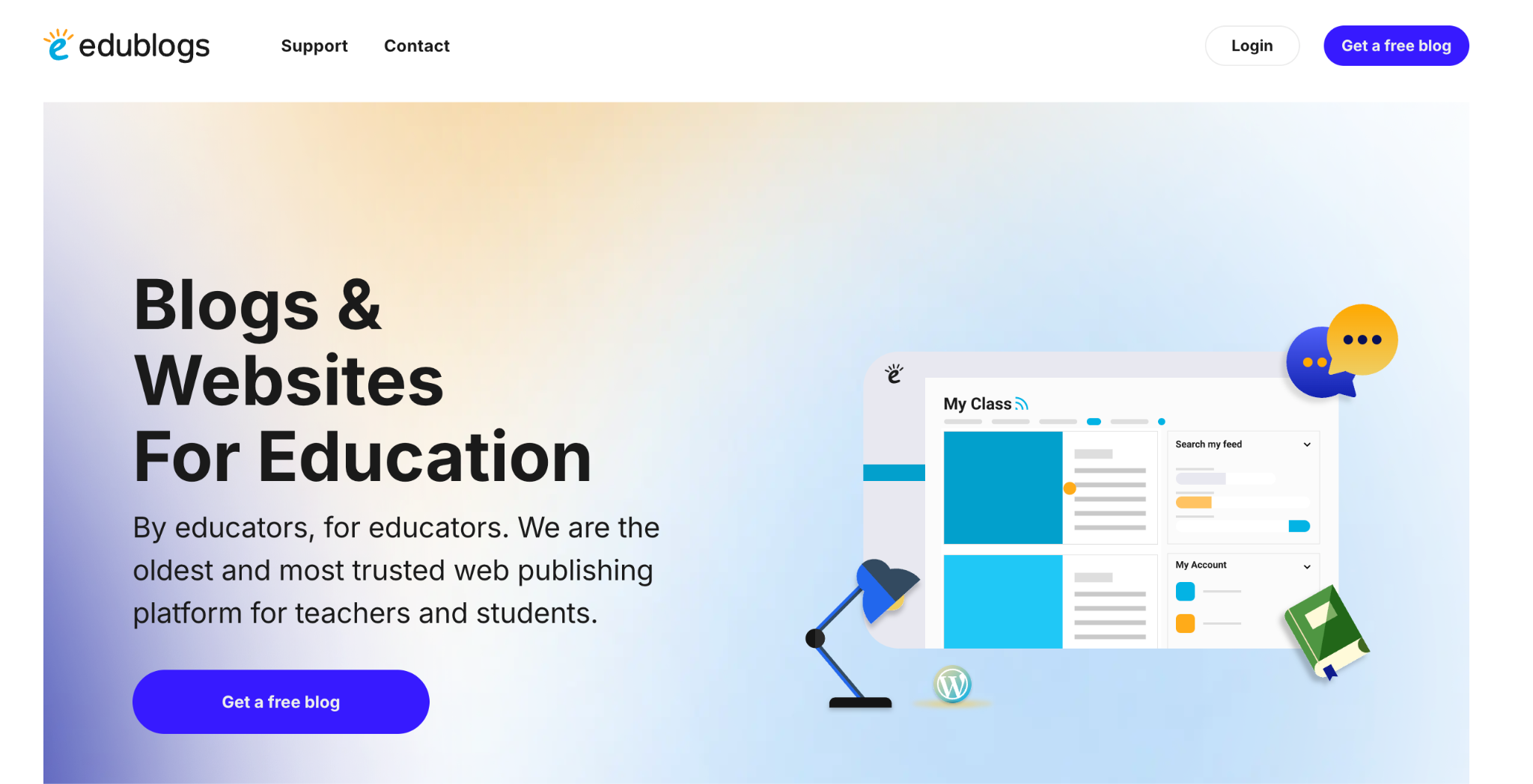
Edublogs is specifically built for education. Teachers, students, and schools use it to create class blogs, student portfolios, and more.
The #1 reason most people use this platform? Its privacy controls. You decide who sees what. Password-protect pages, restrict access to specific users, or keep the entire blog private.
Edublogs currently hosts over 5 million education blogs. And even the free plan gives you access to 250+ premium themes and an ad-free experience.
What you get for free: 1 GB storage, 250+ premium themes, ad-free experience, class management tools, privacy controls, multimedia uploads (photos, videos, podcasts), and built-in commenting.
Limitations: Free plan blogs are not indexed by search engines. The only way to get traffic is by sharing links on social media. Upgrading to the Pro plan ($39.95/year) removes this restriction. Storage is also limited to 1 GB.
Verdict: If you’re an educator looking for a student-friendly blogging platform, Edublogs is a good choice.
13. Jimdo
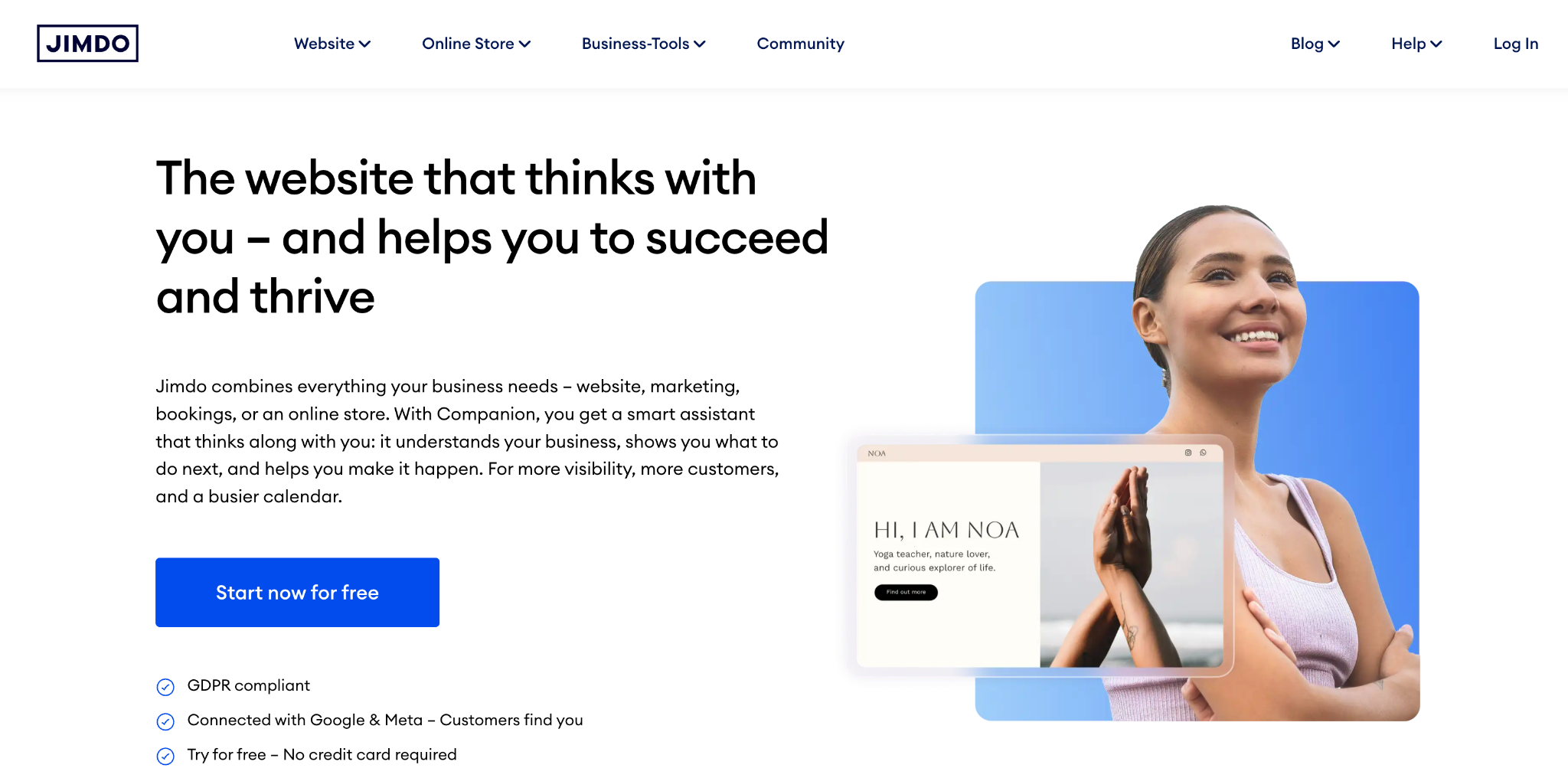
Jimdo is a German website builder that makes blog creation extremely easy. Answer a few questions, and Jimdo’s AI builds a personalized website for you in minutes.
You don’t need coding skills or design experience. The drag-and-drop editor handles everything from layout to fonts and colors. Pick a template, customize the basics, and publish. Done.
It also offers SEO features like XML sitemaps, clean URLs, 404 pages, and keyword suggestions.
What you get for free: A Jimdo subdomain, an AI-powered website builder, a drag-and-drop editor, customizable templates, automated SEO features, and an SSL certificate.
Limitations: Free plan storage is limited. Fewer design options than Wix or WordPress.
Verdict: Good choice for freelancers and small business owners who want a simple blog with minimal setup.
Free Blogging Sites vs Self-Hosted WordPress: Which One Should You Pick?
This is the question every new blogger asks.
Free platforms are perfect for beginners. You learn how to write, publish, and build an audience without spending any money. If blogging doesn’t work for you, you’ve lost nothing.
But free platforms come with limitations. You don’t own your blog. The platform can change its rules or delete your account.
Self-hosted WordPress, on the other hand, gives you FULL CONTROL.
You buy a domain (around $10/year) and hosting (as low as $3-4/month through providers like Hostinger). You install WordPress for free. And now you own everything. Your content, your design, your traffic, your revenue. Nobody can take it away.
Here’s my recommendation after 15+ years in this space: if you want to try blogging as a hobby, start with a free platform like WordPress.com, Blogger, or Medium.
If you’re building a brand, a business, or plan to make money from your blog, skip the free options. Go self-hosted WordPress from day one.
Related: How to Start a Blog; A Step-by-Step Guide for Beginners
Final Thoughts
When choosing a free blogging platform, consider THREE things: your blogging goals, customization needs, and monetization plans.
Platforms like WordPress.com and Blogger offer simplicity, while Medium and Squarespace focus on content visibility.
As I mentioned in this post, there are a lot of free blog writing sites available out there. Choosing a free blogging site is not an easy task, and you can’t try them all at once. So first know your blogging needs, and choose your blogging platform according to that.
If you are a beginner and searching for ways to make money from blogs, I strongly recommend trying either Blogger or WordPress from the list of free blogging sites mentioned above. What is the best free blogging site you would recommend to a newbie?
FAQs
Here are a few questions about a list of free blogging platforms that might be useful for you before creating free sites in 2026.
WordPress.com, Blogger, Medium, Substack, Tumblr, and Hashnode all offer completely free plans with no credit card required.
Yes, but with limitations. Blogger lets you run Google AdSense on free blogs. Medium has a Partner Program that pays based on reader engagement.
For hobby bloggers, yes. Blogger is reliable, completely free, and run by Google. But has limitations. If you want better design or advanced SEO tools, go for WordPress.com or Wix.
Medium and Blogger are the easiest. Both require zero setup. You create an account and write.
Yes, the basic plan is free. You get a subdomain, 1 GB storage, and access to free themes.
Hashnode, Medium, and Substack don’t place ads on your blog.
Yes, most platforms allow migration. WordPress.com, Blogger, and Medium have built-in export tools that let you download your entire blog.
WordPress.com offers the best SEO features, including custom permalinks, meta descriptions, and XML sitemaps.





![How to Start a Blog in 2026 in India [Beginner Friendly Way] – My Example](https://bloggerspassion.com/wp-content/uploads/2012/01/how-to-start-a-blog-300x157.jpg)


I have only tried 3 out of that list, Blogger, LiveJournal & Wordpress. I then discovered the wonderfulness of self-hosting my own Wordpress blog and have never even contemplated looking anywhere else. :)