


In this guide, we are doing something different that nobody does.
We will analyze Email hosting platforms based on
- True lifetime costs (including renewal price hikes),
- Alias flexibility,
- Security protocols,
- And how clean their delivery networks are.
I make sure you know exactly which platform fits your specific budget, team size, and daily workflow.
Tap here to quickly jump to the list right away…
![email hosting for small businesses [the filtered list]](https://bloggerspassion.com/wp-content/uploads/2026/05/email-hosting-for-small-businesses-the-filtered-list.png)
Why Should One Avoid the “Free Email Accounts Bundle” that Comes With Standard Hosting?
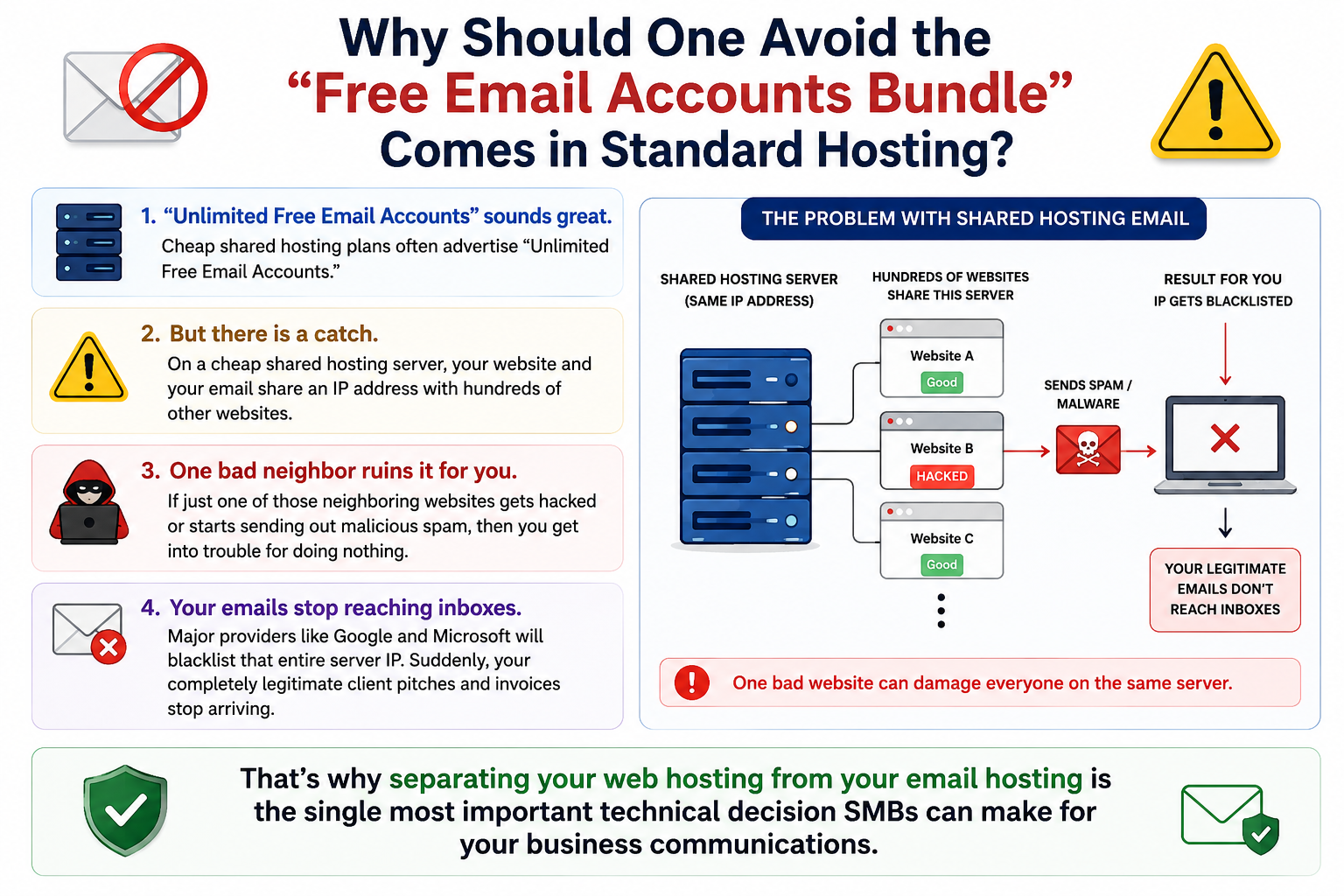
If you buy a cheap shared hosting plan from a typical cPanel provider, they will usually tell you that you can create “Unlimited Free Email Accounts.”
It sounds like an awesome deal.
But there is a catch.
On a cheap shared hosting server, your website and your email share an IP address with hundreds of other websites. If just one of those neighboring websites gets hacked or starts sending out malicious spam then you get into trouble for doing nothing.
Major providers like Google and Microsoft will blacklist that entire server IP. Suddenly, your completely legitimate client pitches and invoices stop arriving.
That’s why separating your web hosting from your email hosting is the single most important technical decision SMBs can make for your business communications.
Best Email Hosting Service Fit for My SMB – Let’s Find Out
| Email Host | Entry Price (Per User/Mo) | Storage | Free Email Aliases? | Technical Setup & Deliverability Ease | Security & Migration |
|---|---|---|---|---|---|
| $7.20 (Billed annually) | 30 GB – 5 TB (Shared with Drive & Photos) | Yes (Up to 30 free aliases per user) | Excellent. Native DNS wizards provide one-click TXT/MX validation for top domain registrars. | 2FA across all accounts. Includes automated server-side migration inside the workspace admin panel. | |
| $6.00 (Basic tier, annual) | 50 GB Mailbox + 1 TB OneDrive | Yes (Supports shared mailboxes & aliases) | Complex but Enterprise-grade. Requires navigating a dense admin dashboard to manually input DNS records. | Advanced endpoint security and threat filtering. Exchange-level native data migration utilities. | |
| $1.00 (Mail Lite) | 5 GB to 100 GB (Depending on sub-tier) | Yes (Enables complex routing to a single main inbox) | Moderate. Clean wizard, but strictly requires manual copy-pasting of DKIM tokens into your registrar. | No ad-tracking or content scanning. Paid tiers unlock full IMAP data migration tools. | |
| $0.99 (Titan Mail Platform) | 10 GB – 50 GB | Yes (Allows native forwarders and aliases) | Seamless if hosted on-site. Automated DNS linkage if using Hostinger nameservers; manual if external. | Standard inbox spam protection. Built-in, basic email import wizard inside hPanel. | |
| $3.99 (Mail Essentials) | 15 GB – 500 GB | Limited (Strict alias caps depending on selected tier) | Strict & Guided. High deliverability via clean IP blocks. Focuses heavily on mandatory DMARC/DKIM setups. | Zero-knowledge end-to-end encryption. Migration via the standalone “Proton Easy Switch” utility. | |
| $0.99 (Private Email Starter) | 5 GB – 75 GB | Yes (Basic catch-all and routing aliases) | Easy if domain is local. Near-instant setup for Namecheap domains; third-party domains need manual entries. | Standard anti-spam security filters and 2FA. Basic automated IMAP sync option available. |
Option A: Standalone Email Hosting
These providers give you exactly what you ask for. I am just talking about a professional mailbox. They don’t give you unnecessary things like word processors or video conferencing software.
- Examples: Zoho Mail (lower tiers), Hostinger, and Namecheap.
- Best for: Teams who already use alternative software (like Zoom for calls and Notion or Word for documentation) and don’t want to pay a premium for tools they will never touch.
Option B: Full Productivity Suites
These giants bundle your professional email with an entire suite. Inside that, you’ll get extra applications related to cloud collaboration, file storage, and communication applications.
- Examples: Google Workspace (includes Docs, Drive, and Meet) and Microsoft 365 (includes Word, Excel, Teams, and OneDrive).
- Best for: Teams that rely on a complete suite of tools and not just on a simple email hosting system.
What Makes an Email Hosting Service Perfect for Small Businesses?
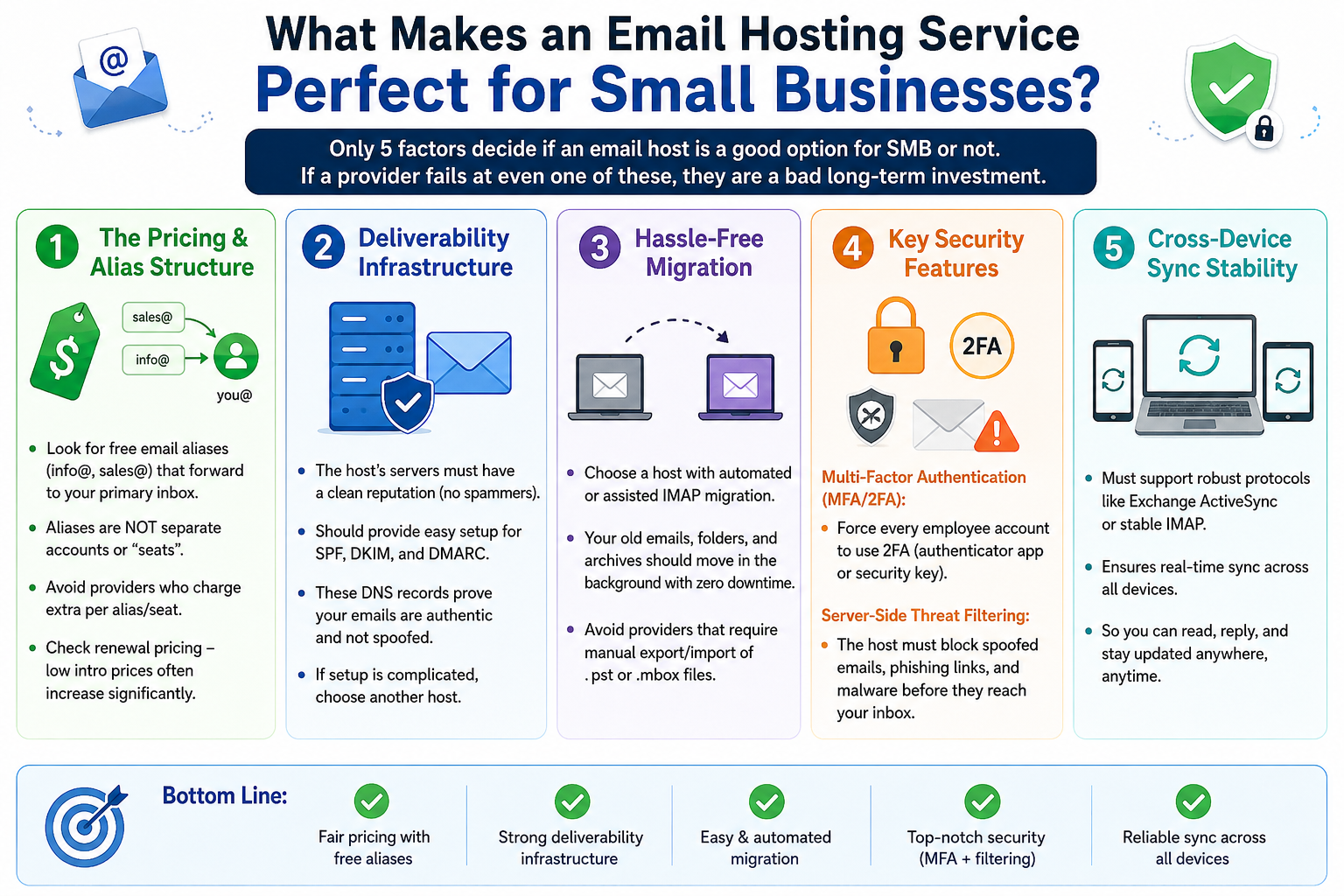
Did you know only 5 factors decide if an email host is a good option for SMB or not?
If a provider fails at even one of these, they are a bad long-term investment.
1. The Pricing & Alias Structure:
The biggest financial mistake small businesses make is misunderstanding how email accounts are billed. Most hosts charge per user, per month (often called “per seat”). If a provider charges $6 per user and you have three employees, then your baseline is $18 a month.
However, your business also needs functional public addresses like info@yourcompany.com, sales@yourcompany.com, and billing@yourcompany.com.
A top-tier email host allows you to create free email aliases.
These are not separate accounts. Yes, they are simple forwarding rules. You can create sales@ and info@ as aliases that route directly into your primary you@yourcompany.com inbox for free of cost.
When reviewing a host, always look for their alias policy.
If a email provider forces you to buy a brand-new “seat” just to have a standalone info@ inbox, your monthly bill will balloon rapidly as your business scales. Furthermore, look closely at the renewal terms; many budget providers offer an entry rate of $1 a month, only to triple the price automatically upon your annual renewal.
2. Deliverability Infrastructure
An email host has one fundamental job: delivering your message directly to your recipient’s primary inbox.
Deliverability relies almost entirely on the quality of the host’s server infrastructure:
Reputable email hosts carefully police their networks. They do not allow spammers to use their servers. They ensure that the IP addresses used to route your mail are seen as trustworthy by global networks like Gmail and Outlook.
Your host must give you clean, straightforward tools to configure three critical security records in your domain’s DNS: SPF, DKIM, and DMARC.
These records act as a digital passport, proving to the receiving server that the email genuinely came from you and wasn’t spoofed by a hacker. If a host makes configuring these settings difficult, avoid them.
3. Hassle-Free Migration:
A professional email hosting service should offer automated migration tools.
Ideally, you want a host that offers an assisted or automated IMAP migration wizard. You simply type in your old email address and password, and the new host’s servers quietly copy over every folder, message, and archive in the background with zero downtime to your live workflow.
I advise you to never choose a provider that forces you to manually export and import massive, buggy .pst or .mbox backup files.
4. Key Security Features:
Business Email Compromise (BEC) is one of the leading causes of financial loss for small firms.
If a hacker gains access to your business inbox, you might lose everything.
Your email host must provide 2 non-negotiable security layers:
- Multi-Factor Authentication (MFA/2FA): You must have the power to force every single employee account to use two-factor authentication (like an authenticator app or security key). It should not be optional for your staff.
- Server-Side Threat Filtering: The host must catch spoofed emails (phishing links, malware attachments) before they arrive in your or your employees inboxes.
5. Cross-Device Sync Stability
Sometimes you reply via mobile and sometimes you will be at the office desk.
But you need every email you receive to sync across all devices in real time right?
For this workflow to function, your host must support robust, modern synchronization protocols like native Exchange ActiveSync or highly stable IMAP.
1. Google Workspace: Best for Collaborative Teams
Google Workspace (formerly G Suite) is built for businesses that want their email deeply intertwined with their day-to-day work tools.
When you purchase Workspace, you aren’t just buying an email server; you are buying the default operating system for remote collaboration.
It is designed for fast moving teams that spend their entire day collaborating on shared spreadsheets, documents, and video calls.
If you have similar kinds of needs, then you can consider it.
On paper, Google Workspace seems straightforward, but its per-seat model requires careful planning:
The Business Starter plan costs $7 per user, per month if you sign a 1-year contract. If you prefer a flexible month-to-month commitment, that price jumps to $8.40 per user, per month.
The Starter plan gives you 30 GB of storage per user. Crucially, this storage is pooled across your organization (e.g., a team of 3 has 90 GB total), but it is shared between Gmail, Google Drive, and Google Photos.
If an employee uploads large client video assets to Drive, it will choke their email inbox capability. To get past this, you have to upgrade to the Business Standard plan ($14/user/month), which expands storage to 2 TB per user.
Google wins points here in the Alias policy. You do not need to pay for an extra user account just to get info@ or sales@. Google allows you to create up to 30 free email aliases per user.
Setting up Google Workspace is exceptionally smooth, even if you don’t have an IT background. If your domain is registered with a major player like Namecheap, GoDaddy, or Google Domains/Squarespace, the setup wizard uses an API to automatically insert your MX and TXT records with a single click.
Google’s deliverability is unmatched. We all have used Gmail in our life and we personally tested it as well.
They own a massive portion of the global email infrastructure from clean Workspace accounts and rarely encounter delivery issues.
What We Like (The Pros):
- The Familiar Interface: There is zero learning curve. If your employees have ever used a personal Gmail account, they already know how to navigate the business interface.
- Free Shared Mailboxes: Beyond basic aliases, you can use “Google Groups” to create a functional team inbox (like support@yourcompany.com) for free. Multiple employees can read and reply from it without you paying for a separate license.
- Best-in-Class Search Engine: The internal search function inside Gmail is incredibly fast and precise. You can find an obscure invoice attachment from three years ago in seconds using basic search parameters.
Where It Falls Short (The Cons):
- The Storage Trap: The 30 GB restriction on the entry-tier plan disappears fast if your team routinely shares larger files in Google Drive.
- Aggressive Plan Upselling: During account creation, Google’s setup wizard attempts to funnel you into the more expensive $14/month Standard tier based on your employee count or choices. You have to actively look for the option to downgrade or select the Starter plan.
- No Technical Compromises: If you only use email and prefer desktop apps like Microsoft Excel or local storage, you are overpaying by 600% for an collaborative ecosystem you will never use.
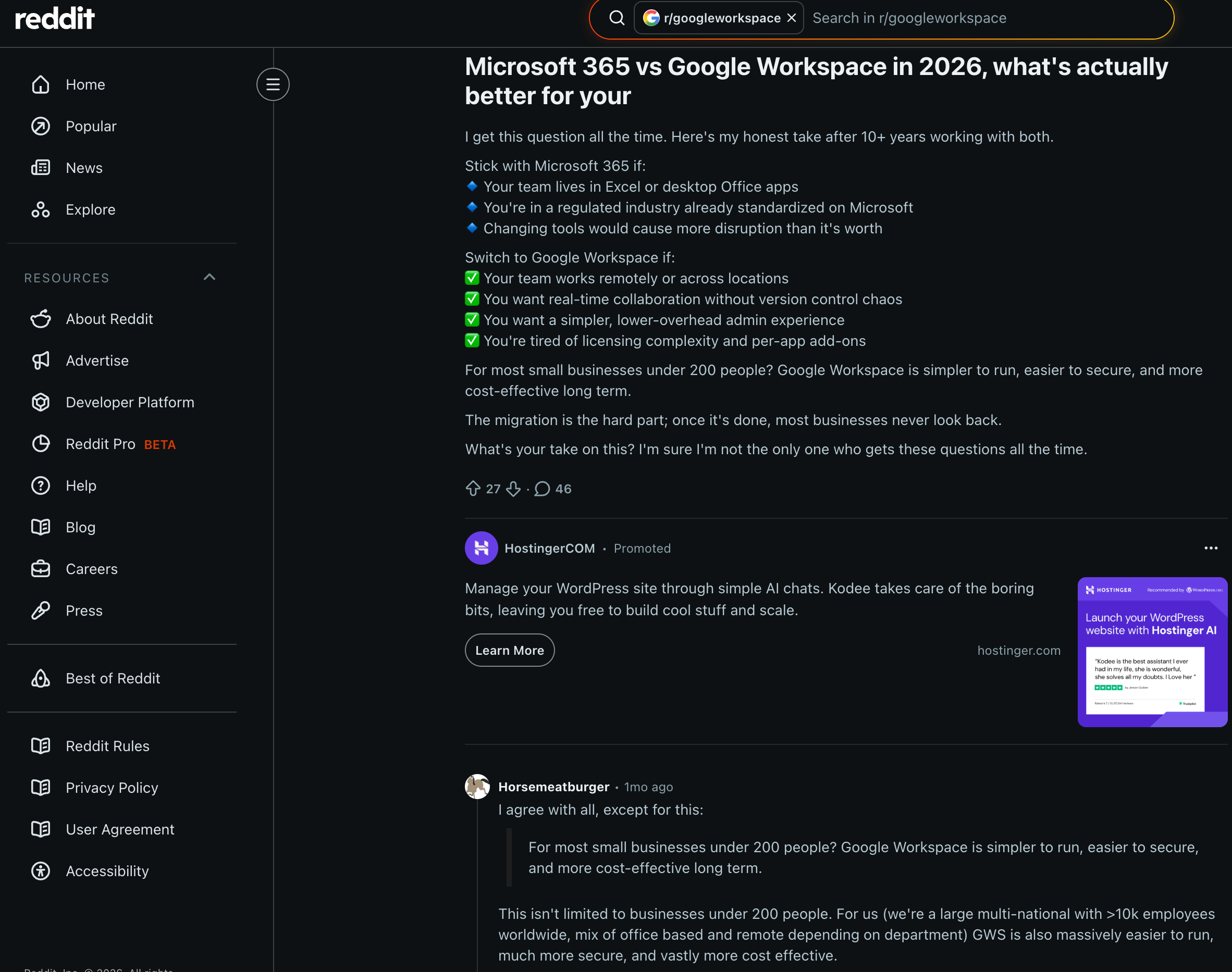
2. Microsoft 365: Perfect for Teams Requires Microsoft Suite
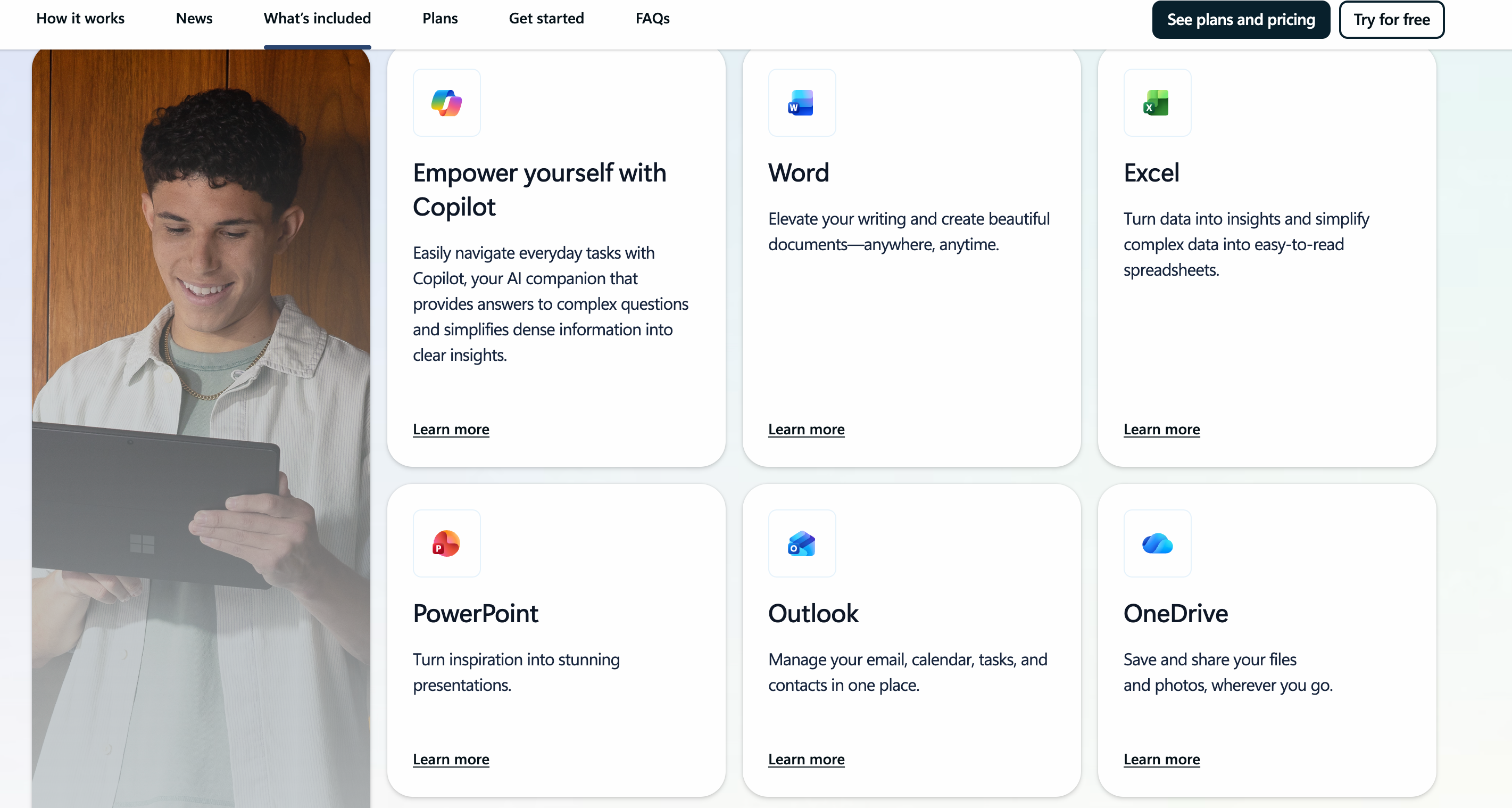
If you require the classic Microsoft applications like Docs, Excels, PPT, and more then you should opt for Microsoft 365. This includes email hosting as well.
The entry-level Business Basic plan costs $1.99 per user, per month. If you need full desktop installations of Word and Excel rather than just web-browser versions, you must step up to a Personal plan at $9.99 per user per month.
Unlike Google, Microsoft handles storage differently that favors the user. Your 100 GB email inbox storage is completely separate from your 1 TB OneDrive cloud storage.
It means an employee can completely fill up their cloud drive and it will never block their ability to send or receive urgent emails.
Microsoft supports standard free email aliases and takes it a step further. You can create true Shared Mailboxes (e.g., billing@yourcompany.com) for free.
Deploying Microsoft 365 is not a beginner-friendly weekend project. The platform uses a dense, enterprise-grade admin center designed for specialized IT administrators.
Unless your domain registrar has a direct technical partnership with Microsoft, you will have to manually copy, paste, and verify complex MX records, multiple TXT tokens, and specific CNAME strings into your DNS zone file.
However, once you pass that configuration wall, the deliverability engine is rock-solid.
What We Like (The Pros)
- Separating the 100 GB mailbox limit from the 1 TB OneDrive cloud partition ensures your core communication line never chokes out.
- This email host offers unmatched security permissions. I mean you can control exactly how mail is shared. You can track log-ins in a detailed way and deploy conditional access rules across your entire team.
Where It Falls Short (The Cons)
- If you cancel an annual-contract seat or modify user counts then you can suffer unexpected cancellation penalties.
3. Zoho Mail: The Most Scalable Standalone Value
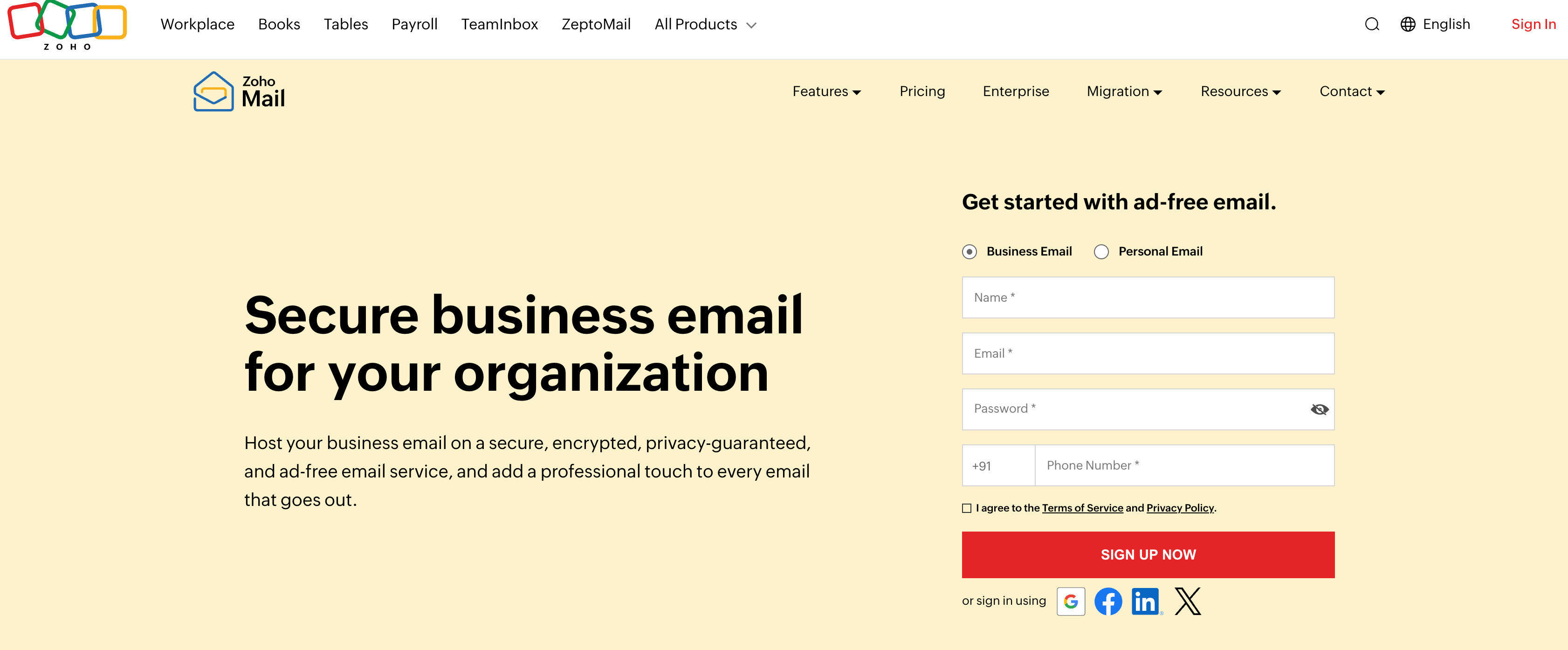
Zoho Mail is built for small businesses that want an absolute separation between their email and their web hosting.
Their clean multi-tabbed webmail interface offers calendar scheduling and task tracking without tracking your data or serving you ads.
Zoho dominates the budget sector by offering a highly scalable entry point:
In select regions, Zoho still offers a Forever Free plan for up to 5 users with 5 GB of storage per user. The catch? It is web-only. You cannot connect it to third-party mobile apps like Apple Mail or Outlook via IMAP. You must use their browser client or proprietary mobile app.
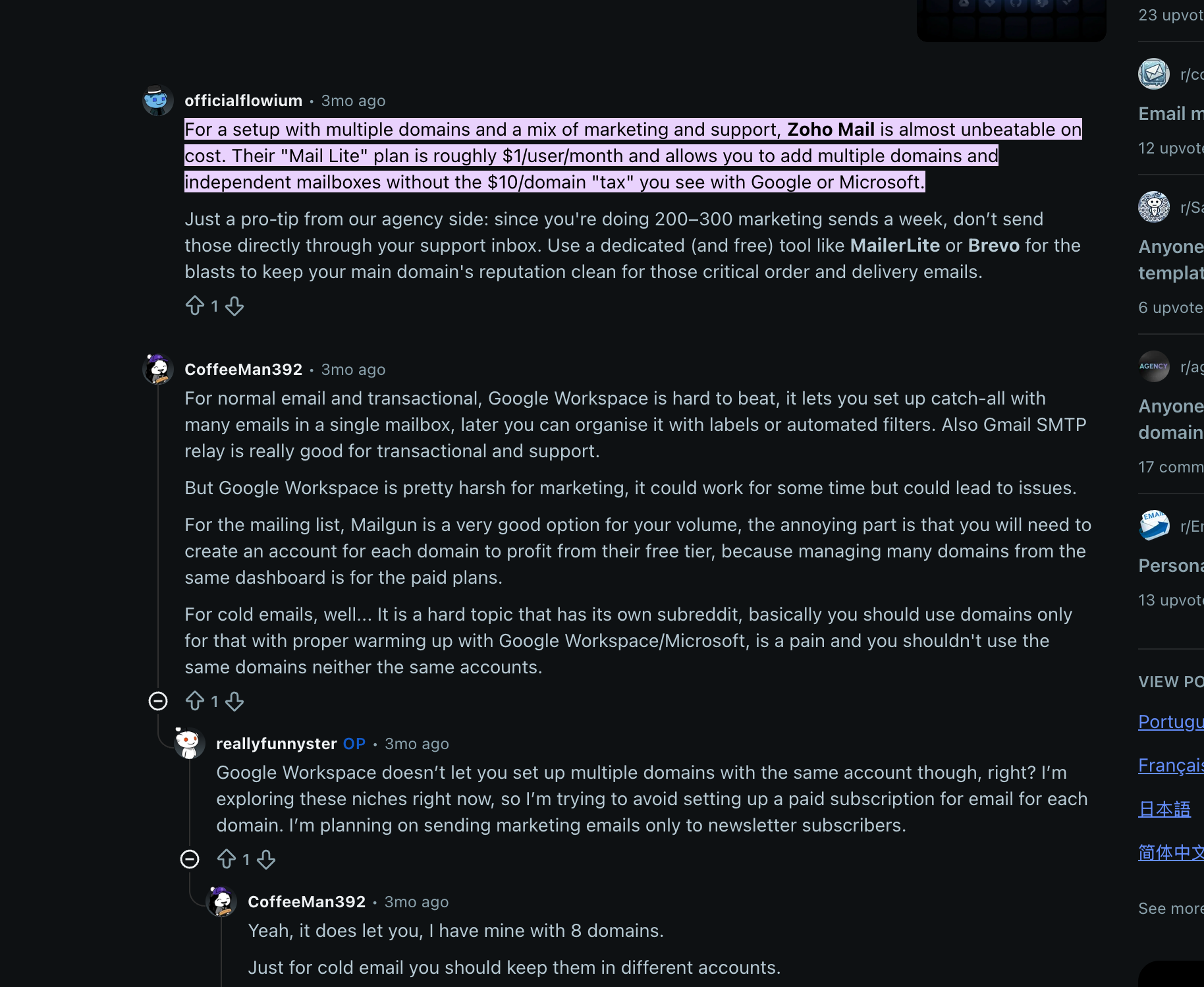
The Mail Lite tier costs just $1.00 per user, per month (billed annually) for 5 GB of storage, or $1.25 for 10 GB.
Zoho handles functional addresses perfectly. You can set up free email aliases and map them directly back to your single paid Mail Lite inbox and keep your core operational costs low.
Zoho uses a highly structured onboarding wizard that guides you step-by-step through setting up your domain. However, it does not offer automated API integrations for most third-party registrars.
You will have to manually copy and paste your MX, SPF, and DKIM cryptographic tokens into your DNS dashboard.
Once configured correctly, Zoho’s deliverability engine is highly dependable. They actively monitor their outgoing IP addresses and enforce strict rules against spam.
What We Like (The Pros)
- Best Price-to-Value Ratio: For a 10-person team, Zoho Mail Lite costs $120 a year compared to Google Workspace’s $864 a year. That is pure profit returned to your business.
- Ad-Free Privacy Integrity: Even on their lowest tiers, Zoho does not scan your email content to profile your business or train advertising algorithms.
- Advanced Control Panel: The admin settings are deep and allow owners to enforce strict password parameters, location access limits, and organization-wide 2FA rules.
Where It Falls Short (The Cons)
- Mobile Notification Sync Lag: I found, Some users frequently note a slight delay between their desktop and mobile clients. You might delete an email on your laptop, but the unread notification icon may stay on your phone for a couple of minutes unless you manually pull to refresh.
- IMAP Lockout on Free Tier: If you refuse to use Zoho’s specific apps, the Free tier is useless. You must pay for Mail Lite to unlock standard IMAP/POP sync access for external mail clients.
4. Hostinger Business Email
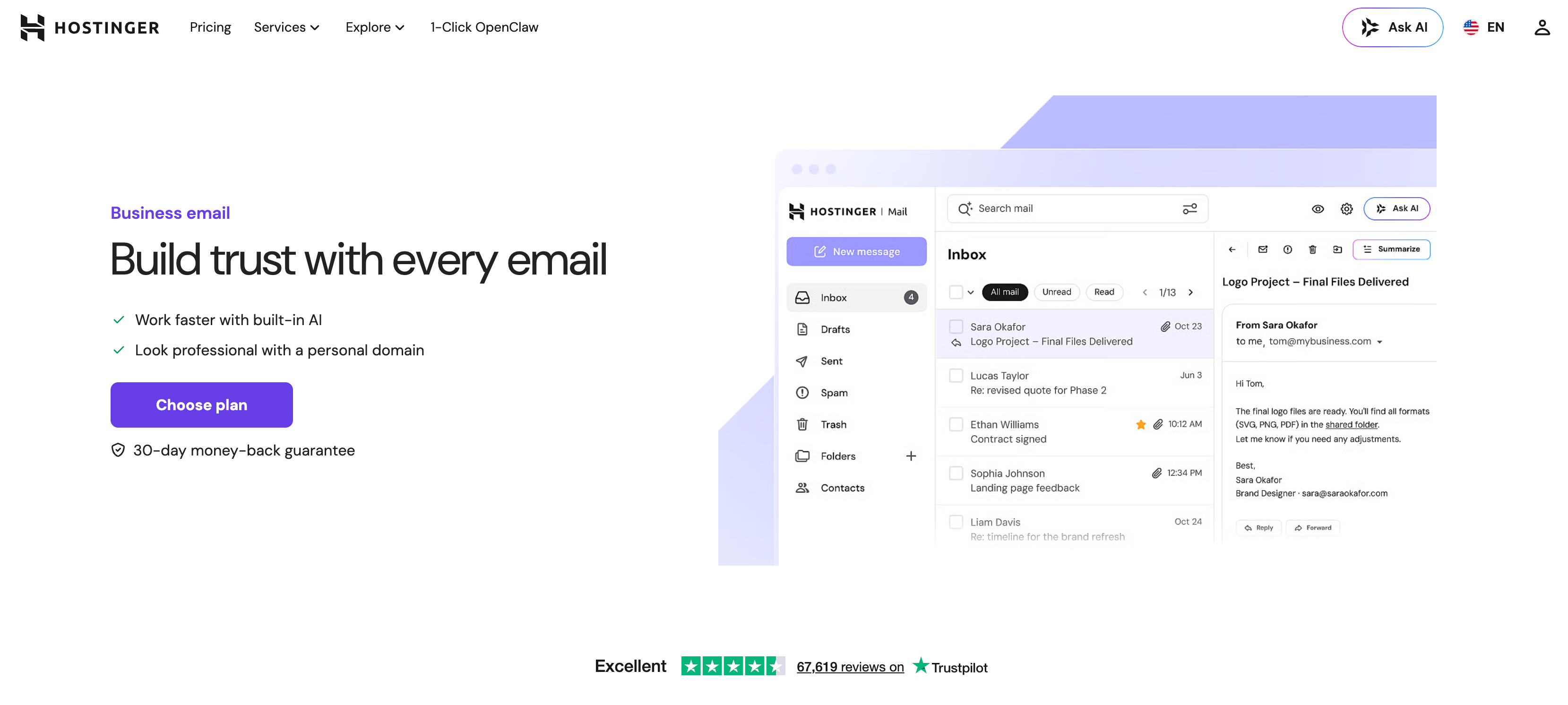
Hostinger offers a lightweight mail inbox that feels exactly like a simplified personal Gmail account but matches their website’s branding.
The great thing here is you can set up your web hosting, domain, and business email at a single place. They are well reputed in the hosting space.
The Business Starter plan drops as low as $0.39 per user, per month for 10 GB of storage.
Upon annual renewal, the price shifts to standard rates. Obviously, it remains cheaper than Google.
Hostinger natively allows you to create standard email aliases and email forwarders inside their hPanel console at no extra cost.
If your business domain name is registered with Hostinger and uses their native nameservers, setup is entirely automated.
You click a single button inside the hPanel dashboard and the system automatically configures the correct MX and deliverability strings behind the scenes.
If your domain lives with an external registrar (like Namecheap or Porkbun), you will need to manually key in specific server endpoints. Deliverability is generally strong as reviewed by a lot of users on Reddit.
What We Like (The Pros)
- Built-in Business Utilities: The interface includes native “Send Later” scheduling, follow-up reminders, and built-in email templates for standard client responses.
- Instant Local Integration: If you already host your small business WordPress site on Hostinger then managing your site and your inbox from a single control panel eliminates unnecessary tech stack fragmentation.
Where It Falls Short (The Cons)
- The Renewal Price Bump: The initial bill looks incredibly cheap but you must factor in the standard renewal increases so you aren’t surprised during year two.
- Rigid Storage Caps: The 10 GB baseline allocation cannot be dynamically shared among your team. If one user maxes out their box with large photo attachments then you have to upgrade that individual seat directly.
Here is a complete review of Hostinger Business Email. They also offer an AI agent which helps in managing emails effectively.
Try Hostinger Business Email [10% Extra OFF]
5. Namecheap Business Email
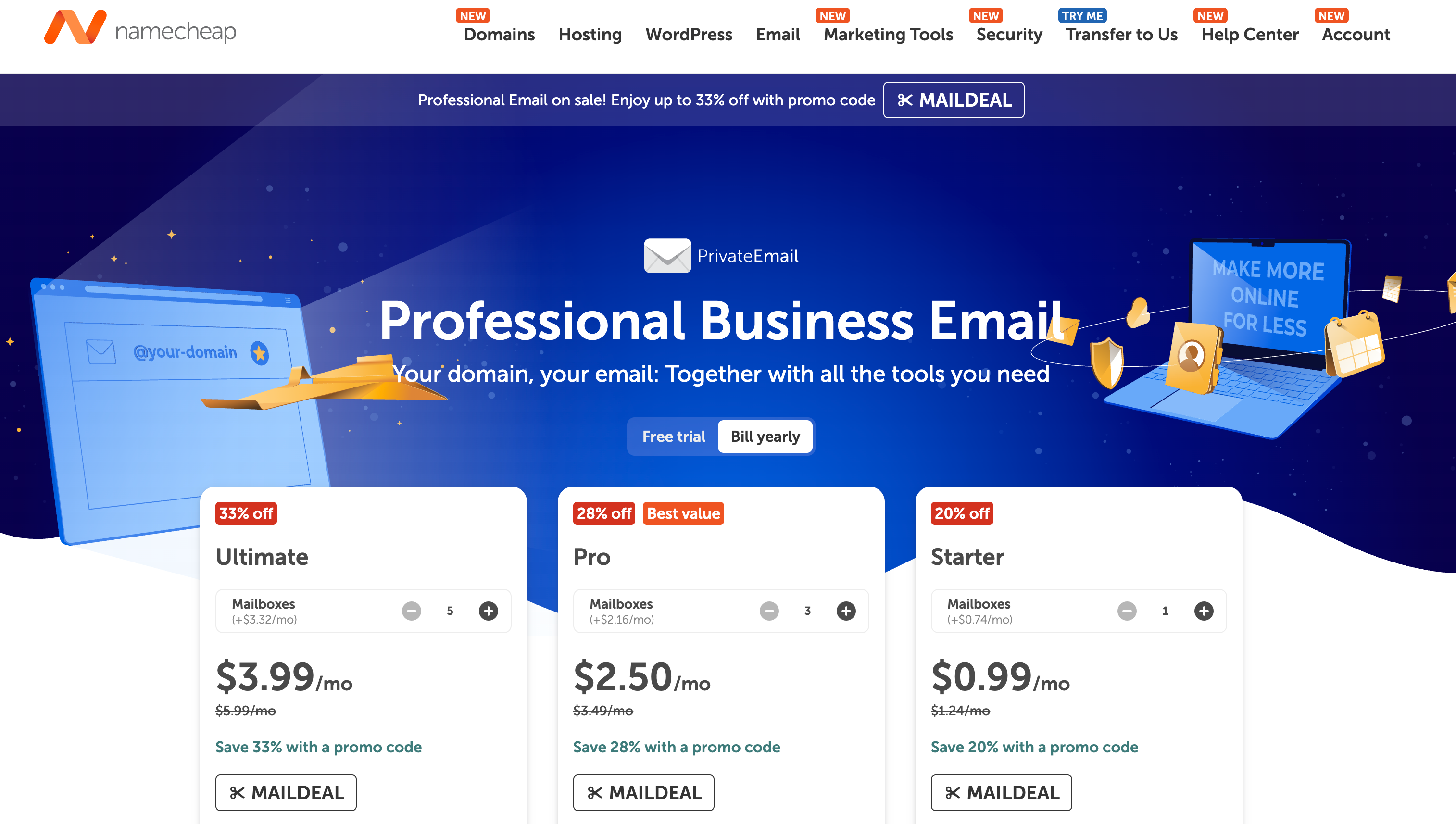
Namecheap is another popular domain registrar which also offers email hosting as their separate service.
The Starter business tier hovers around $0.99 to $1.19 per user, per month (billed annually) for just 5 GB of text storage.
Like Hostinger, Namecheap features a renewal price increase, though the standard rate typically remains under $2.00 a month per user.
It supports standard catch-all configurations and basic alias routing, letting a single operator run billing@, jobs@, and admin@ into a single cheap inbox.
If your domain name is bought directly through Namecheap then deployment takes less than three minutes. The Namecheap control panel features a drop-down selector that applies the necessary MX records instantly.
For domains hosted elsewhere, you must manually enter their values.
What We Like (The Pros)
- Budget Friendly Pricing: It is one of the cheapest paths for the small business to acquire a legitimate name@company.com setup without using a free personal handle.
- No Unnecessary Feature Bloat: The dashboard doesn’t try to sell you anything. It is strictly an email engine.
- Decent IMAP Stability: It syncs reliably with standard mobile clients like Apple Mail and Thunderbird without requiring premium structural upgrades.
Where It Falls Short (The Cons)
- Dated Interface Architecture: The Namecheap webmail portal looks and feels like software from a decade ago. It lacks the smooth, instant visual response of Google Workspace or Fastmail.
- Insufficient Storage: The 5 GB storage ceiling on the entry plan will fill up rapidly if your business regularly handles large media.
6. Proton Mail: Best Privacy in the List
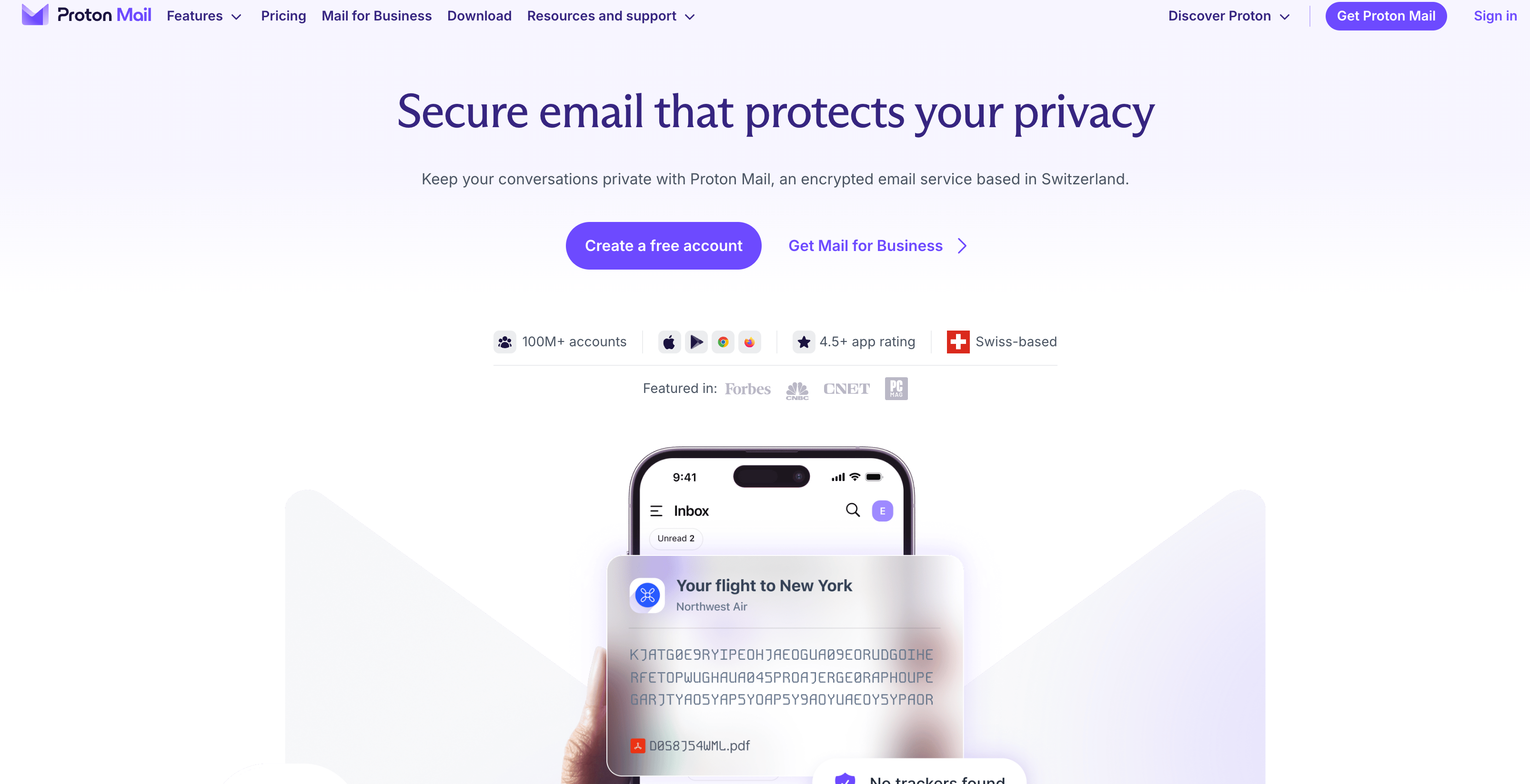
Proton Mail is operated out of Switzerland and it is built for businesses where data privacy isn’t a preference. It is a strict liability or compliance mandate.
If your company handles legal files or any financial data then Proton is the default recommendation.
It uses zero-access and end-to-end encryption techniques. Or in other words, Proton itself cannot read your messages or scan your attachments.
The entry-level Mail Plus tier costs between $3.99 and $4.99 per user and grants 15 GB of encrypted storage per seat.
Unlike the budget players, Proton strictly regulates your address creation.
The Mail plus plan caps you at 10 email addresses per user and a maximum of 3 custom domains per account. You cannot create an endless web of experimental aliases for free.
Because Proton enforces absolute security, setting up your domain is a manual technical process.
There are no automated one-click API setups. You must manually copy-paste MX records, SPF validations, highly specific DKIM cryptographic keys, and a mandatory DMARC record into your DNS dashboard.
What We Like (The Pros):
- Uncompromising Data Sovereignty: Protected by Swiss privacy laws, all data is encrypted before it ever hits Proton’s servers. In other words, they are offering total security against external database breaches.
- Proton Mail Bridge: For teams who dislike web browsers, Proton provides a specialized local desktop utility (“The Bridge”) that secures your data stream while letting you use local clients like Outlook or Apple Mail.
Where It Falls Short (The Cons):
- App Restrictions: Because of server-side encryption, you cannot simply plug standard IMAP settings directly into a generic mobile mail client. You are forced to use the official Proton mobile app.
- Search Engine Limitations: Because the servers cannot read your data stream, searching for a specific keyword buried inside the text body of a three-year-old email thread is noticeably slower and relies on browser-side caching.
Final Words: Which is the Best Email Hosting for Small Business?
Still confused?
Don’t worry.
You have 3 paths.
Path 1: You want to manage your site domain, web hosting, and email hosting at the same place.
If so then you can pick from Hostinger and Namecheap. Hostinger also offers an additional discount with the code mentioned in their section.
Path 2: You want a complete all-in-one collaborative workspace and not just email hosting.
If so, then you can pick from Google Workspace and Microsoft 365. They both are the industry top tools and known for high deliverability rates and security.
Path 3: You just want a professional inbox without the software bloat.
If you already use separate tools for your workflow and simply need a custom domain email that stays completely away from your web server, choose Zoho Mail (Mail Lite) for the best value at $1/month.
Explore More:
FAQs:
Can I just use the “free” email accounts included with my website’s cPanel hosting?
You can, but you shouldn’t. On a cheap shared hosting plan, your emails share an IP address with hundreds of other websites. If just one of those neighboring sites gets hacked or sends out spam, major networks like Gmail and Outlook will blacklist that entire IP and hence your emails might get into spam.
If you are still interested in getting email hosting from your web hosting provider, then try to subscribe to their paid mailbox plans as they usually are a separate product.
Do I have to buy my domain name and my email hosting from the same provider?
It depends. You can buy your domain from an independent registrar (like Namecheap or Porkbun) and host your actual email boxes with a completely different provider (like Google Workspace or Zoho Mail). In fact, keeping them separate is often a smarter infrastructure strategy because it prevents a single point of failure. But if you choose to go with a single provider for all the needs, then you’ll get an automated migration and an advantage of managing everything from just a single dashboard.
If I switch to a new email hosting provider, will I lose my historical emails and archives?
Not if you use proper migration paths. Top-tier business email hosts provide automated IMAP migration tools within their administrative panels. You securely input your old email address and password. And the new host’s servers quietly copy every single thing in the background. Your live email communication keeps running during this process and it results in zero operational downtime.
I just signed up for a premium business email host. Why are my messages still landing in the spam folder?
If your emails are bouncing or hitting the spam filter, it almost always means your technical domain records are misconfigured.
You must log into your domain registrar and manually set up your SPF (defining who can send your mail), DKIM (your cryptographic signature proving your mail hasn’t been tampered with), and DMARC (the security enforcement rules). If these three components are missing or contain typos, external servers will flag your emails as a security risk regardless of how much you pay your host.






Leave a Comment
Your email address will not be published. Required fields are marked *