


When blog beginners search for Blogger Vs WordPress, they’re usually trying to answer one simple question – Which platform will actually help me grow?
I started blogging in 2010, and I’ve used both Blogger and WordPress across multiple sites, from personal blogs to niche affiliate websites.
And here’s the honest truth, based on experience, not theory. Blogger is easy to start with. WordPress is what you switch to when you get serious.
My guide goes deeper than a traditional comparison. I’ll show you what actually happens when you try to scale traffic, improve SEO, and make money on both platforms in 2026.
Quick Answer: Blogger vs WordPress
If you’re looking for a direct answer:
Blogger is best for beginners who want a free and simple blogging platform, while WordPress is better for SEO, monetization, and long-term growth.
Core Differences
| Feature | Blogger | WordPress.org |
| Cost | Free | Hosting + domain required |
| SEO Control | Limited | Full control |
| Customization | Basic | Advanced |
| Ownership | Google-controlled | Self-owned |
| Monetization | Limited | Unlimited |
| Plugins | Not available | 59,000+ |
| Scalability | Low | Very high |
At a surface level, both platforms let you publish content. But once you move beyond basic blogging, the differences become much more noticeable.
My Real Experience: From Blogger to WordPress
When I started blogging 15 years back, Blogger was the obvious choice. It required no investment, and I could launch a blog in a few minutes.
In the early stages, things worked well. I was able to publish regularly, get indexed by Google, and even receive organic search traffic. For a beginner, that’s encouraging.
But after a couple of years, growth slowed down.
I started facing issues that I couldn’t solve easily:
- I had limited control over on-page SEO elements
- My blog URLs included dates, which affected the long-term SEO strategy
- I couldn’t implement advanced SEO techniques like schema markup
- Monetization was mostly limited to AdSense
At that point, I didn’t even know terms like “technical SEO” or “Core Web Vitals,” but I could clearly see that my blog wasn’t scaling.
Switching to WordPress was a turning point. Within months, I noticed improvements in rankings, traffic consistency, and overall control.
That shift is something I’ve seen repeatedly. It’s not just in my own projects, but across multiple blogs.
Blogger vs WordPress For SEO
Search engine optimization is one of the biggest deciding factors when choosing a blogging platform.
With Blogger, you can handle basic SEO tasks like adding keywords, writing titles, and optimizing images. That’s enough for low-competition niches or for blogging as a hobby.
But when you start targeting competitive keywords like:
- “best blogging platform for beginners”
- “WordPress vs Blogger for SEO”
- “How to make money blogging.”
You quickly realize the limitations.
WordPress gives you deeper control over SEO. You can optimize everything, such as URL structure, internal linking, and schema markup. More importantly, you can build a complete SEO system instead of relying on just content quality.
Some of the key benefits of using WordPress for SEO include;
- Access to SEO plugins: You can use many SEO plugins, such as Rank Math, Yoast, SEO framework, Squirrly, etc., to improve your site’s SEO.
- Ability to manage page speed: Many plugins and themes are available on the WordPress directory that can help you boost your website page loading times (which ultimately improve your site’s SEO, as page speed impacts rankings).
- Technical SEO: With WordPress, you can implement and manage advanced SEO techniques such as schema markup, XML sitemaps, and robots.txt files.
From my experience, Blogger can rank. But WordPress scales.
Traffic Growth: What Happens Over Time?
One pattern I’ve consistently observed is how traffic behaves differently on both platforms.
Blogger sites grow quickly in the beginning. They benefit from Google’s infrastructure and fast indexing. But over time, growth tends to stagnate or slow down, especially in competitive niches.
WordPress sites on the other hand, usually grow slowly during the earlier phase. There’s more setup involved, and results take time.
But once the foundation is strong with proper SEO, internal linking, and content strategy, traffic becomes more stable and scalable.
This difference becomes very clear once you cross the 10,000 monthly visitor mark.
Monetization: Which Platform Is The Best To Make Money?
When I started, my only income source was AdSense. Blogger handles that well, and it’s a good starting point.
But blogging today is not just about ads. With WordPress, I was able to expand into:
- affiliate marketing
- digital product sales
- email marketing funnels
This flexibility significantly increased revenue potential.
If you ask me, “Which platform is better for making money, Blogger or WordPress?”, I always recommend serious monetization.
Customization and Branding
At the beginning, design doesn’t feel important. But as your blog grows, branding plays a huge role in user trust and conversions.
Blogger offers a limited set of templates with minimal customization. You can make small changes, but building a unique brand identity is difficult.
WordPress gives you full control over design. Whether you want a simple blog or a fully customized website, you can achieve it with themes and plugins.
This is one of the reasons why businesses and professional bloggers rarely use Blogger.
Speed and Performance
There’s a common belief that Blogger is faster than WordPress. That’s partially true. Blogger is optimized by default since it runs on Google’s infrastructure.
But WordPress performance depends on how you configure it. In my experience, A well-optimized WordPress site can outperform Blogger
Once you understand caching, image optimization, and hosting quality, WordPress gives you more control over performance.
Ownership and Long-Term Security
With Blogger, your content is hosted on Google’s platform. While it’s reliable, you don’t have complete control. Policy violations or unexpected issues can affect your site.
With a self-hosted WordPress site, you own your website entirely. It becomes a digital asset that you control.
If you’re thinking long-term, especially in terms of building authority or a business, ownership matters more than convenience.
Templates
When it comes to templates, Blogger keeps things simple but quite limited. You get a small collection of basic designs that are easy to apply, but customization goes so far. Most changes are surface-level, and creating a truly unique design can feel restrictive.
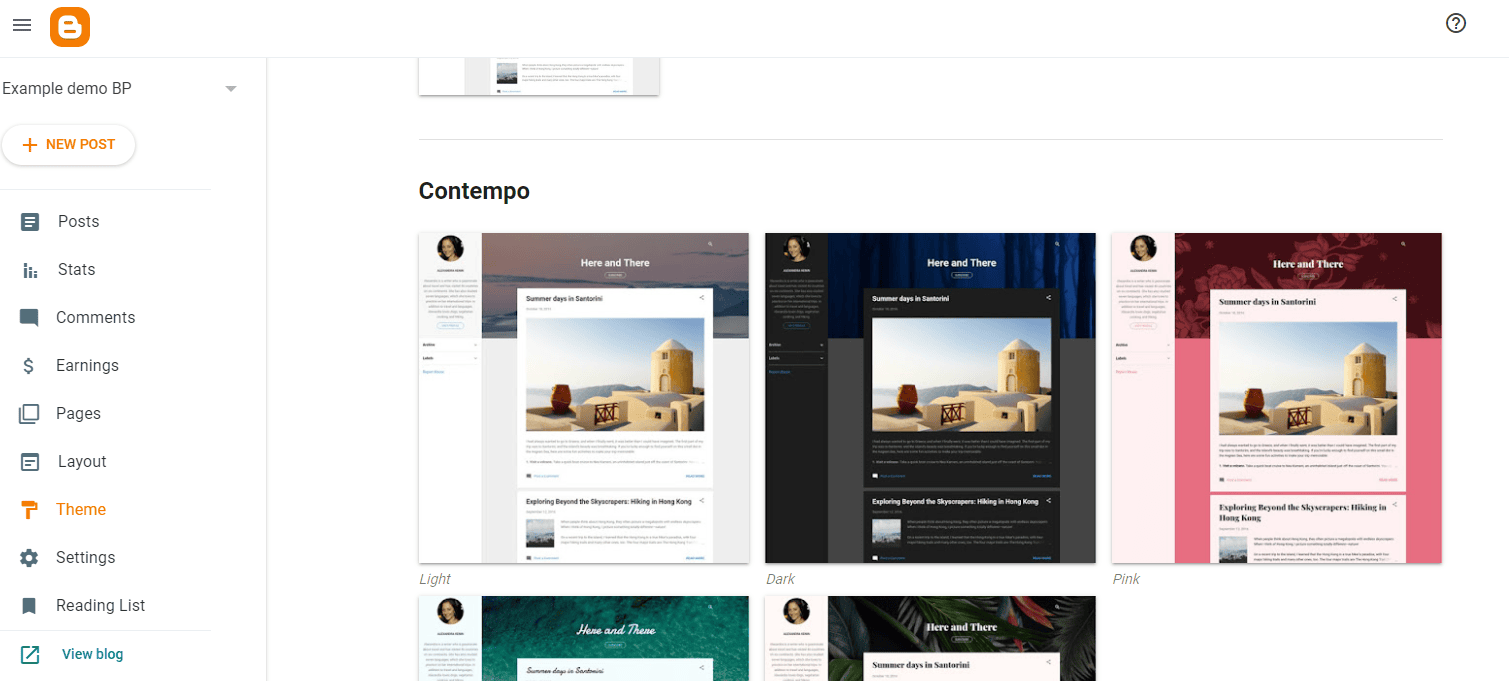
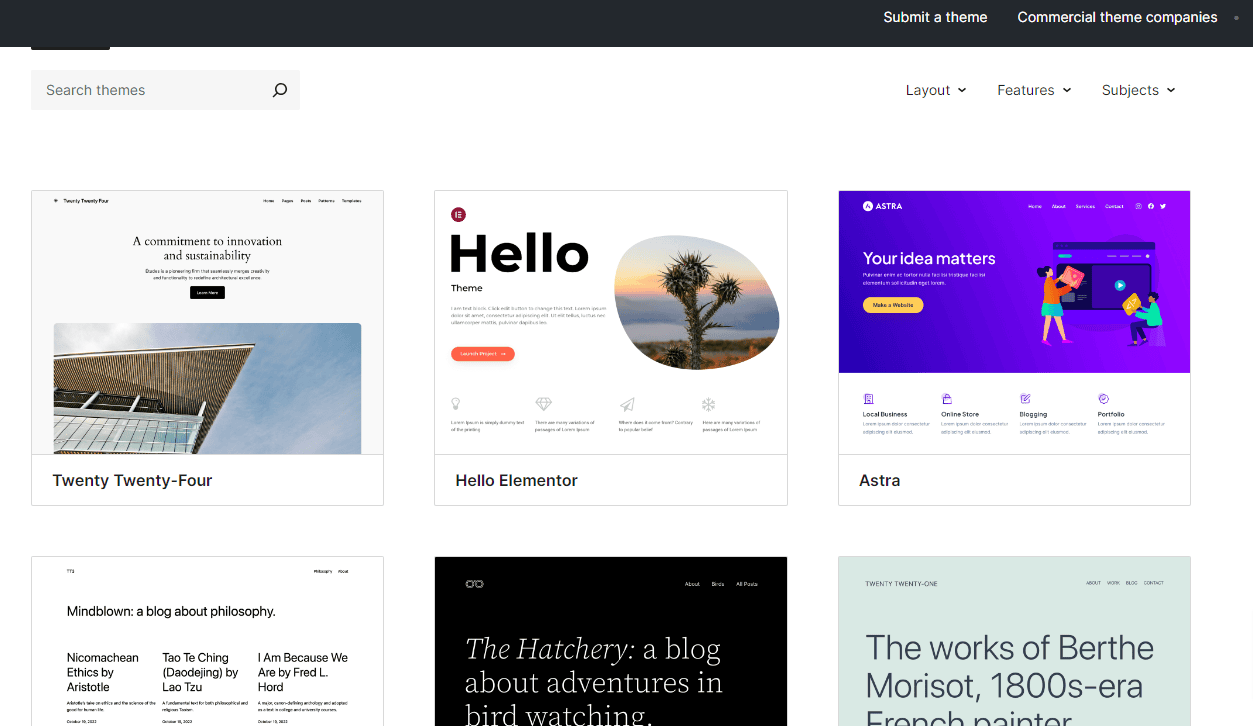
WordPress, on the other hand, opens up a completely different level of flexibility. With thousands of themes and the ability to customize everything from layout to functionality, you can build a blog that actually reflects your brand, not just a template.
eCommerce
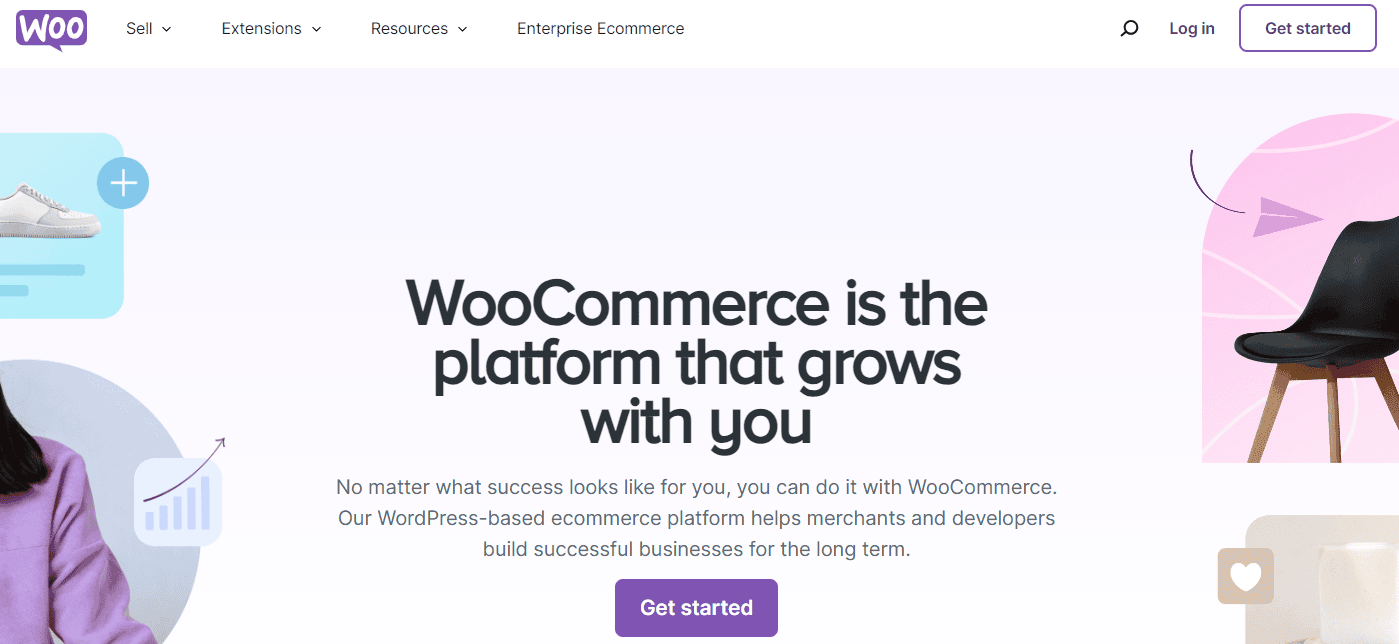
Looking at e-commerce, the difference is more obvious. Blogger wasn’t built for selling, so if you want to add products or services, you’ll need to rely on external tools or simple links. It works, but it’s not scalable.
WordPress is built with growth in mind. With tools like WooCommerce, you can turn your blog into a full-fledged online store, selling physical products, digital downloads, or even subscriptions without limitations.
Blogger vs WordPress – Pricing
Now, let’s talk about pricing, because this is where many beginners get confused!
Blogger is completely free, including hosting, and you only pay if you want a custom domain. WordPress itself is free, but you’ll need to invest in hosting, a domain, and possibly premium tools as your site grows.
From experience, Blogger is great when you have zero budget. But if you’re serious about blogging long-term, WordPress is more of an investment that pays off as your blog grows.
Support
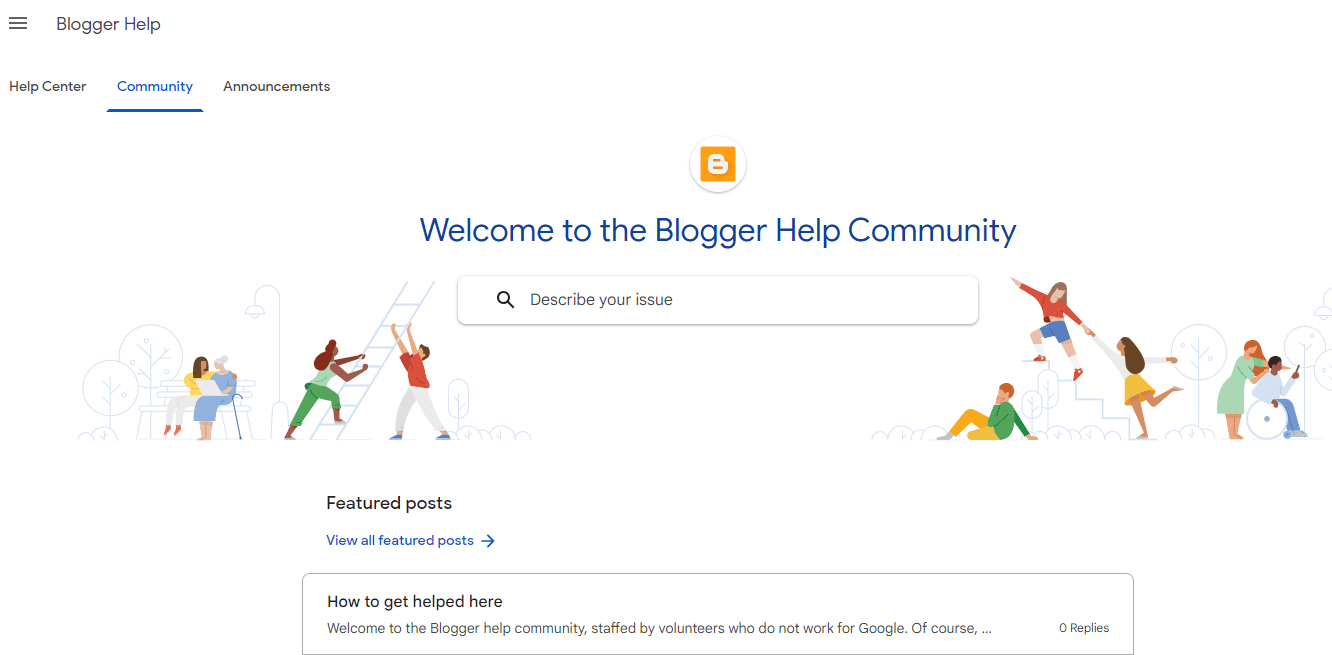
Finally, in terms of support, Blogger feels quite minimal. Since it’s a Google product, you mainly rely on documentation and community forums, and updates are relatively slow.
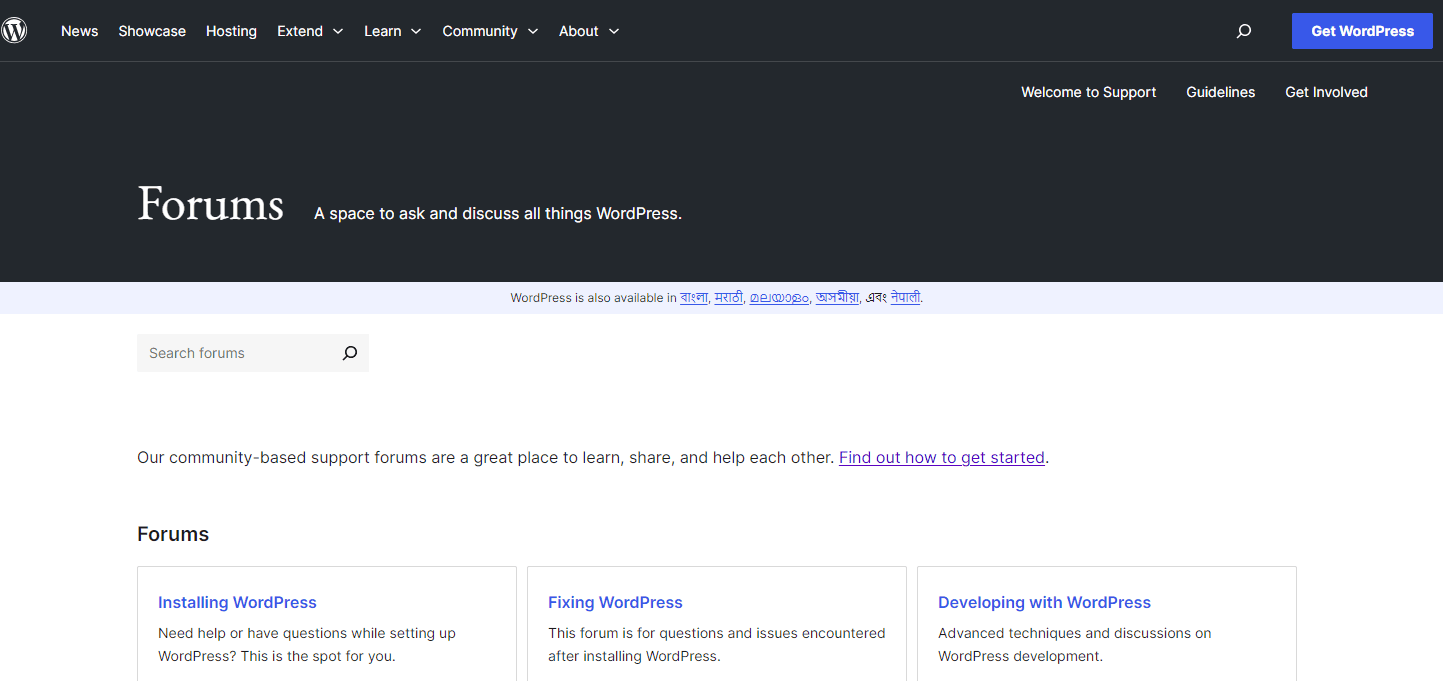
WordPress is the exact opposite; it has a massive ecosystem. Whether it’s tutorials, forums, developers, or agencies, help is always available, and the platform is constantly improving with new features.
Pros and Cons of Blogger
| Blogger Pros | Blogger Cons |
| Free to use – No platform cost; includes hosting on Google’s infrastructure. | Limited ownership/control – Your site is hosted by Google, so you must follow their policies. |
| Beginner-friendly – Simple setup and interface, ideal for first-time bloggers. | Limited customization – Fewer themes and less flexibility compared to platforms like WordPress. |
| Reliable and secure – Backed by Google’s infrastructure with built-in security and uptime. | No plugin ecosystem – You can’t extend functionality like you can with WordPress plugins. |
| Free hosting included – No need to buy separate hosting (custom domain is optional, not required). | Not ideal for eCommerce – Lacks native tools for building full-featured online stores. |
| Easy AdSense integration – Seamless monetization through Google AdSense. | Limited scalability – Not suitable for large, complex, or highly dynamic websites. |
| Free SSL (HTTPS) – Automatically provided for all blogs. | Basic features only – Lacks advanced tools for SEO, marketing, and customization. |
| Low maintenance – No need to manage updates, backups, or security patches. | Limited support – Mostly community forums and documentation; no dedicated support. |
| Custom domain support – You can connect your own domain if needed. | Fewer updates and innovation – Platform evolves slowly compared to competitors. |
Pros and Cons of WordPress
| WordPress Pros | WordPress Cons |
| Full control over your website – You own your site and data (especially with self-hosted WordPress.org). | Hosting & domain costs – Unlike fully hosted platforms, you pay for hosting and a domain (though costs can be low). |
| Highly customizable – Thousands of themes and plugins allow customization without coding or with custom code. | Learning curve – Beginners may need time to understand themes, plugins, hosting, and setup. |
| Strong SEO capabilities – SEO-friendly structure and addons that make optimization easier. | Maintenance required – You must manage updates, backups, and performance optimization. |
| Flexible for any site type – Blogs, business sites, portfolios, and eCommerce (via WooCommerce). | Security depends on setup – Core WordPress is secure, but poor extensions or lack of updates can create vulnerabilities. |
| Large global community – Extensive documentation, forums, tutorials, and developer support. | Performance can vary – Poor hosting, heavy themes, or too many plugins can slow down your site. |
| Advanced user management – Built-in roles (Admin, Editor, Author, etc.) make it easy to manage teams. | Plugin compatibility issues – Updates or conflicts between plugins/themes can break your site. |
| Scalable – Suitable for small blogs to large enterprise websites. | Can become complex – As you scale, managing plugins, customizations, and infrastructure can get complicated. |
| Gutenberg Editor – Its latest Block editor often gets updates with useful features. | Hidden costs – Premium themes, plugins, and developer help can add up. |
When Does Blogger Still Make Sense?
Even with all its limitations, Blogger is not useless.
It works well in specific situations:
- When you’re testing blogging for the first time
- When you don’t want to invest money
- When your goal is personal writing rather than growth
In these cases, Blogger remains a practical starting point.
When WordPress Is the Better Choice?
If your goal is to grow, WordPress becomes the obvious choice.
It is especially effective when you want to:
- rank for competitive keywords
- build a niche authority site
- generate income through multiple channels
- scale your content strategy
This is why most high-traffic blogs and online businesses rely on WordPress.
Final Verdict
After more than 15 years of blogging experience, the conclusion for the comparison, Blogger Vs WordPress is straightforward. Blogger helps you start. WordPress helps you grow.
If you’re experimenting, Blogger is fine. But if you’re serious about SEO, traffic, and making money online, WordPress is the better long-term investment.
I started with Blogger because it was easy. Then, I moved my blogs to WordPress because I wanted results. If your goal is to build something that grows in traffic, authority, and income, that decision will make all the difference.
Frequently Asked Questions
Is Blogger good for SEO in 2026?
It works for basic SEO, but lacks advanced optimization features needed for competitive rankings.
Can I switch from Blogger to WordPress later?
Yes, but site migration requires proper redirects and SEO handling to avoid traffic loss.
Is WordPress worth the cost?
Based on long-term results, the return on investment is significantly higher.
Does anyone still use Blogger?
Yes, millions of people still use the Blogger platform to create new blogs every year.
Can I use Blogger with WordPress?
No, you can’t, as they are different blogging platforms.
Are there any free blogging platforms available like Blogger.com?
Yes, you have several choices to blog for free.






![How to Start a Blog in 2026 in India [Beginner Friendly Way] – My Example](https://bloggerspassion.com/wp-content/uploads/2012/01/how-to-start-a-blog-300x157.jpg)


I am a blogspot user and wants to Migrate to WordPress but I am unable because of only reason hosting !!! I can't afford Monthly hosting plans :(