


So folks pay attention before continuing to this review…
Hostinger AI website builder has now been updated, and it now features vibe coding tools functionality.
This means you can use the Hostinger AI Builder for two types of tasks:
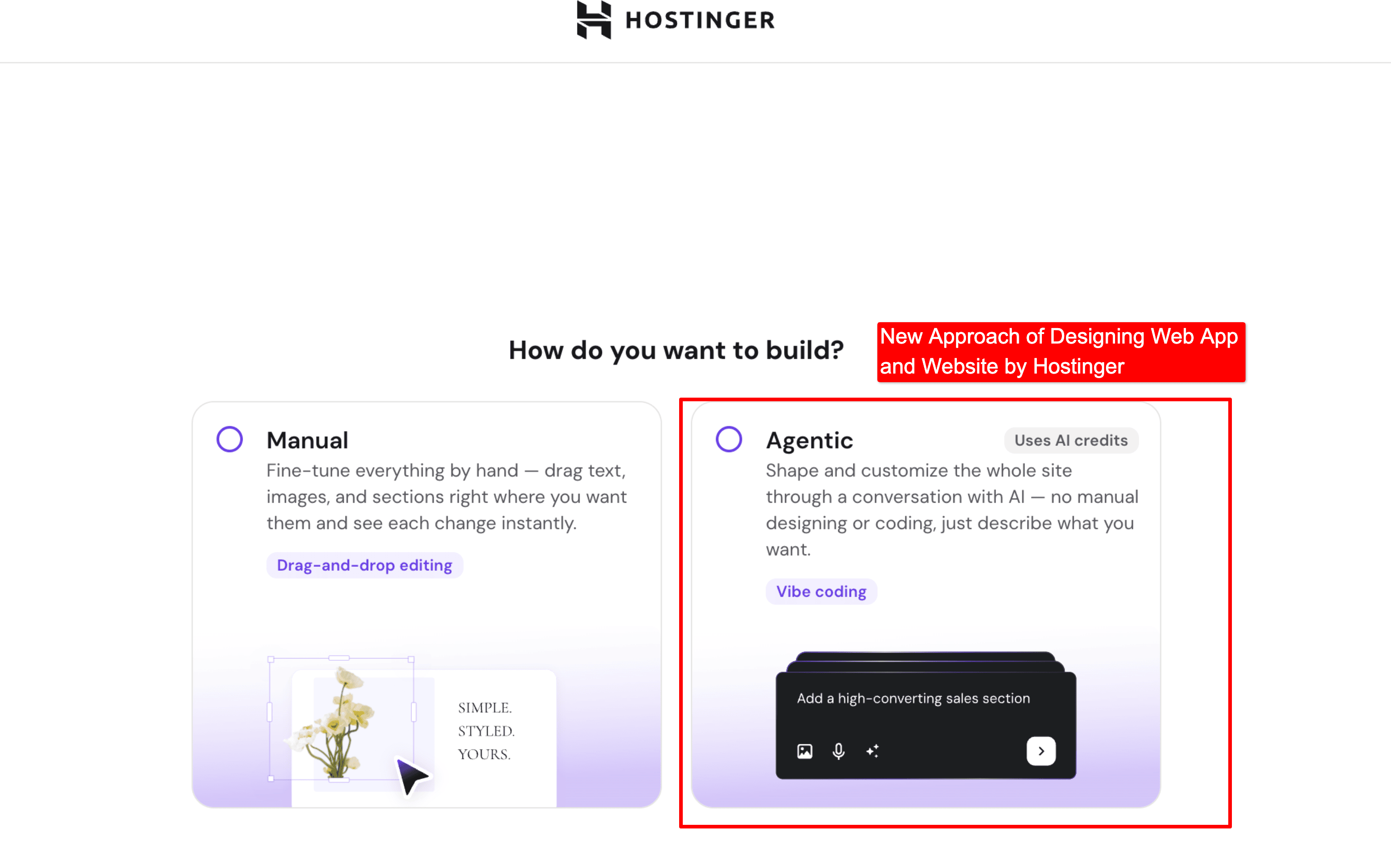
Manual Website Development: Here, you can develop any type of static site using a drag-and-drop approach. That is the traditional method.
Agentic AI Web App & Site Development: Now, you can use the same Hostinger AI builder to develop custom web apps or sites simply through text prompts. Yes, both the front-end and the back-end can be configured. That is the new and smart approach.
In this review, I will test both the modes of this AI website builder and figure out whether it is worth it or not.
Now I am not wasting any time. Let’s get straight into it.

AI Website Creation with the Hostinger AI Builder Agentic Mode
I choose Agentic vibe coding mode as it allows me to build logic based web apps and also enable the database facility for me.
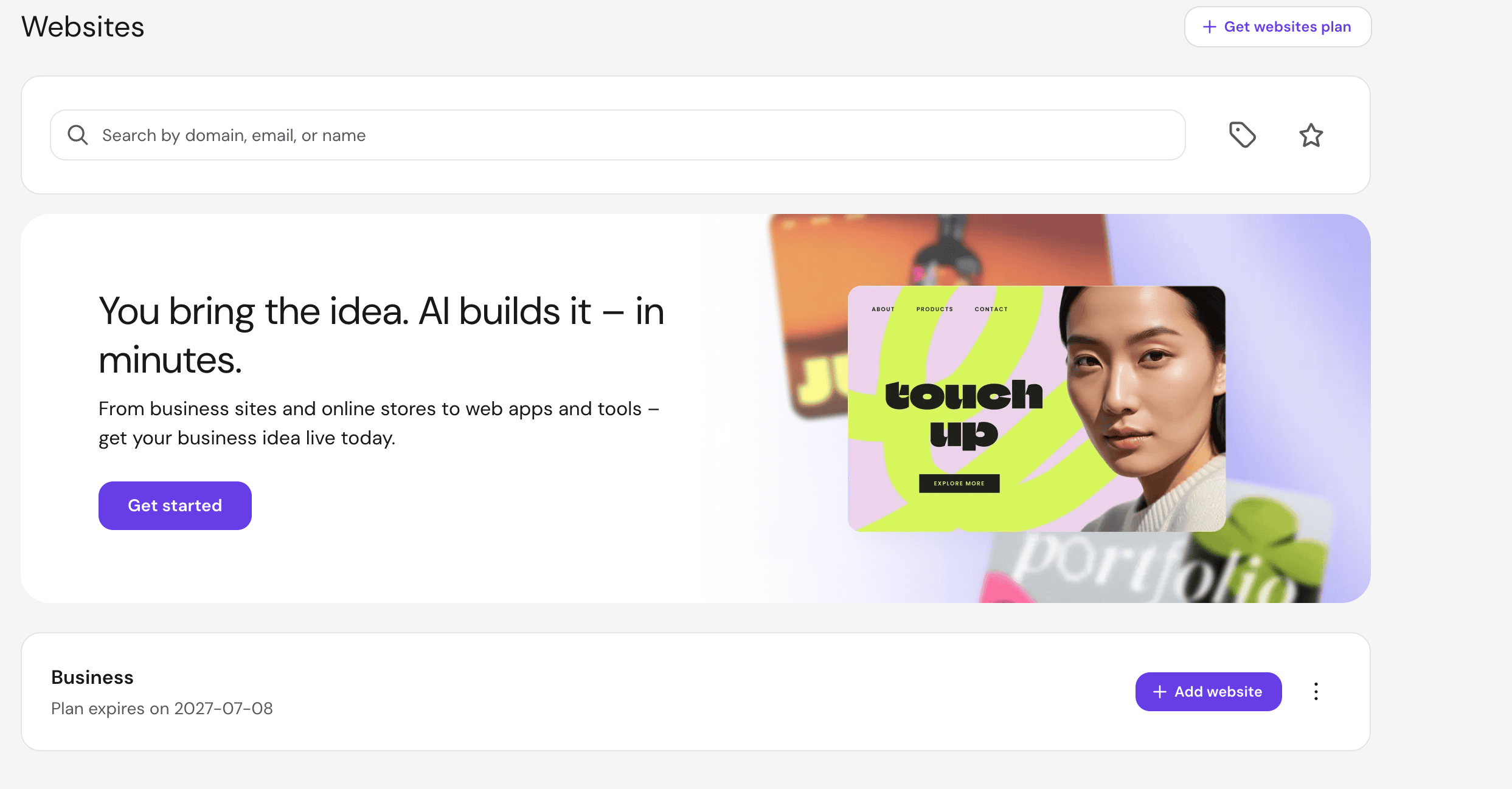
As soon as I signed up for the paid plans, I saw the AI builder under the apps menu.
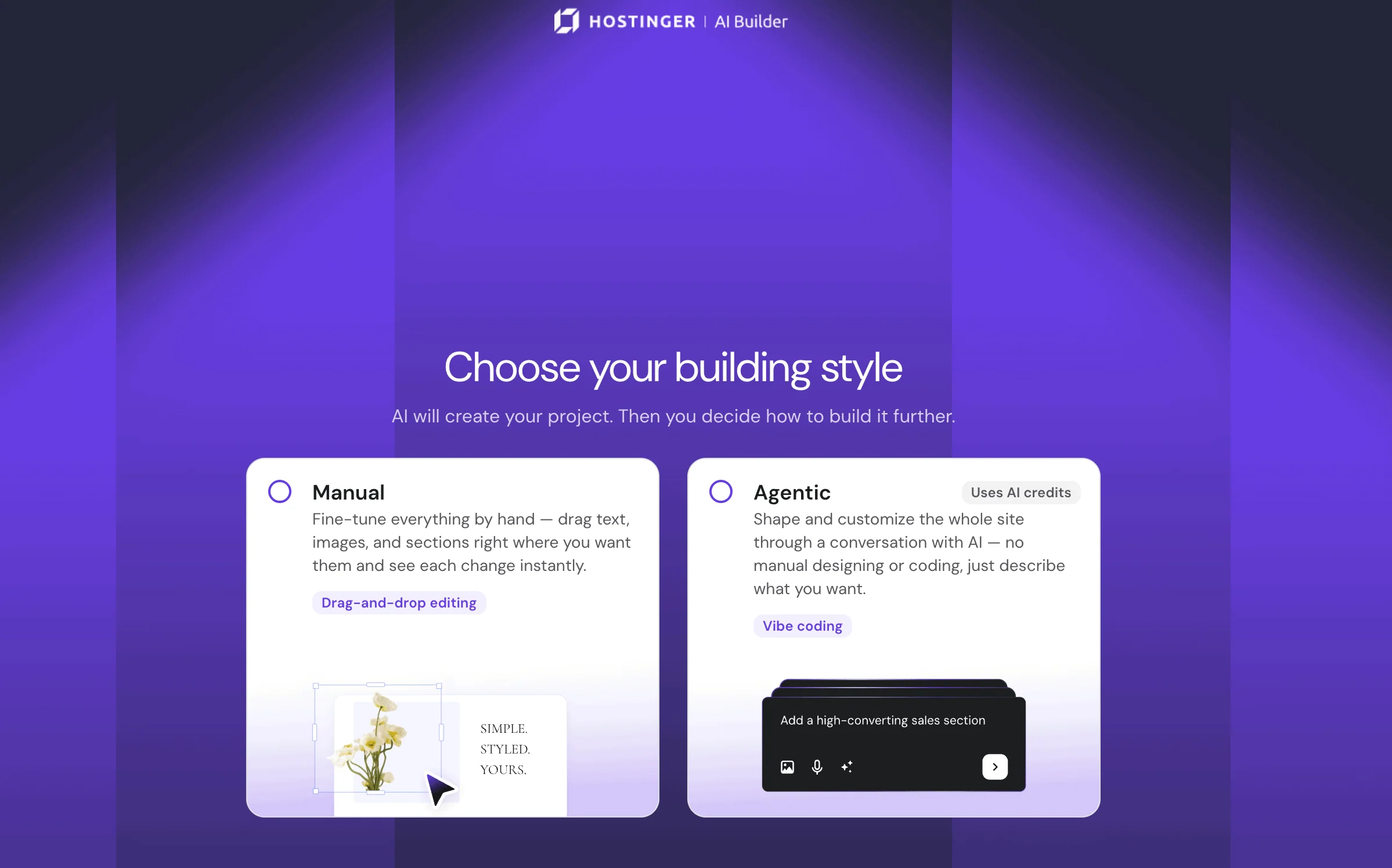
Then the builder asked me to choose the mode. Obviously, the Agentic mode is the USP and I decided to go with it.
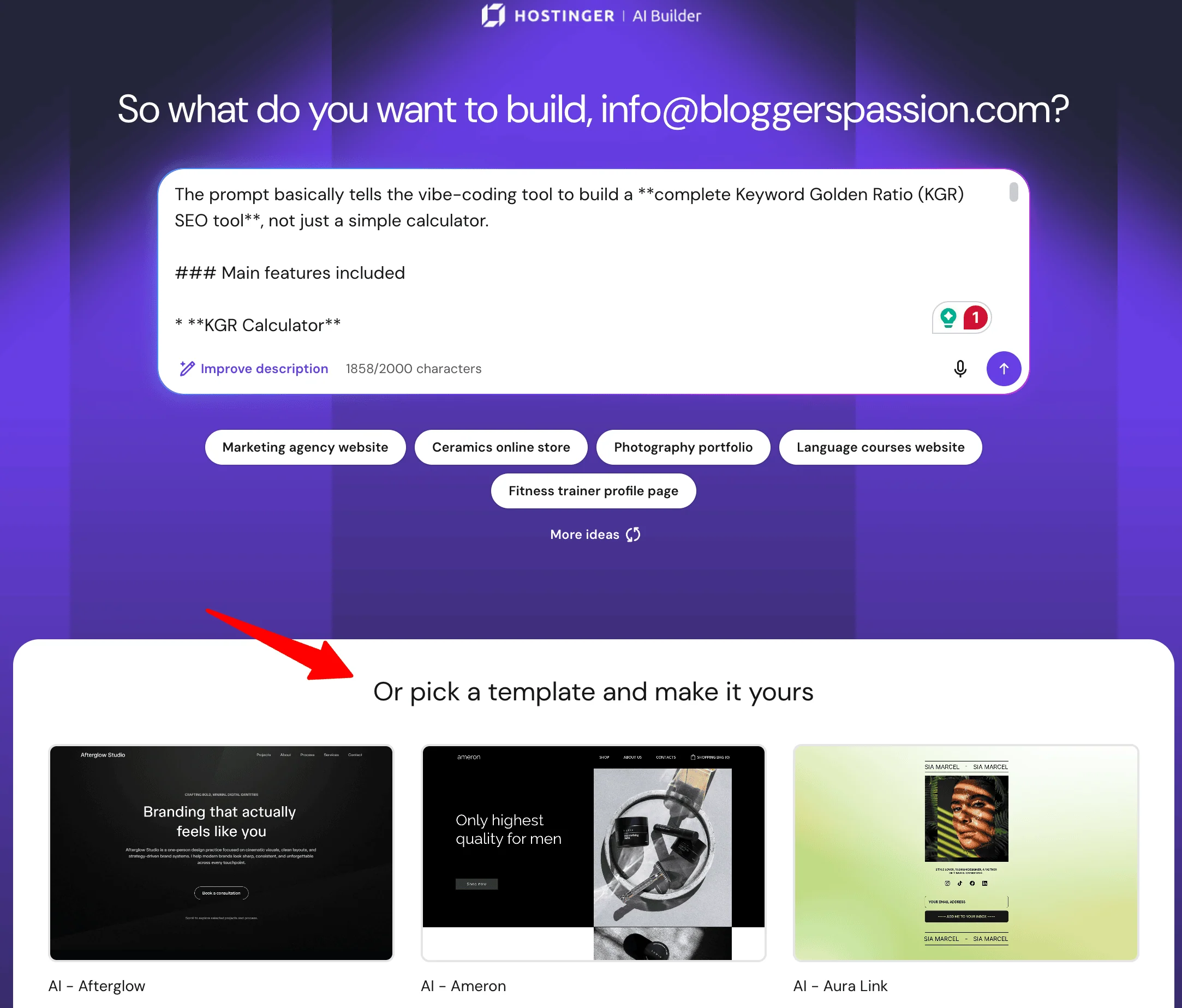
With the help of my developer and ChatGPT, I had already prepared a perfect prompt for building a Keyword Golden Ratio web app.
The prompt included the calculator user interface details, logic instruction, and a few extra details. I also mentioned that the web app should use the latest technology like React, TypeScript, and Tailwind CSS.
Wait, I am stuck.
The builder has a word count limit for the prompt. It cannot process my 2000 words web app prompt. I am very disappointed.
I asked ChatGPT to shorten my prompt to 2000 characters. Then I supplied it.
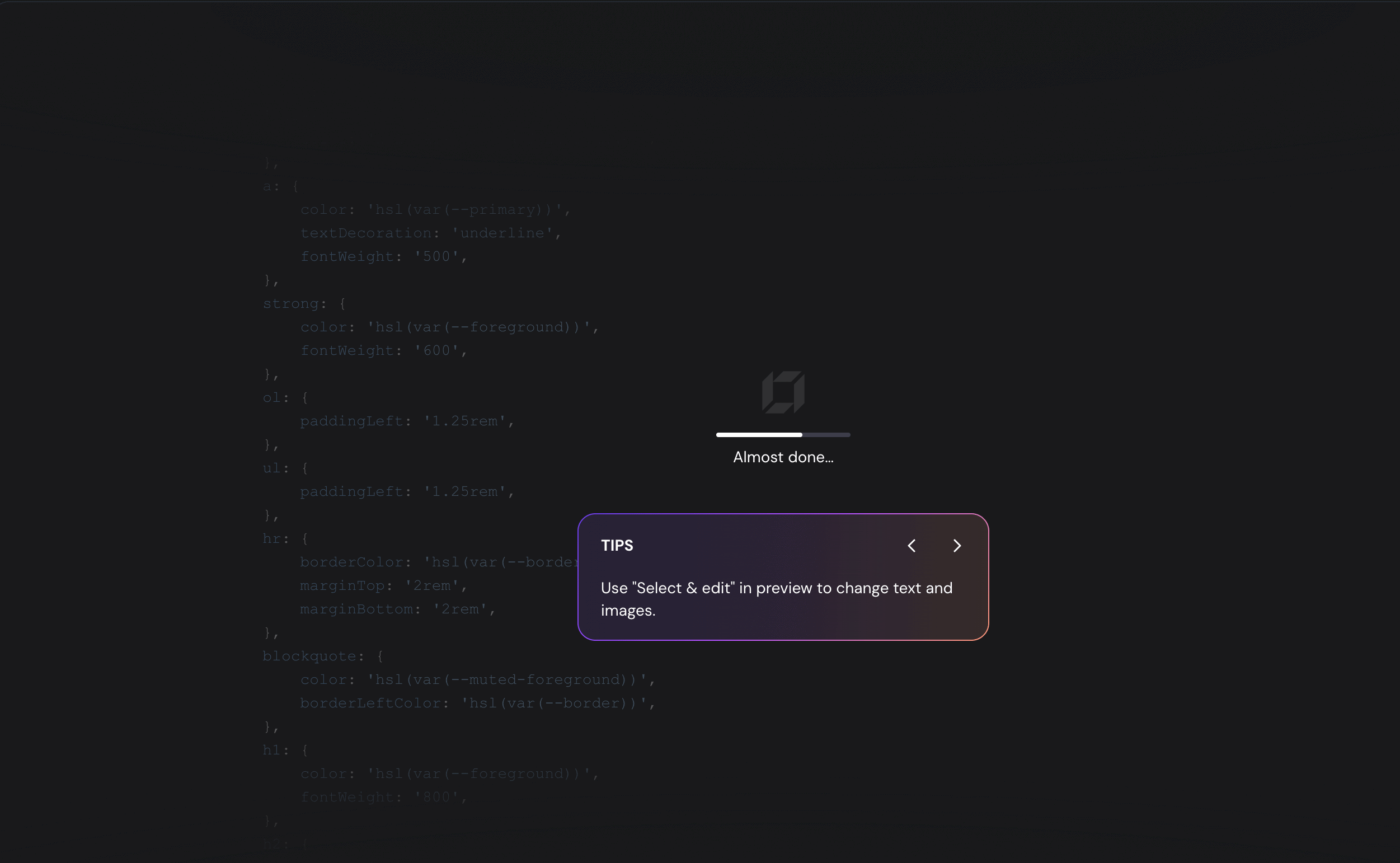
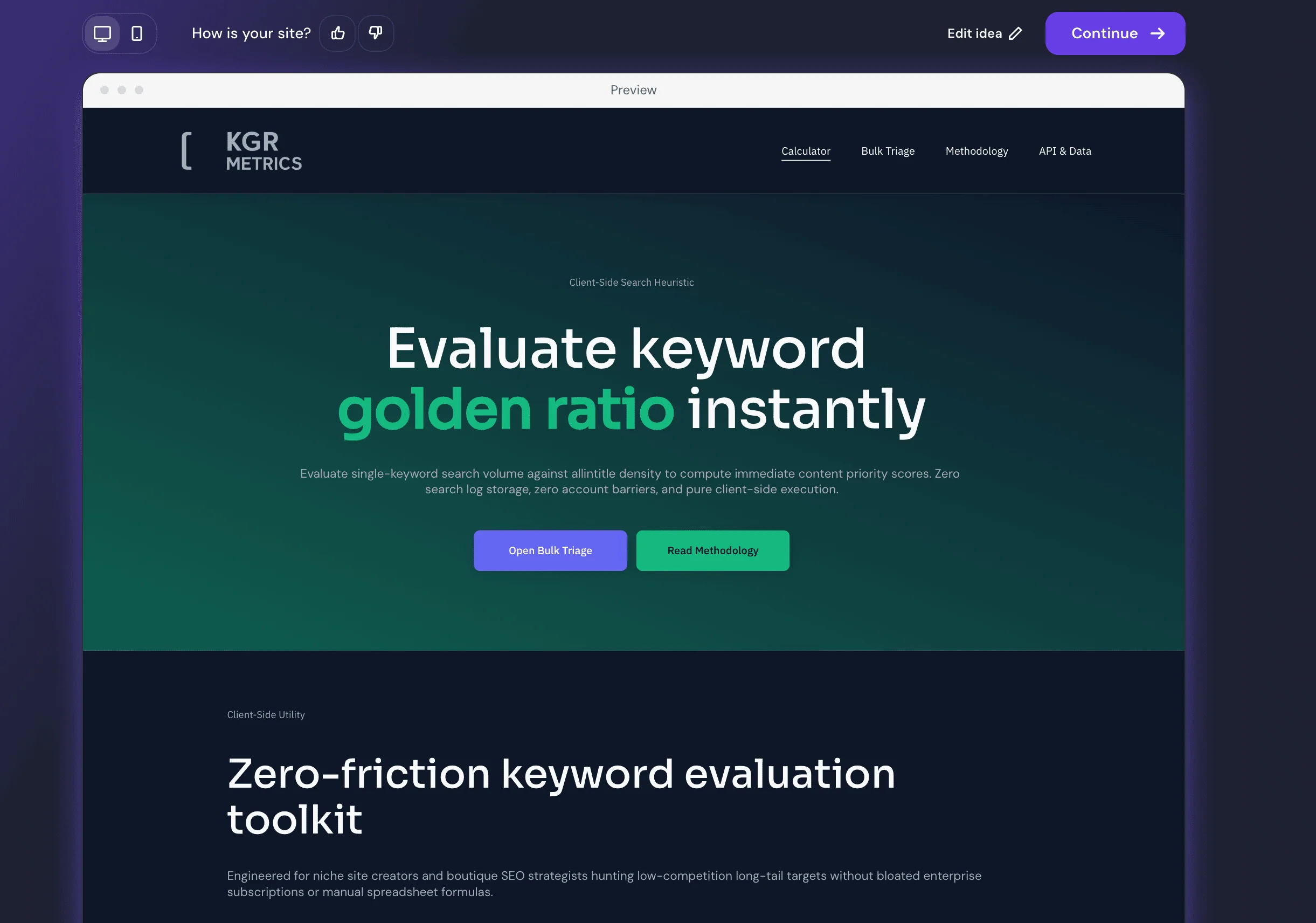
Within a few seconds, it analyzed my app idea and responded with a set of suggestions, basically the plan of what it was going to perform.
Once I approved, it began coding, and to my surprise, it completed the entire app in just seven to eight minutes. I was able to preview the app easily in both desktop and mobile viewports.
As soon as the app was created, the first thing I did was verify its logic, and well, it works. I tested it by entering numbers into the Keyword Ratio app it built, and it produced the correct output.
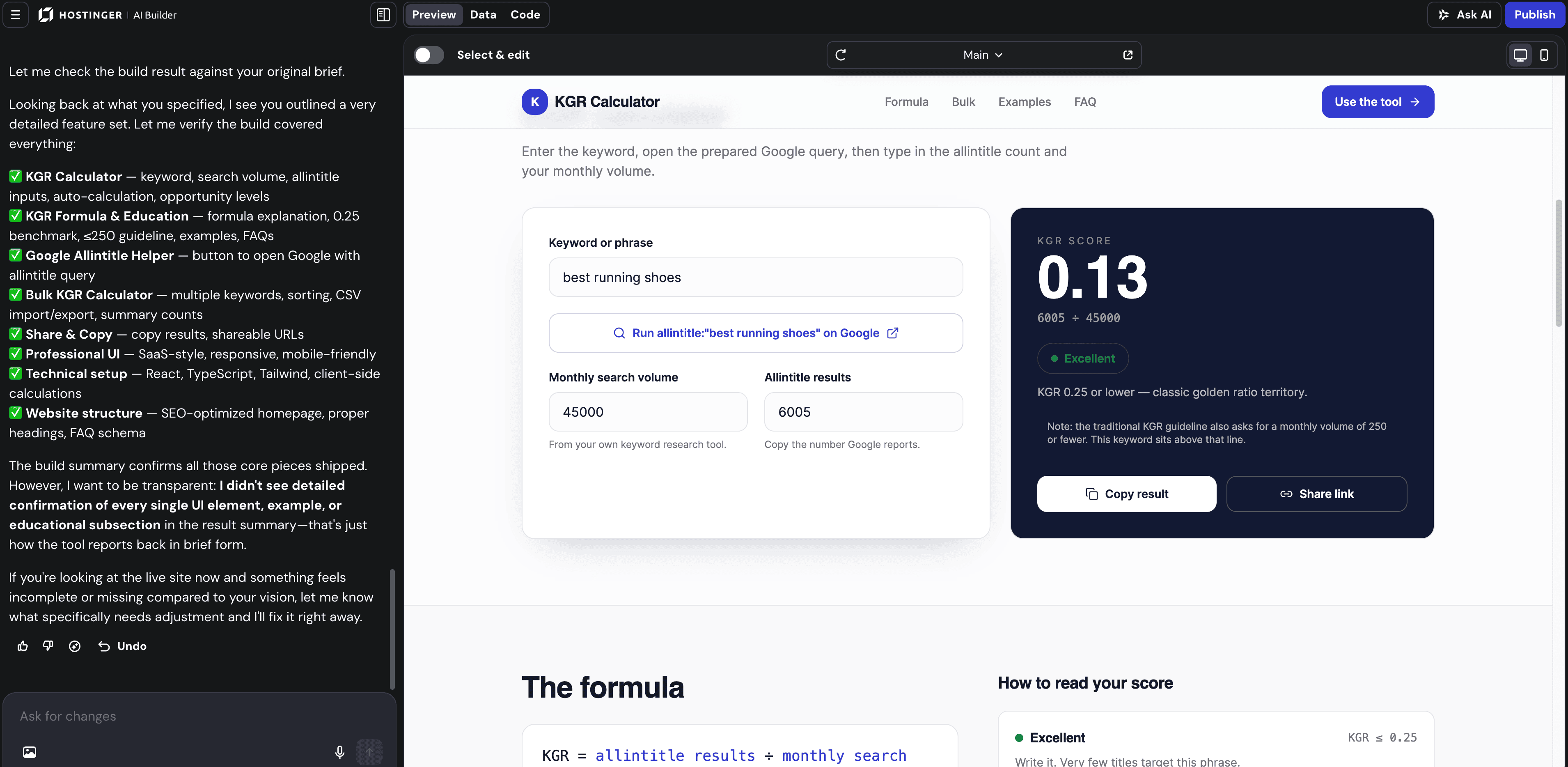
Regarding the design or user interface, the Hostinger AI builder created the layout according to the design instructions provided in the prompt.
Every element on the layout is editable and follows the drag and drop approach. You can edit an element by tapping on it and tweak things like fonts, alignment, colors, and more.
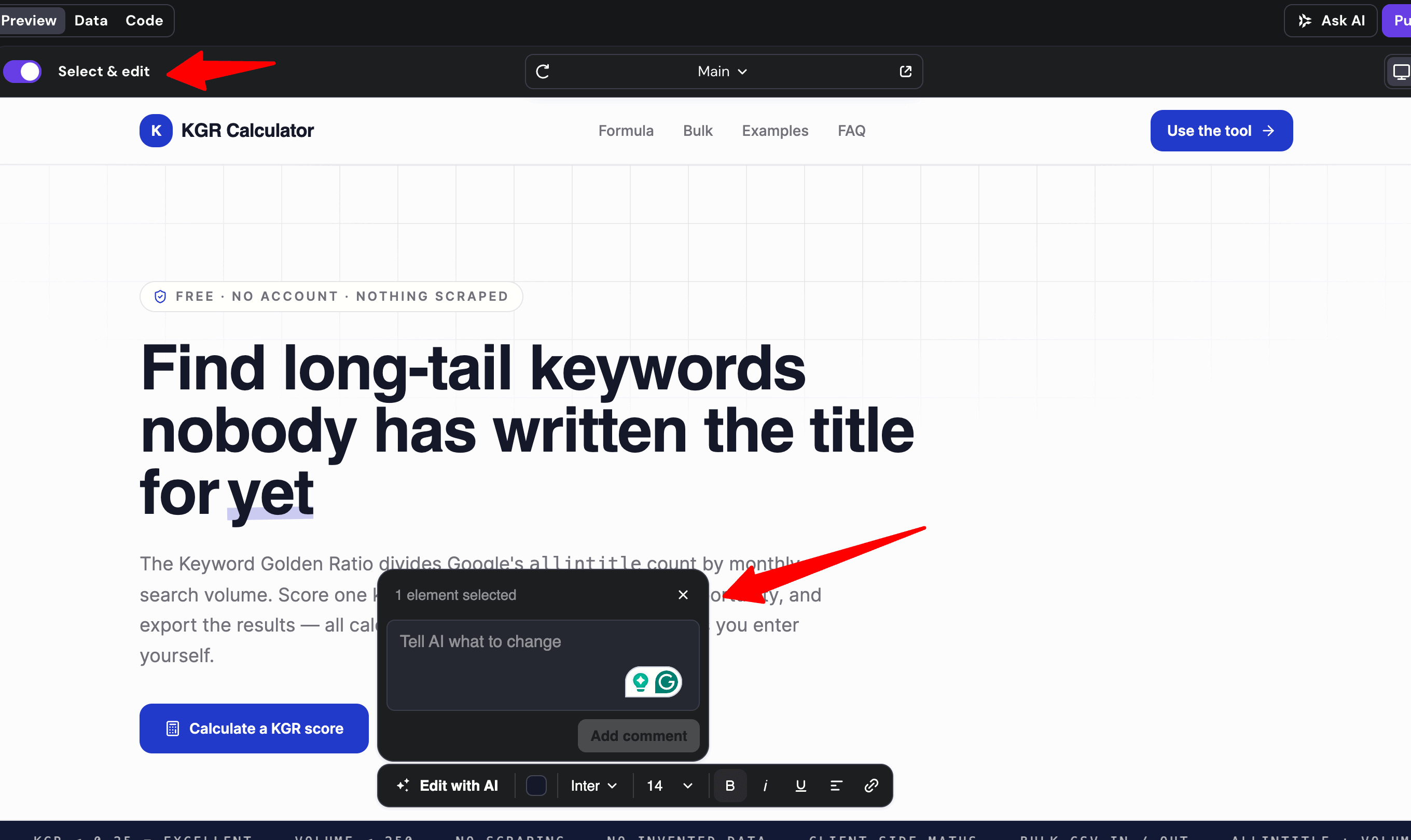
If you can change the element by yourself, then don’t ask the AI. Otherwise your credits get exhausted soon.
Once coding was completed, The AI Builder also provided additional suggestions to enhance the app’s functionality. I personally found 3-4 of them quite useful
At this stage, you can also modify the code manually.
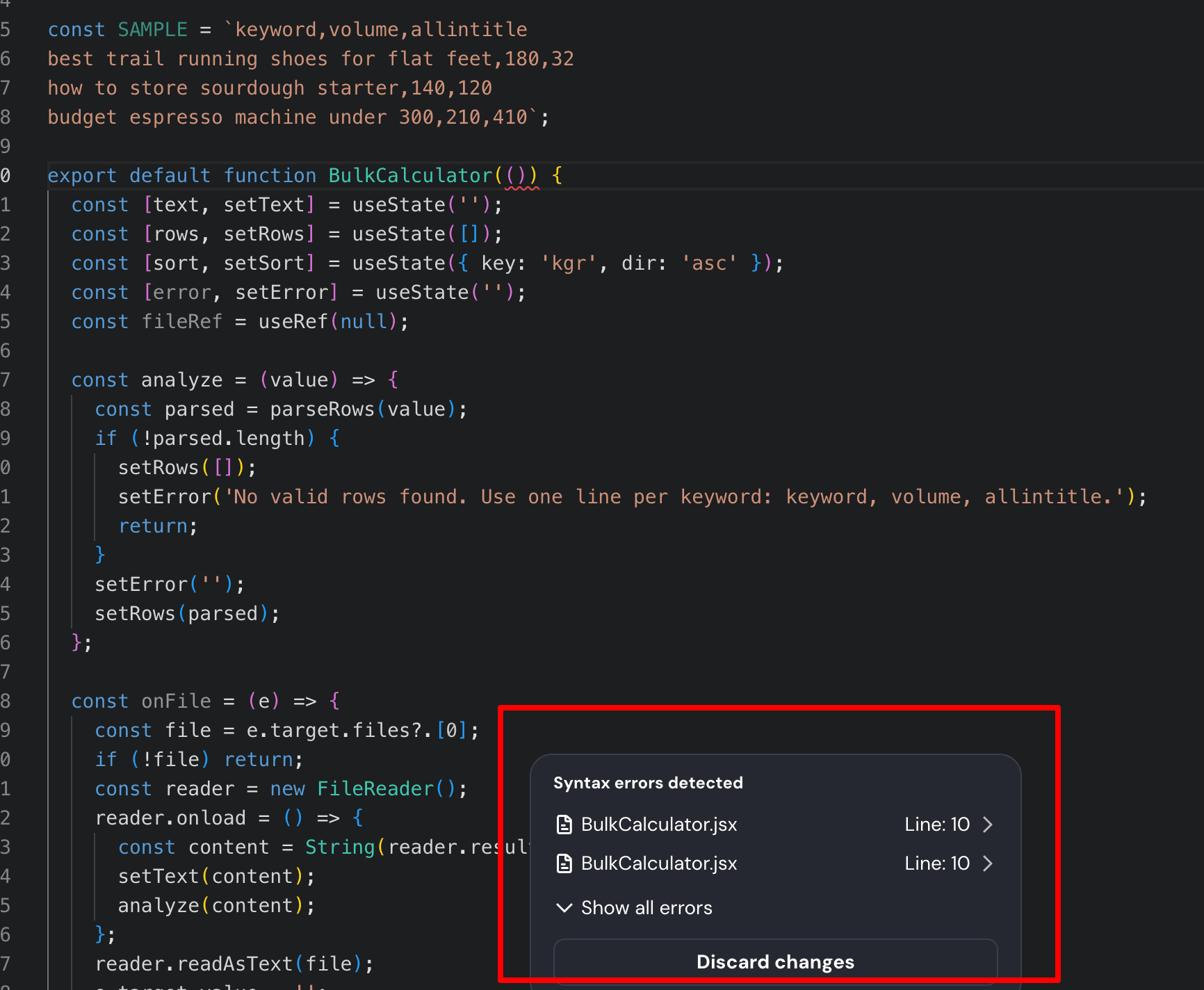
I attempted to make changes in the code as a beginner, but that introduced some errors. At this stage, The AI builder refused to run my code as it runs an error. This is a good thing…
It quickly told me to discard changes as it caused the problem. This is really helpful to avoid mistakes in real time.
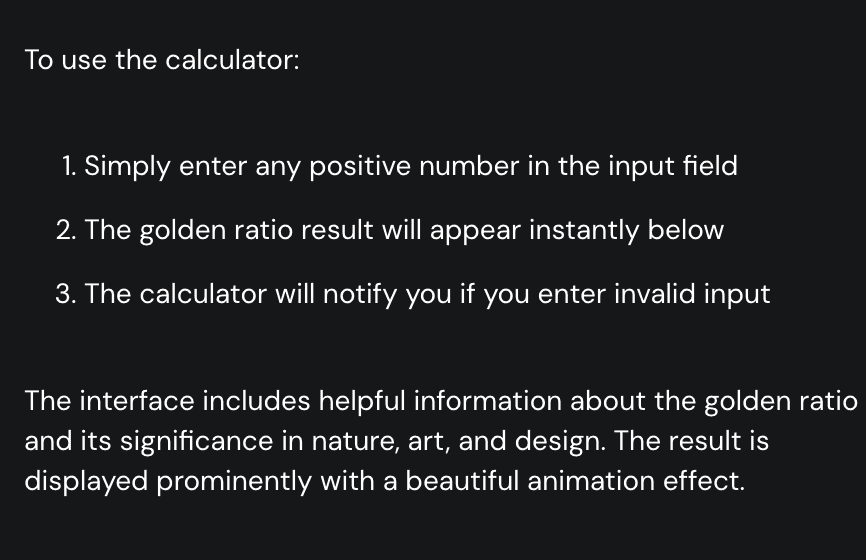
I never specifically asked AI builder how to test my Keyword Golden Ratio app, yet it presented me with clear testing instructions. This level of help was extremely useful and improved my overall experience.
Previously, we had to integrate with Supabase for adding functionality like databases, payment gateways, user profiles, user authentication, file storage, and more.
But there is good news.!
Now the backed functionality is built-in into this vibe coding AI builder.
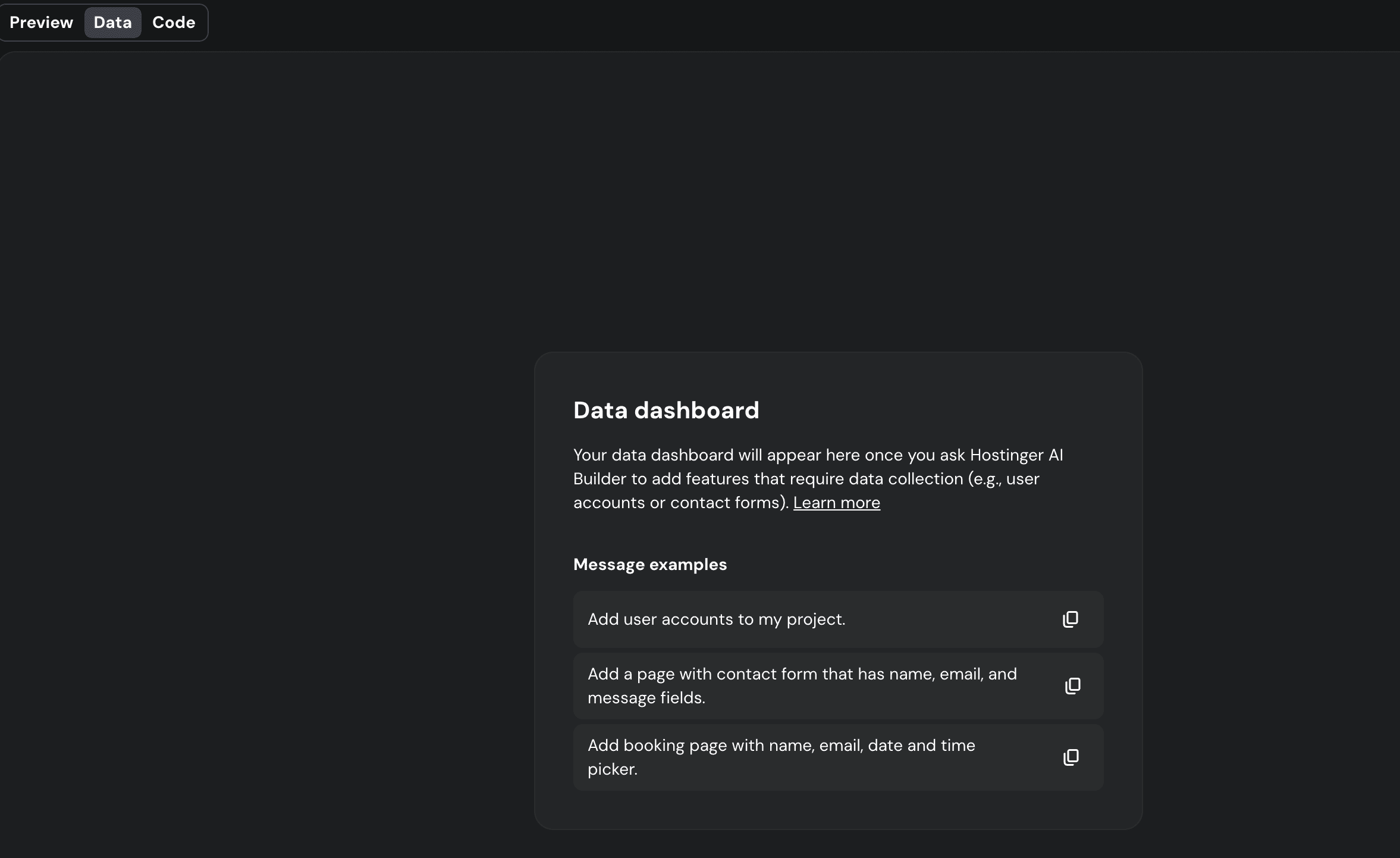
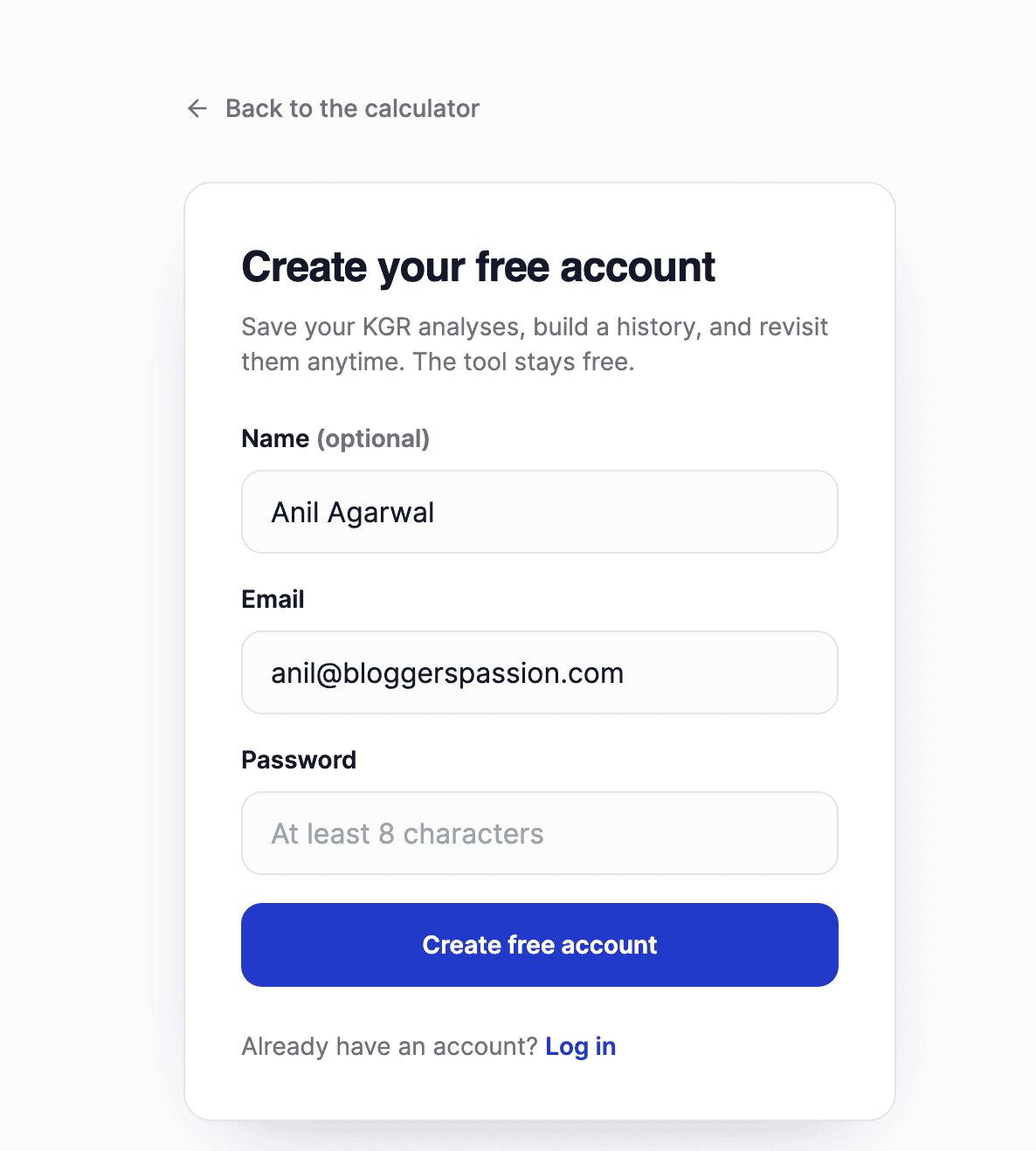
You need to describe your backend needs through the editor. For example, I told it to add user login functionality into my web app.
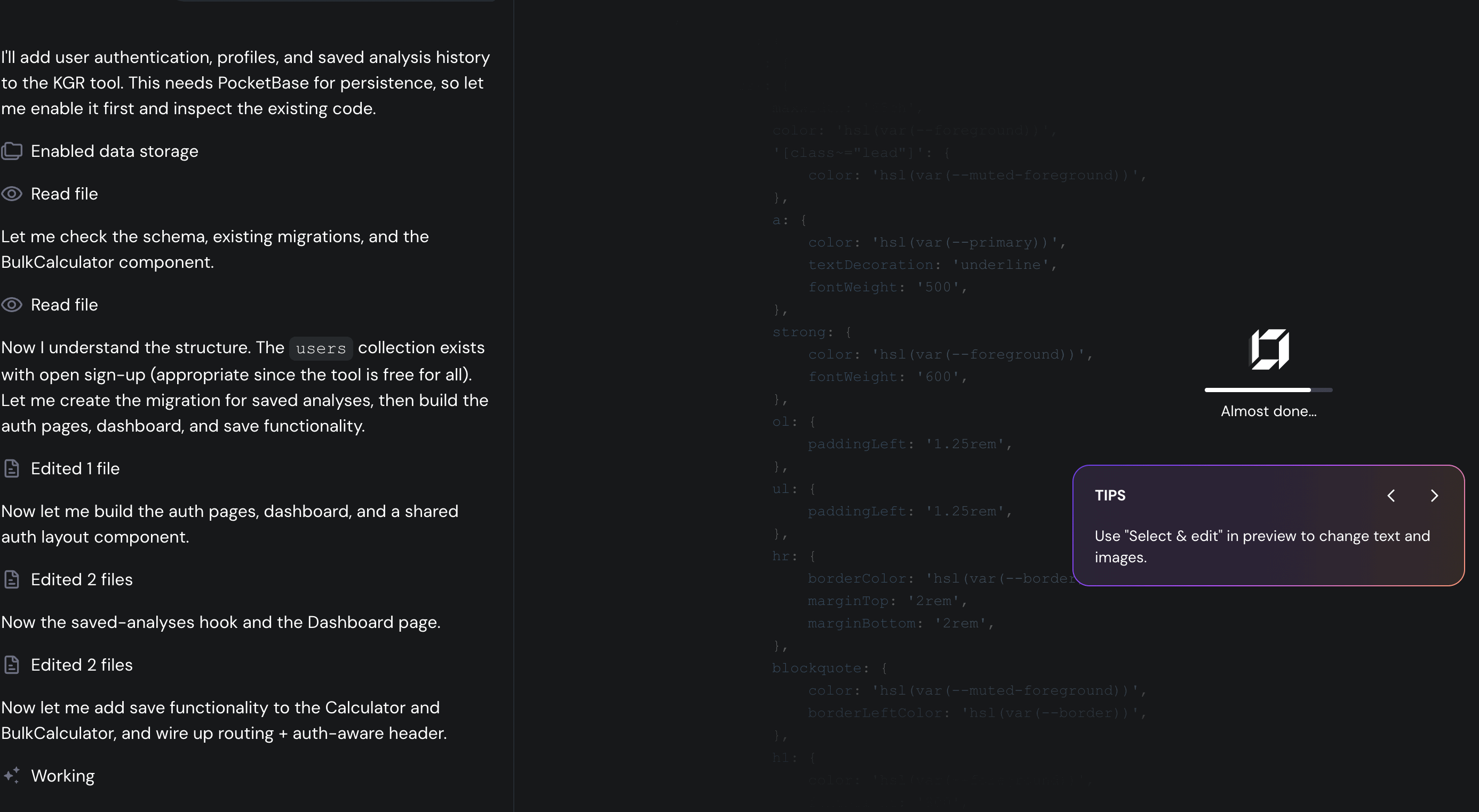
This process takes around 10 minutes to complete it.
Gladly, the login form is working perfectly. If you submit any user credentials, then it will be visible in the test data.
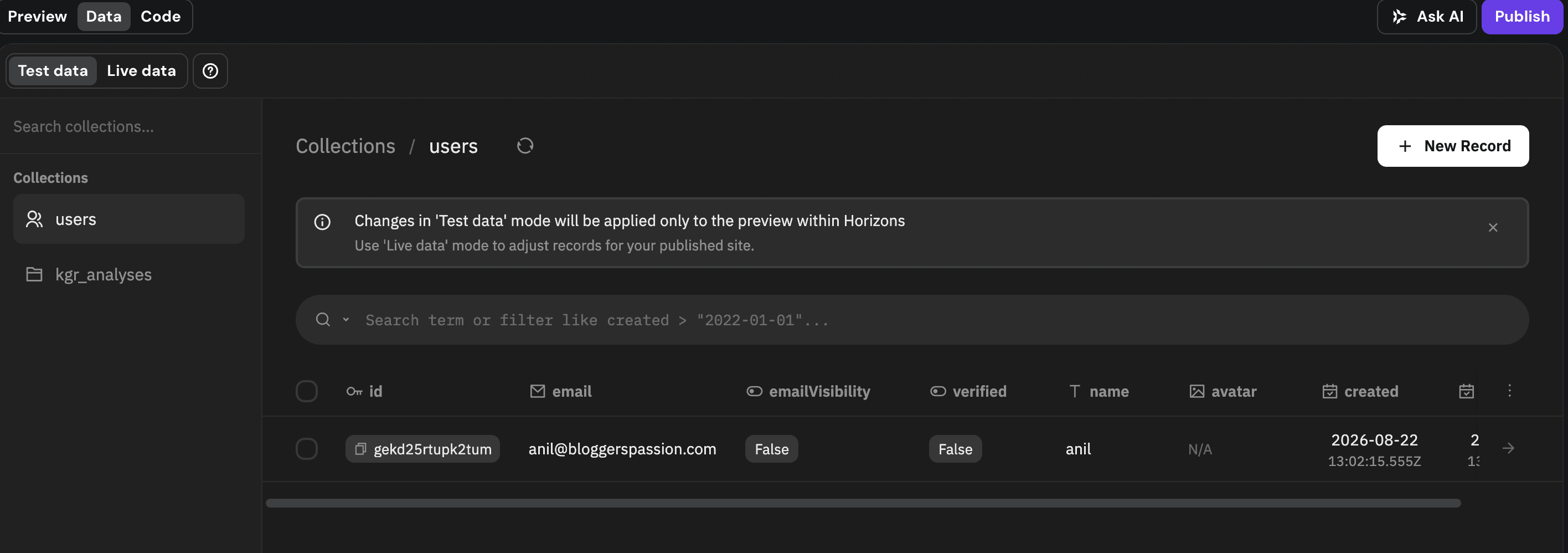
One thing I noticed, as soon as my login form is developed the AI credits have gone. Now I can’t do anything with my code. I have to upgrade the credits.
That’s very disappointing. I am on the unlimited plan and hence i have 15 credits but they are gone after supplying 3-4 prompts to the AI builder. Seems like the builder is not consuming ai credits based on the number of prompts.
The AI credits usage depends on how advanced you are using the builder.
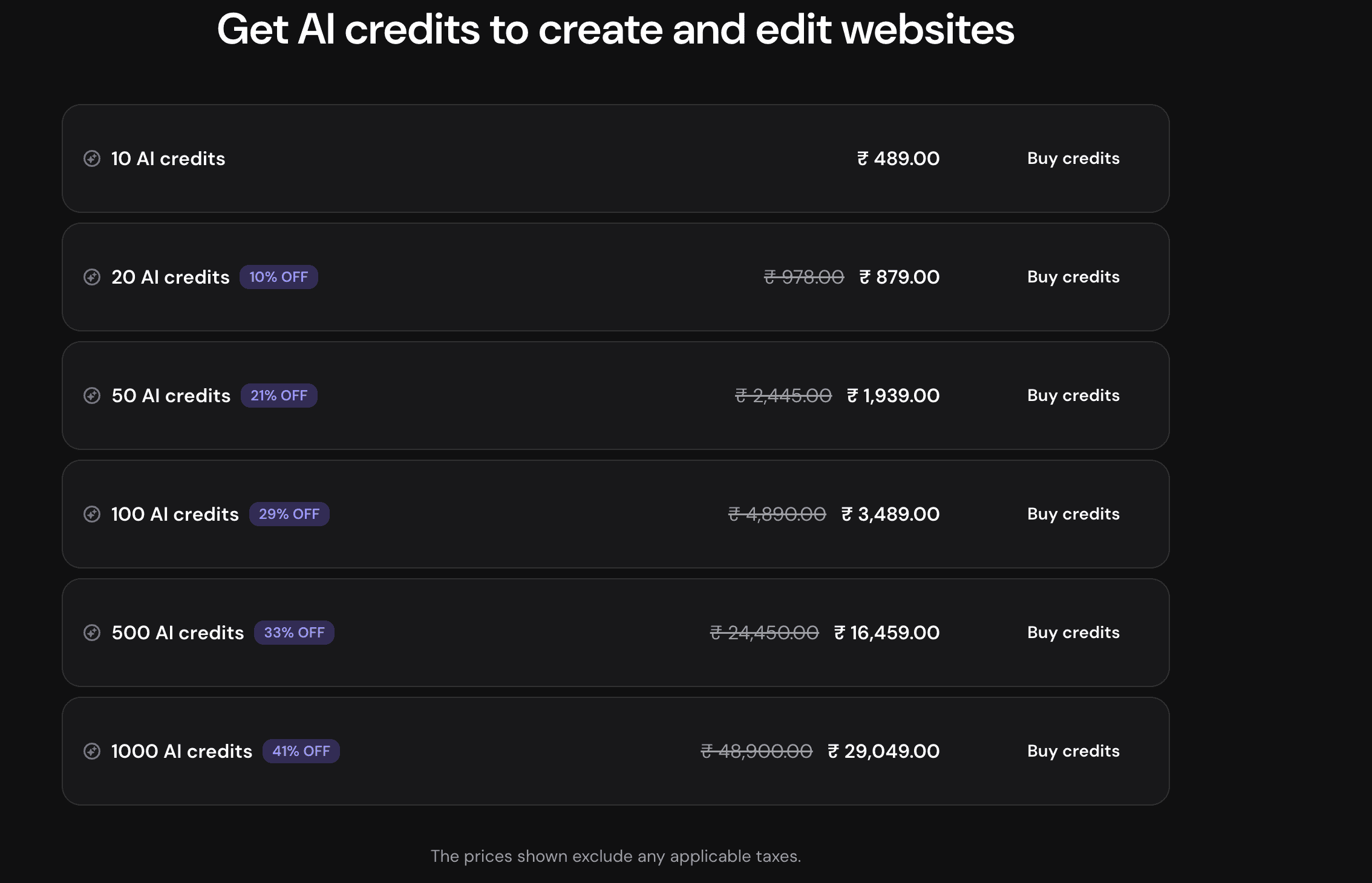
So for the long run, you have to use AI credits carefully. The 10 extra credits cost you $5. For small web apps & sites, it does not seem costly but extra AI credits could cost you huge once you are developing a complex project.
Until you are fully ready to deploy your app publicly, you can share the temporary preview URL with your team or on social media, collect feedback, and improve your app accordingly.
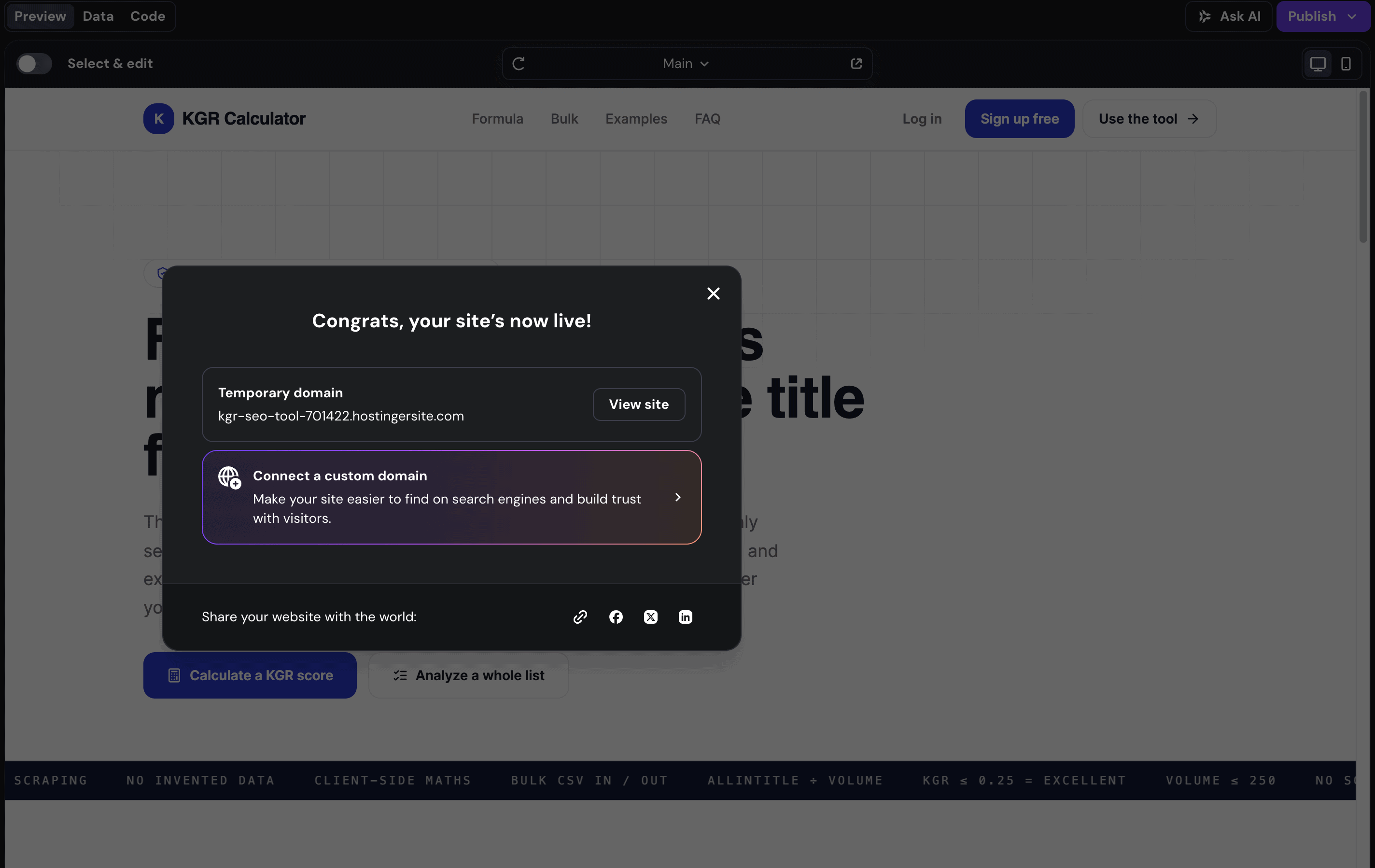
To make your site live you need to purchase the domain for it.
Well, you can get the domain free for the first year with your AI builder. If you are eligible then congrats you have a live hosting and domain for your website app.
Personally, I don’t require any technical assistance to reach the final app deployment stage. However, if you need support, you can always connect with a support team that is available 24*7.
Plus, lots of user guides and video tutorials are accessible within the platform.
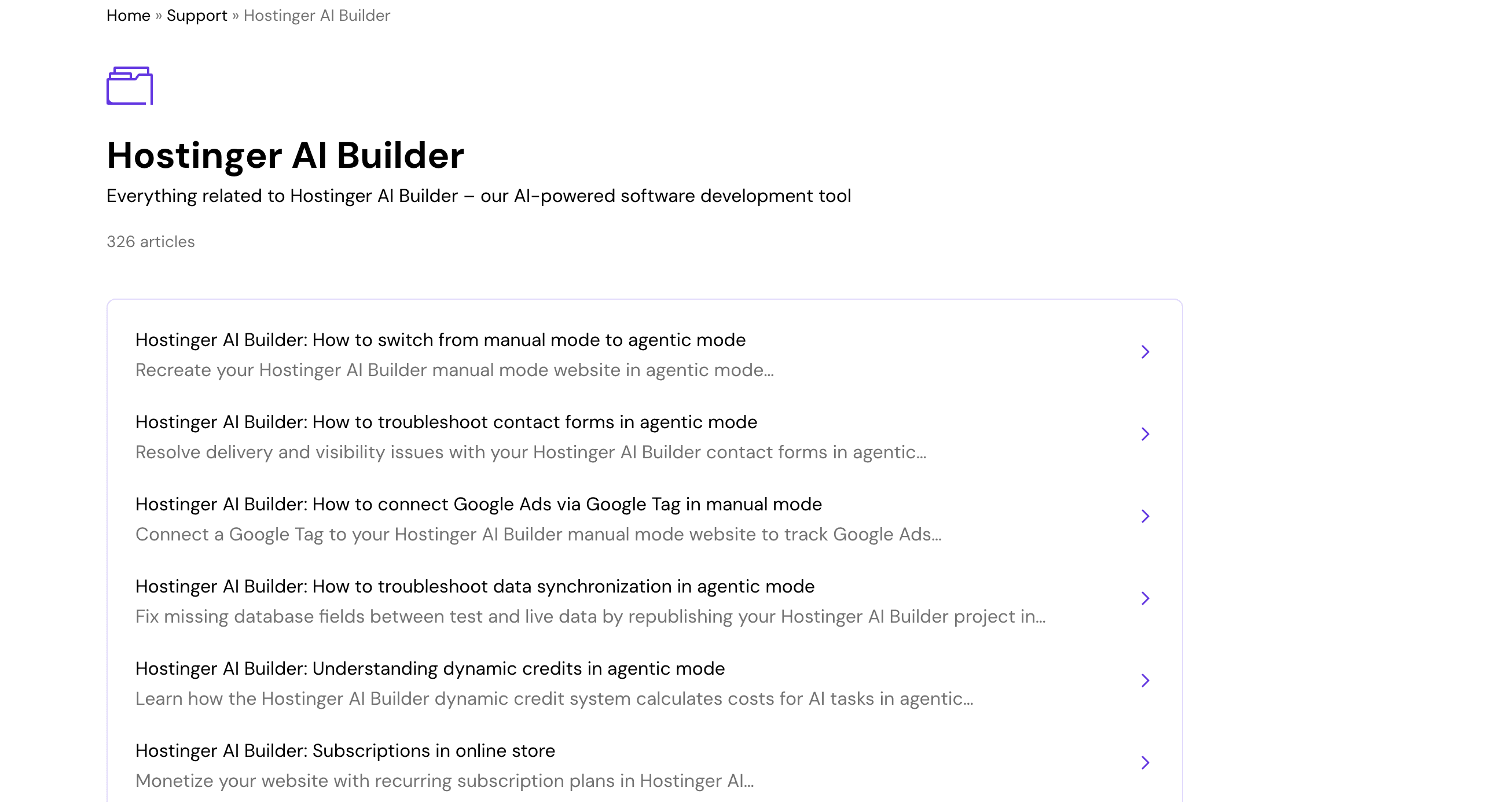
I already had experience with the Hostinger support team from their other products, like hosting, AI Builder, and email marketing.
They are responsive, though you should not expect very advanced technical expertise from them.
Having a developer on your team is helpful when using Hostinger AI builder, as there is always a chance of errors during your app-building journey.
The AI Builder usually fixes common issues, but if you need custom functionality beyond what this vibe coding tool can provide, developer assistance will be necessary.
Hostinger AI Builder Manual Mode
If you are happy with template generated static designs, this approach can meet your needs effectively. If you require more extensive design flexibility, databases then you can transfer your site to the above Agentic Mode.
I personally feel this mode is not really worth it, as you have to resume your journey on the Agentic mode to onboard custom functionalities like Logins, database, file storage, and more.
AI Functionality: Useful or Not
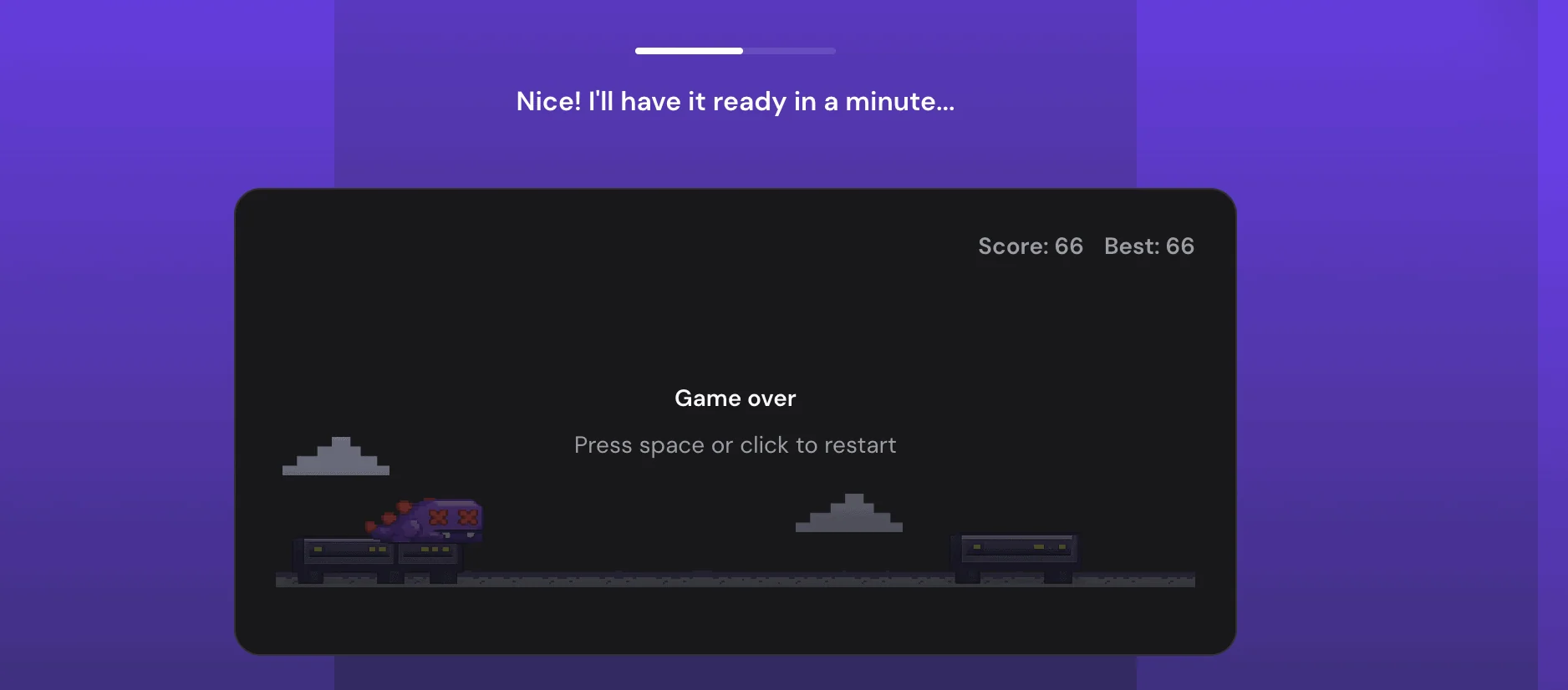
Be patient and play the dinosaur game while the Hostinger website builder is launching your site to the world.
When I asked to build the same keyword ratio app, It created a static website without any calculator. I like the static user interface of the website but I have to bring the agentic mode onboard to build actual logics.
This AI builder gave me:
- Complete website design
- Unique content photos (as per my website niche),
- Generated colors schemes,
- Generated font styles,
- Layout design
- Generated a few web pages (Home, Online Store, Cart, Refund Policy)
- Generated Product pages examples
- Generated engaging headings
- Added a Newsletter & Contact form for email marketing
- Location Widget
- Social Buttons
- Payment Mechanism
- Testimonials
I didn’t supply photos, colors, or font style info in the first place. But Hostinger AI builder understood my website idea and did a job on its own.
In the finalized result, I liked the headings, product page examples, chosen photos, fonts, testimonials, pre-added newsletter form, etc. I got almost everything an online store needs to have.
Just look at these pictures Hostinger AI builder automatically added based on my online store niche. 80% Accuracy maintained. Although some images are irrelevant.


Available Templates:
The good thing with this manual mode is that it allows me to choose a template from 150+ available.
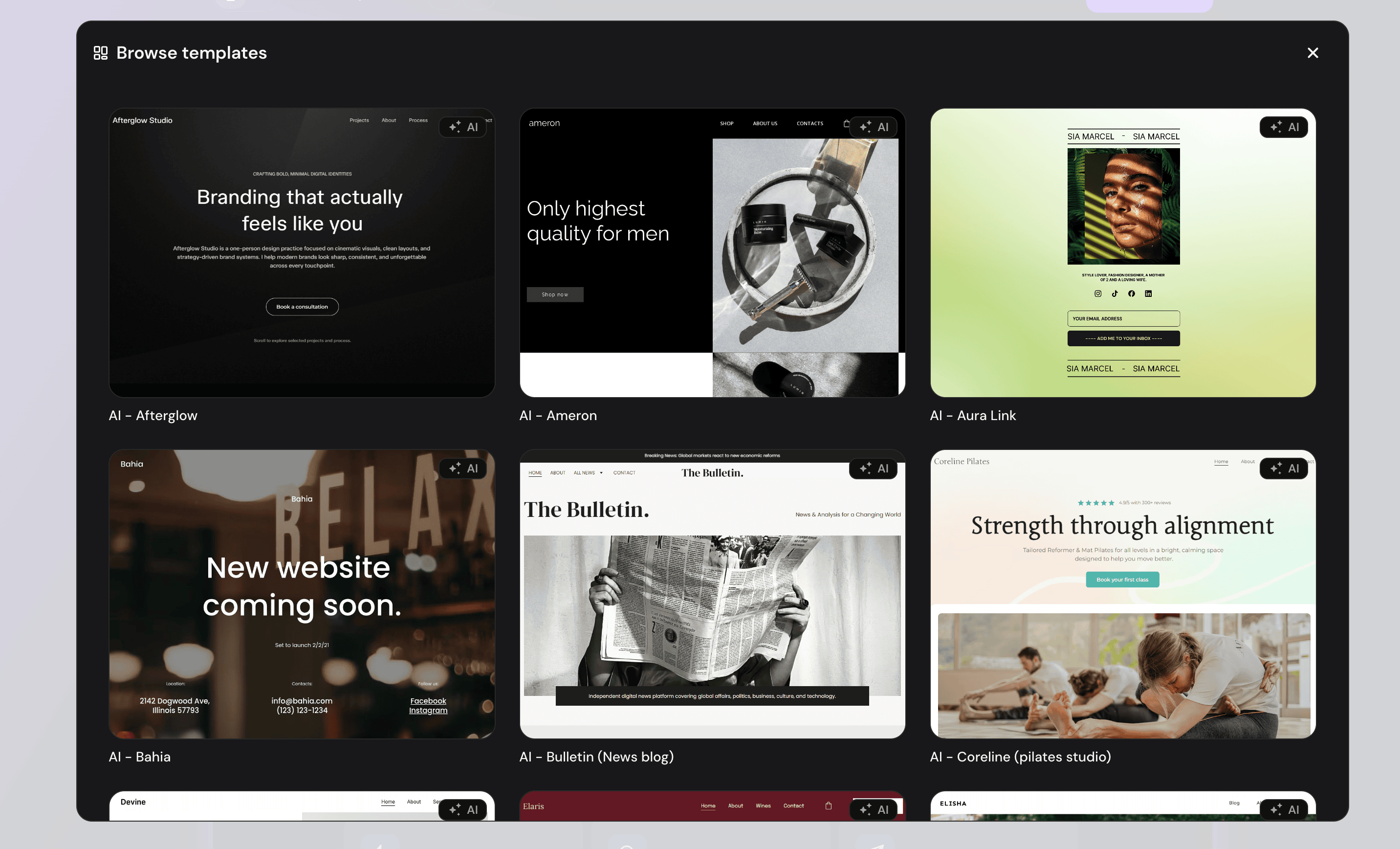
I explored some of the template categories, and usually like four out of five. The fonts, images, color schemes, and literally everything is customizable in a template.
You can even start with a blank site in which you get a blank canvas and all you get is a support of drag & drop editor. This is especially beneficial to those web designers who want to start from scratch and look to create a custom website design for their clients. The real creativity begins here.
Everything is ok about the templates. No complaints.
The Hostinger AI Builder Editor
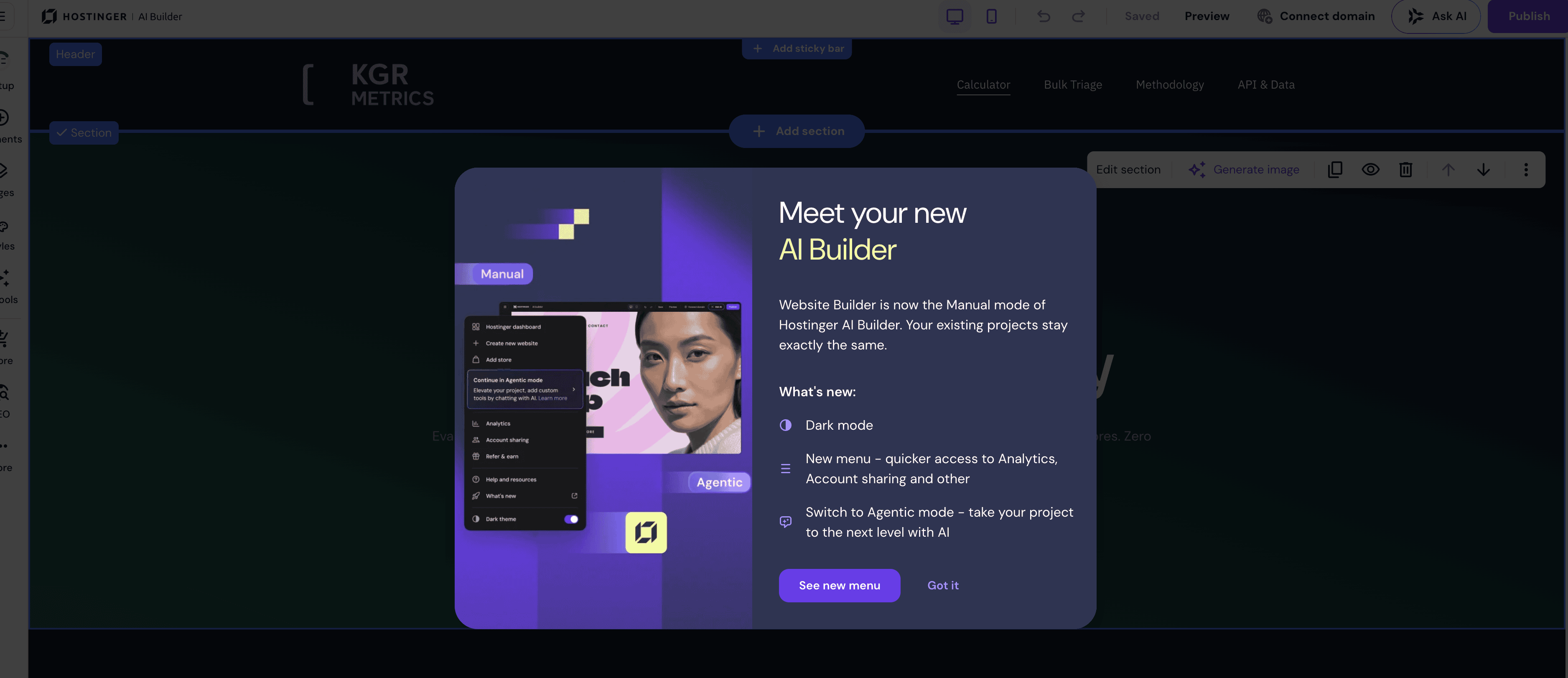
Just like any other website builder, Hostinger website builder also supports drag and drop working. Either you can start with an AI approach or a templates approach, the website editor is gonna be the same.

Its editor surely is beginner friendly and I can confidently say that it has revolutionized my site creation experience. It follows the same rows and column principle for designing a webpage.
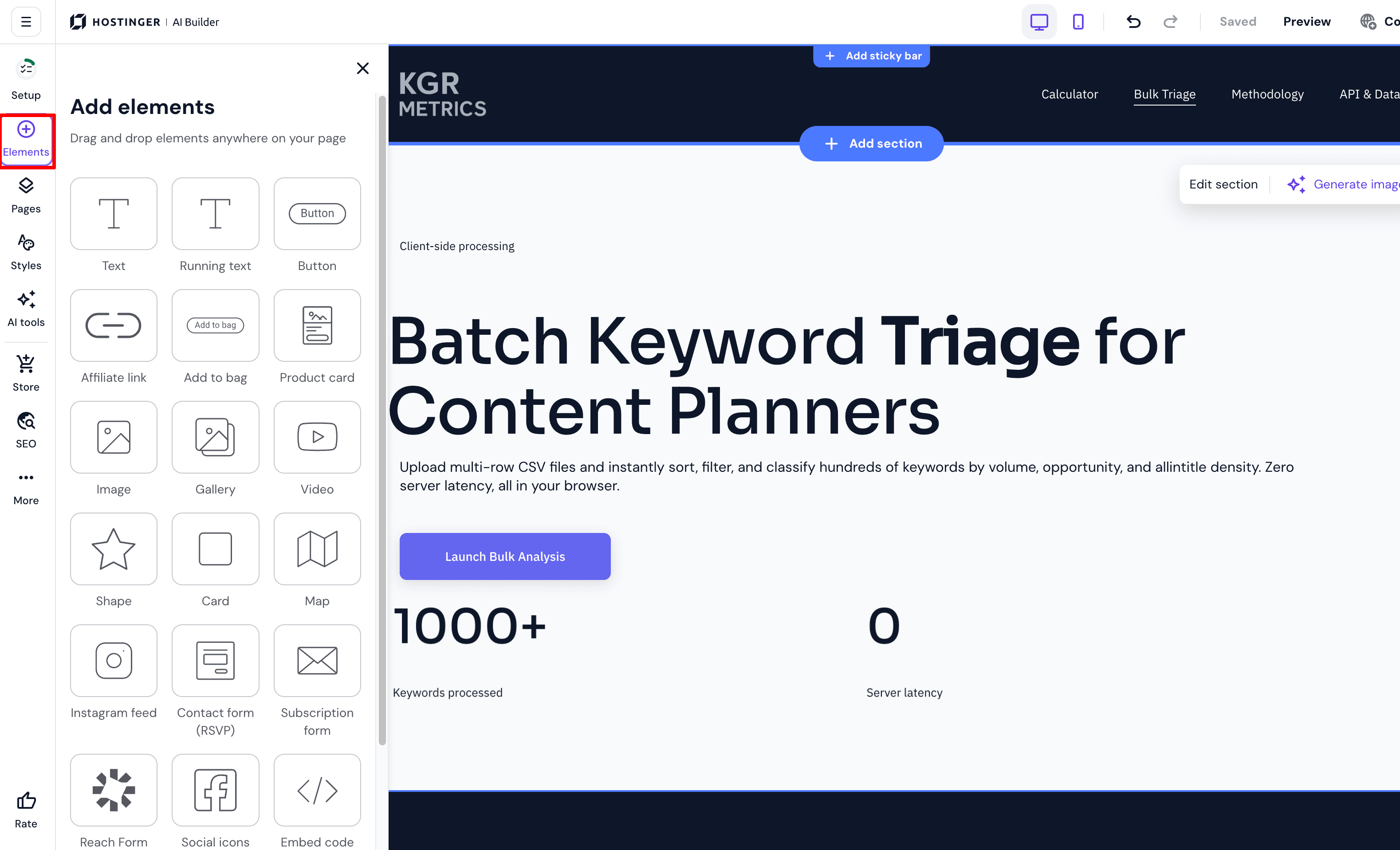
The organization of features is correct. All the main tabs which you’re gonna spend most of your time on can be accessible from the left sidebar: Add Elements, Pages & Navigation, Website Styles, Blogs, and Online Store.
What I like about Editor:
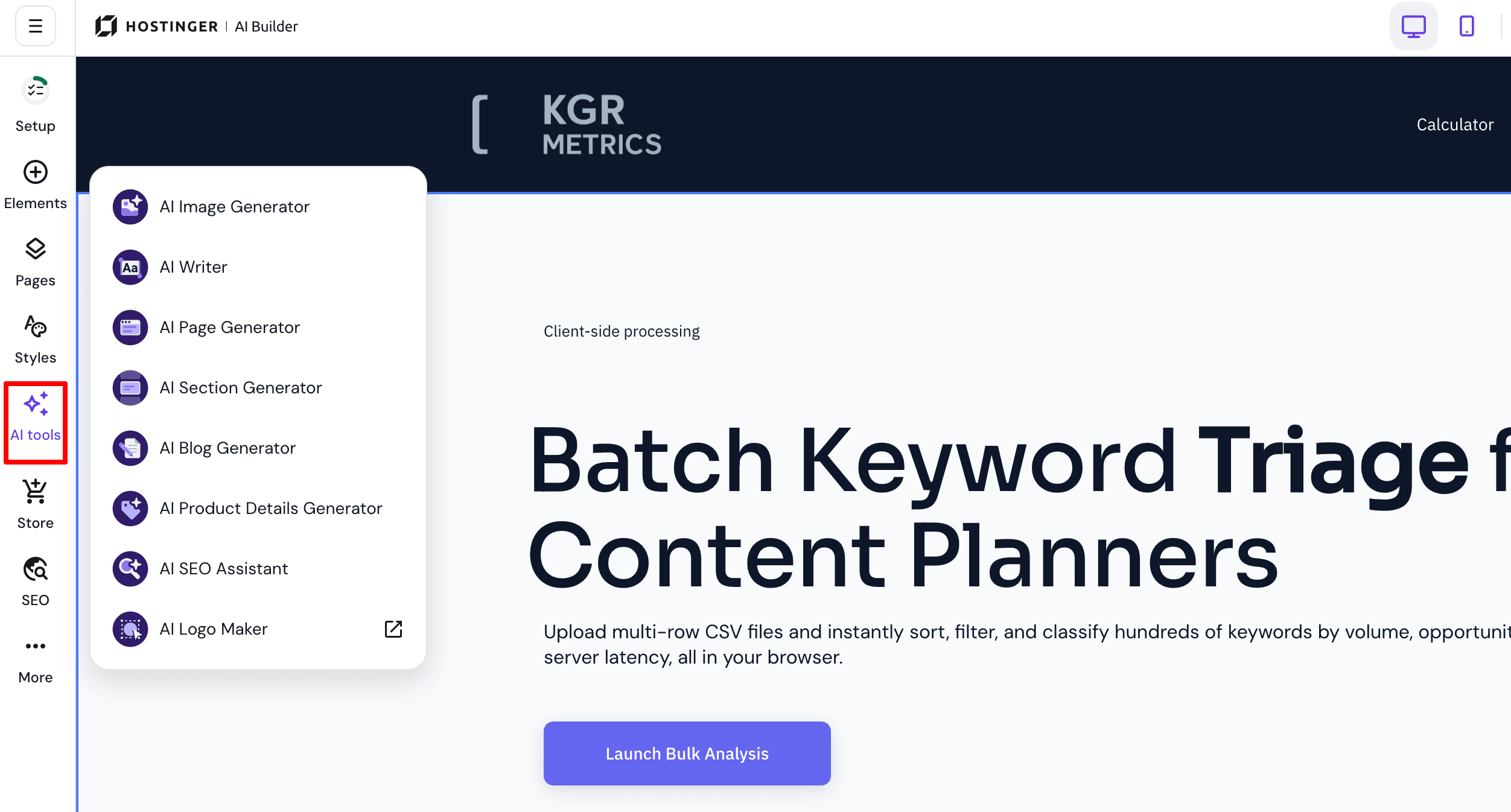
- Inbuilt AI tools don’t cost you any AI credits. I can able to generate unlimited images or content for my site sections
- The changes are saved in a real-time
- Users can easily toggle between desktop or mobile preview
- The elements can be moved freely without any grid restrictions.
- The editor supports “snap to grids” as well
- The elements such as Button, Add to bag, Image, Video, and Shape can be added in a single click
- All the Blog pages and Product pages can be accessed from the left sidebar with a single click.
- The HTML “Embed code” element can be placed anywhere on the selected section
- Option to inject custom code inside the header as well as the body. Helps to integrate Google Analytics, etc.
- The navigation bar comes attached to all templates. You can always modify, and add new categories, pages, links, and dropdowns easily
- The margins, padding, text styles, and background colors of all sections & elements are changeable with mouse clicks
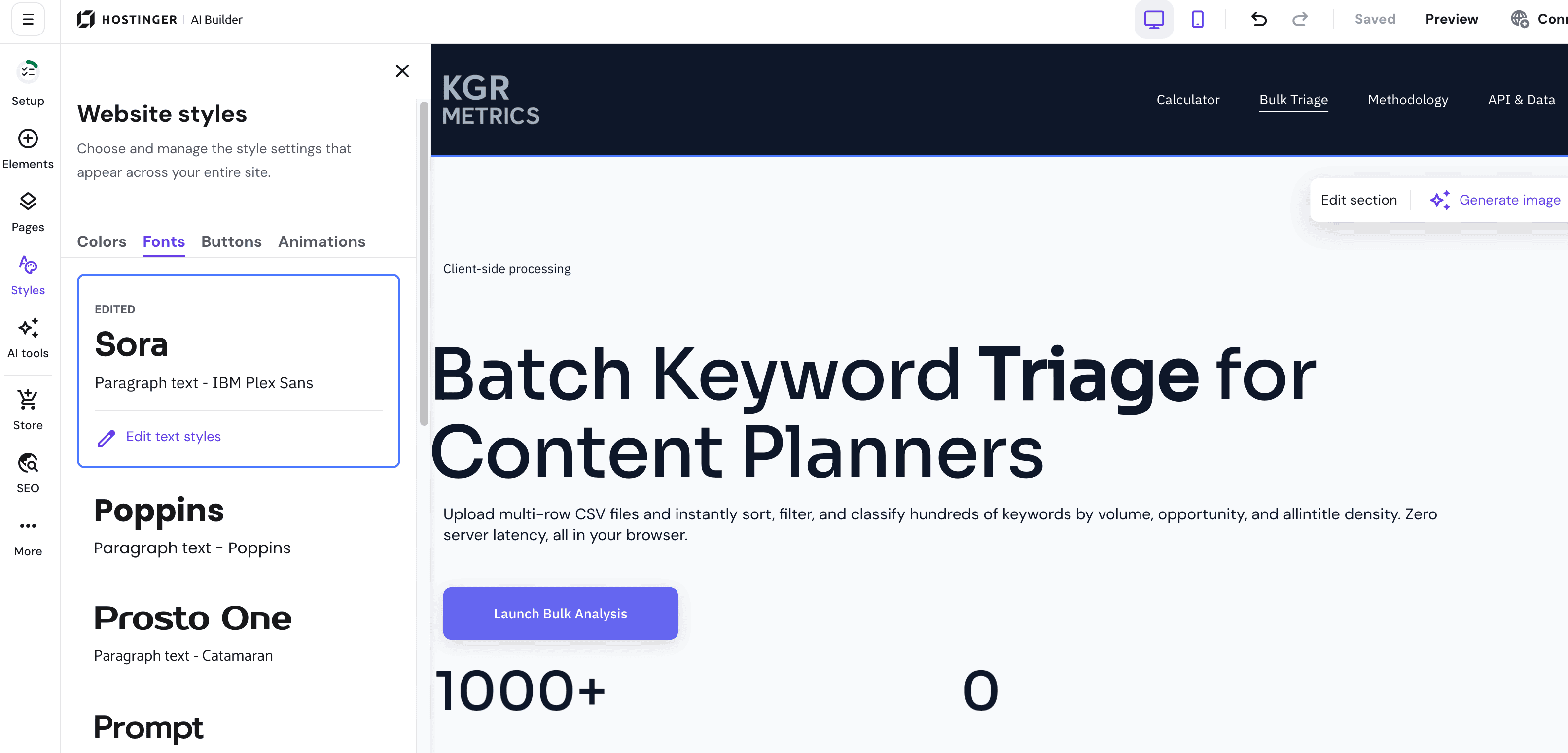
- Website styles have a dedicated tab from where you can manage colors, typography, and animations of your entire site
- Users can also use built-in SERP preview to learn how their web page appears in search engines.
- Dedicated options to access “Store Manager” & “Website Manager” anytime are located at the sidebar of the interface
- For any help & support, a dedicated support tab is available at the left sidebar. From it, users can access knowledge base articles, keyboard shortcuts, and even take a tour to learn everything from scratch.
What I don’t like about the Editor:
- The customization or options for developers are limited. For example, you can add custom CSS code through the custom code module, not just like you can do in the WordPress Gutenberg editor directly.
- The lack of elements can’t be ignored
Some Screenshots:
To be honest, the learning curve of using this AI builder is less. It is more suited to simple blog sites or small online stores. For example business owners looking to establish a site for their product or service site.
You can add payment gateways, product catalogs, custom checkout, discounts, marketing features, tax management, shipping management, inventory tracking, marketing app integrations, multiple currencies, live chat, and whatnot.
The user can sell both digital and physical products. They can enable appointments and donations too.
However, it lacks some advanced eCommerce features. For example, Wix website builder offers Multichannel selling, Abandoned cart recovery, recurring payments, Integration with dozens of eCommerce apps, etc.
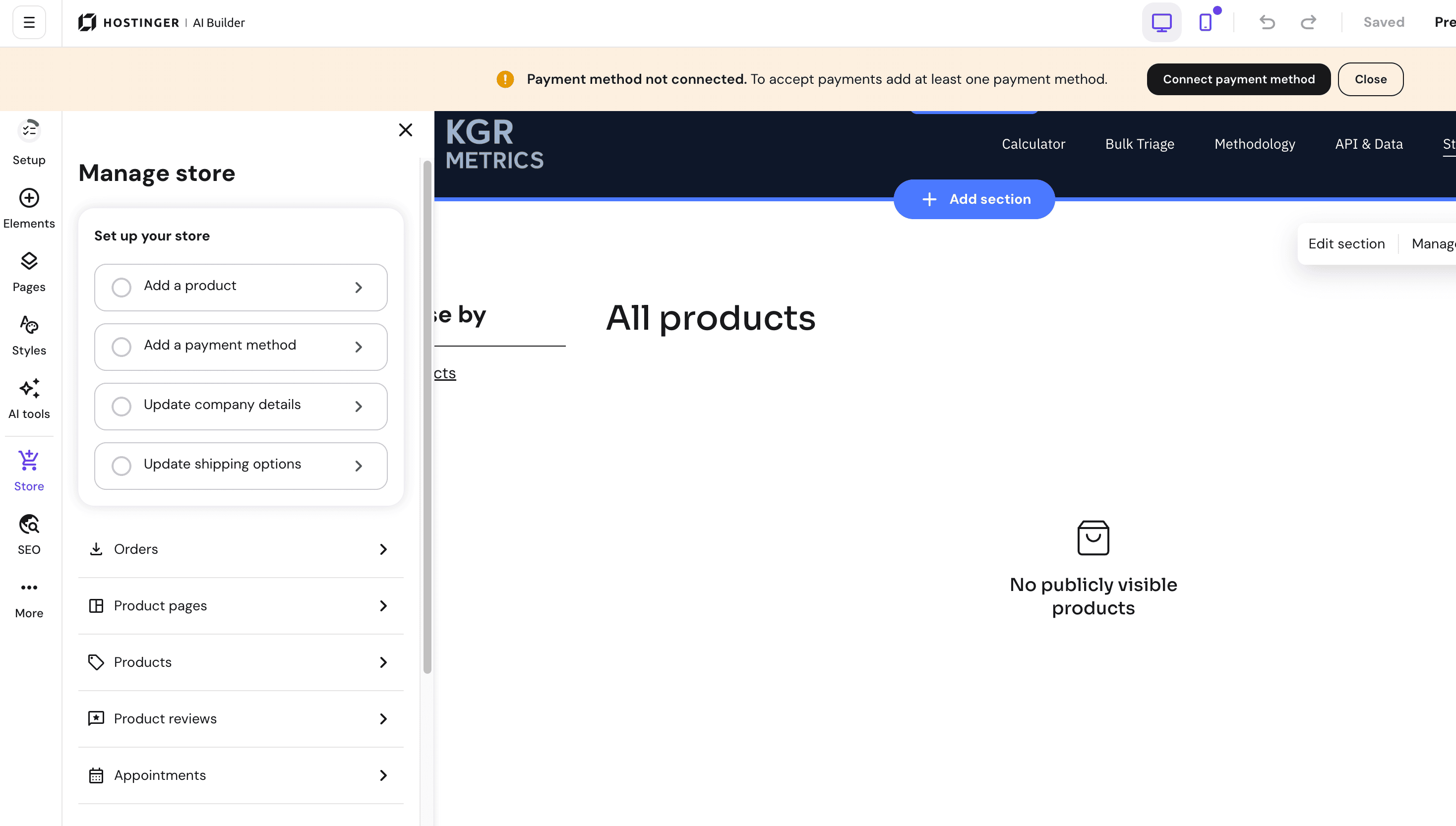
More than that, this manual mode feels limited. The biggest disappointment here is that you cannot export the exact same site to WordPress CMS.
Pros and Cons:
So I have experimented with both aspects of Hostinger AI Builder and trust me there are few flaws you need to be aware of before signing up for it.
| Pros | Cons |
| Two Workflows in One Tool: I like that Hostinger consolidated this into a single AI Builder with two modes. When I need to spin up a traditional blog or portfolio, I can use the Manual drag-and-drop mode. But for custom web apps Agentic “vibe coding” mode takes over. | Migration Friction for Existing Users: If you are already running an app with Supabase on the older Hostinger Horizons setup, you can’t just flip a switch to get these new native backend features. You have to create a brand-new project from scratch |
| Built-In Backend: You no longer need to rely on third-party tools like Supabase. I was able to configure backend functionalities, like a fully working user login form and test database, directly inside the editor in about 10 minutes. | Strict Prompt Character Limits: I was very disappointed when the builder rejected my detailed 2,000-word prompt. I had to use ChatGPT to shorten my instructions down to 2,000 characters before it would accept it. |
| Test & Live Data: This is easily my favorite addition. The ability to toggle between “Test” and “Live” data means I can safely experiment with new app features in a sandbox environment. | Rapid AI Credit Consumption: This is my biggest issue. Even on an “unlimited” plan, my 15 credits were gone after just 3-4 prompts because credit usage is based on project complexity. Having to buy extra credits ($5 for $10) could make complex projects expensive quickly. |
| Built-in Storage: Getting 5 GB of database and file storage automatically attached to every new project is more than enough. | No Fully WordPress Export: You cannot export your finalized site to the WordPress CMS if you ever want to migrate. |
| Seamless External Integrations: The built-in OAuth support allows connecting custom apps to external services like Notion, Spotify, or Google Calendar opens up endless possibilities | |
| Included Email: Getting 500 automated emails for welcome messages and alerts is a great touch. | |
| Smart Error Prevention: When I tried to manually edit the code and messed up, the builder refused to run the error-filled code and warned me to discard my changes. This real-time safety is a huge plus. | |
| Unlimited AI Tools in Manual Mode: The built-in AI tools in the manual drag-and-drop editor don’t consume any AI credits. You can generate unlimited images and content. |
Pricing: How Much Does Hostinger AI Builder Cost?
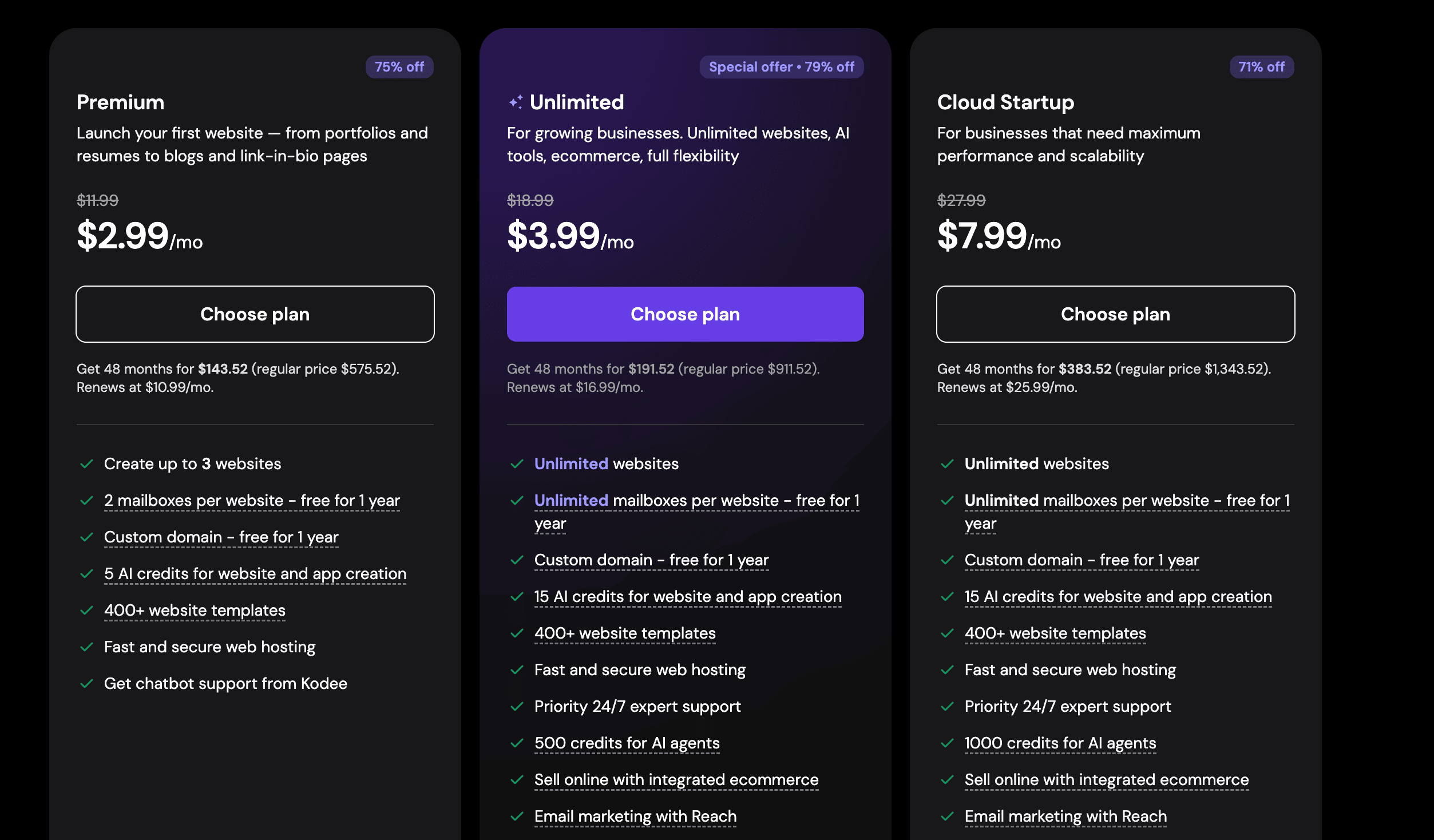
Hostinger offers the AI builder into their hosting packages. Yes you get a hosting and domain in all the plans. There are 3 plans. The premium offers more than enough value as you can create up to 3 websites with the AI Builder.
- Premium Plan: $2.99/month (48 Month Tenure)
- Unlimited Plan: $3.99/month (48 Month Tenure)
- Cloud Startup Plan: $7.99/month (48 Month Tenure)
The renewals start from $10.99/month.
The plans are divided based on the AI credits. You can always top-up extra AI credits anytime without upgrading your plan.
You can use the promo code ANILAGARWAL during checkout. It will give you a flat 10% off your new plan.
Conclusion: Is Hostinger AI Builder (Formerly Horizons) Worth It?
So, after testing the Hostinger AI Builder, what’s the bottom line? Is it actually worth your money?
My answer is yes. But it’s not perfect.
In the current market, it is one of the affordable vibe coding tools out there and should be preferred to those who are looking to try building the first website prototype using AI.
If you have an idea for a custom web app but you don’t want to hire a developer, the Agentic mode is brilliant. You just type what you want and it handles the front-end and back-end as well.
And it also works for your clients whose need is just a small business site or store with payment gateways. You can create it within 10 minutes and show them the first draft before deployment.
I guess it is not good for those who are planning to migrate their site to WordPress CMS in the future.
So that’s the verdict. Let me know if you have any questions in mind.
FAQs:
What are Hostinger Horizons?
Hostinger Horizons used to be Hostinger’s vibe coding tool, which has now been merged into the AI website builder since August 2026.
What is Hostinger AI Builder Agentic Mode?
The Agentic Mode brings the vibe coding functionality inside the AI builder tool which enables users to build custom web apps and sites with the help of text based prompts and zero coding.
Do I need to integrate with Supabse for database configuration?
No. The database functionality is built in inside the AI builder.
Are the AI credits actually unlimited?
No.
Can I migrate my Hostinger AI website to WordPress later?
Unfortunately, no.
Explore More:
![Hostinger Coupon Codes India August 2026 [Get Up to 98% OFF Hosting & Domains]](https://bloggerspassion.com/wp-content/uploads/2024/02/hostinger-coupon-code-300x157.jpeg)

![Hostinger vs Bluehost 2026 [Which Hosting is Best?] – Revealing Hidden Differences](https://bloggerspassion.com/wp-content/uploads/2022/12/Hostinger-vs-Bluehost-300x153.png)



Leave a Comment
Your email address will not be published. Required fields are marked *