


Being a great photographer isn’t enough anymore. Having an online presence is essential.
Whether you want to learn new skills, stay inspired, or showcase your portfolio to attract clients, the right resources make all the difference.
That’s where photography blogs and website builders come in. Blogs keep you updated with tips, trends, and creative ideas, while website builders help you present your work professionally and grow your brand.
Below, I’ve put together 7 photography blogs worth following in 2026, plus 11 website builders ranked by the kind of photographer they best suit.
7 Best Photography Blogs To Follow for 2026
Here are the 7 photography blogs that every photographer must follow in 2026. These blogs mostly cover photographic skills, guides, and offer a community where you can share your creativity with the world.
| Photography Blog Name | Founded | Founder(s) | Focus Area |
|---|---|---|---|
| DIY Photography | 2006 | Udi Tirosh | Tutorials, gear, DIY tips |
| Steve McCurry | 1996 | Steve McCurry | Portrait & Photojournalism |
| PetaPixel | 2009 | Michael Zhang | News, reviews, tutorials |
| LensCulture | 2004 | Jim Casper, Laura Sackett | Contemporary & community |
| Fstoppers | 2010 | Patrick Hall, Lee Morris | Education, news, community |
| The Phoblographer | 2009 | Chris Gampat | Guides, reviews, psychology |
| Great Big Photography World | 2000 | Skip Heine | Tutorials, guides, podcast |
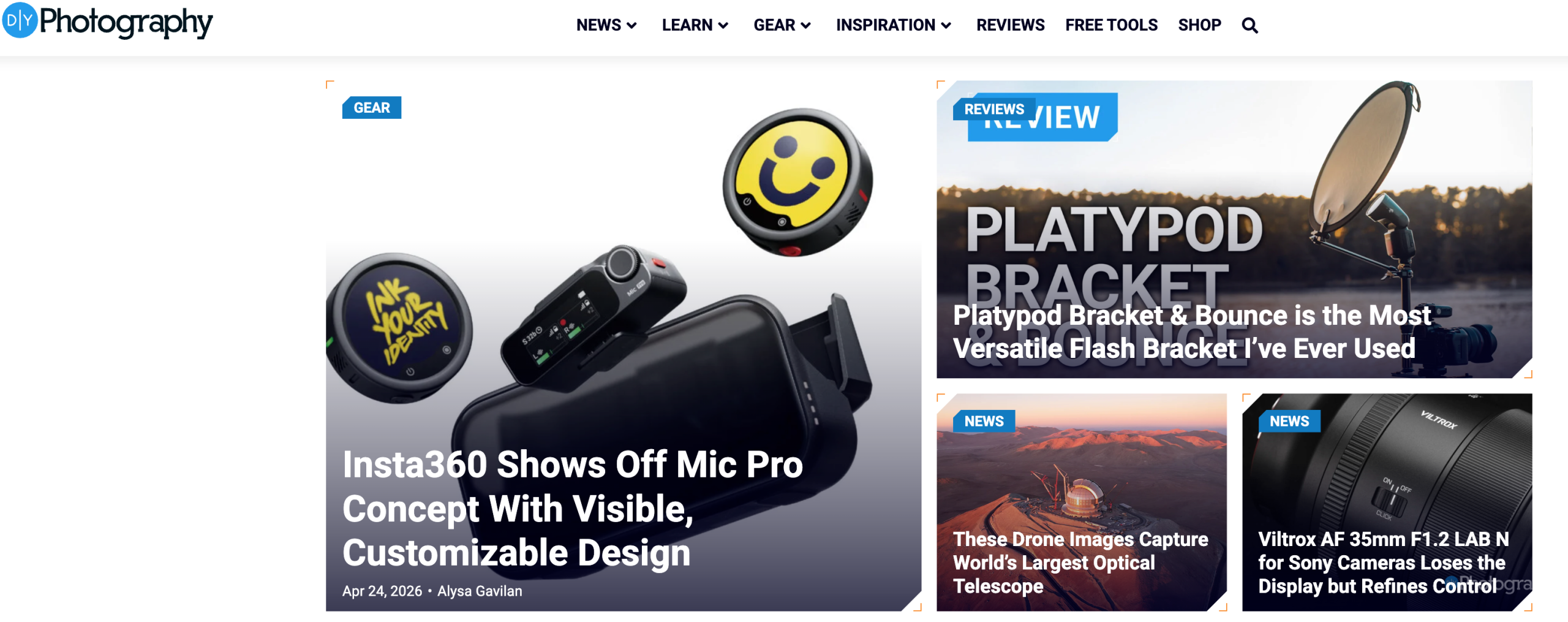
1. DIY Photography
| Established In | 2006 |
| Founder | Udi Tirosh |
| Category | Photography guides and tips |
| Social Media | Instagram, YouTube, Facebook |
As the name suggests, the DIY Photography blog covers photography tutorials, news, gear reviews, and DIY solutions for photographers of all levels.
What impresses me about this blog is that it offers innovative ways to enhance photographs using DIY solutions. Plus, their practical techniques and updates on modern photography styles are so versatile that you can easily improve your photography skills creatively and technically.
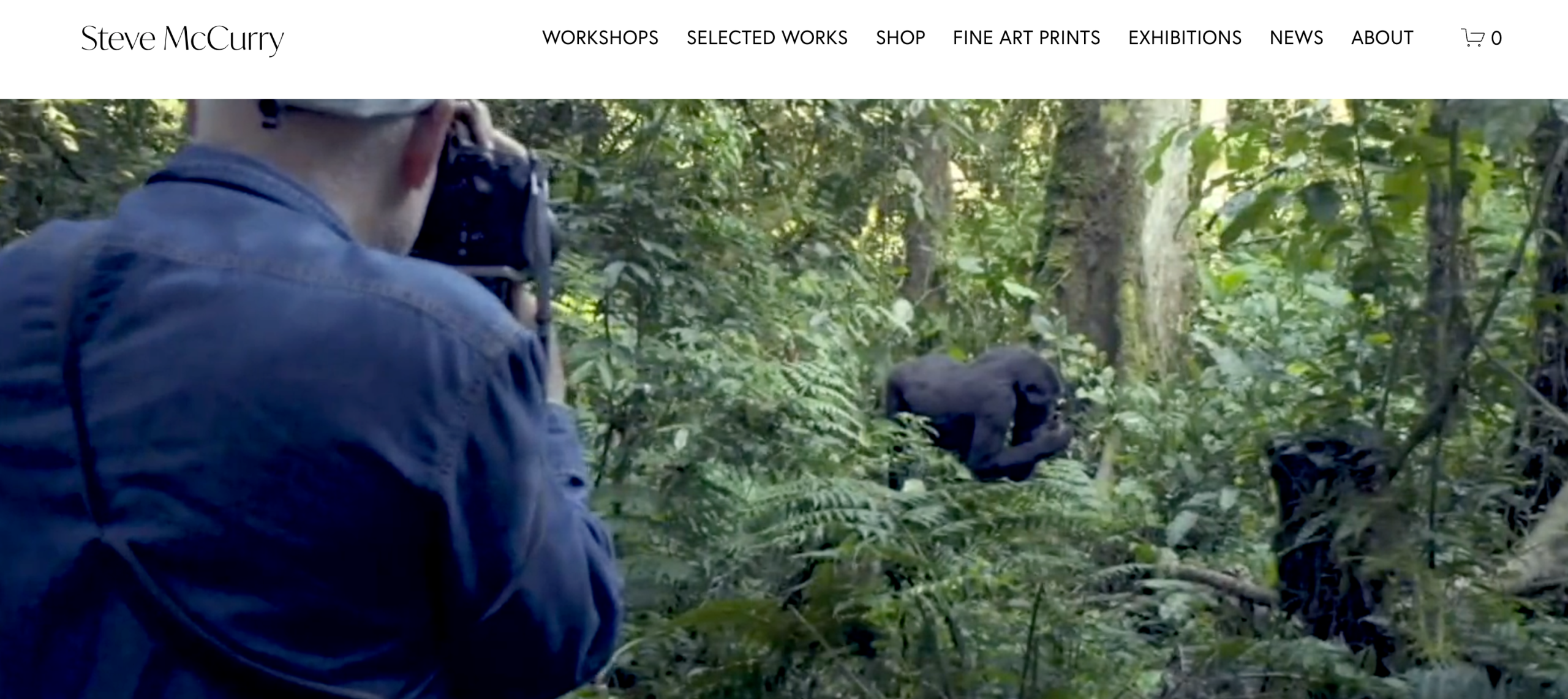
2. Steve McCurry
| Established In | 1996 |
| Founder | Steve McCurry |
| Category | Portrait and Photojournalism |
| Social Media | Instagram, Facebook, YouTube |
This blog literally feels like an impressive portfolio of legendary photojournalism. Founded by Steve McCurry, this blog focuses on contemporary photography and is a dedicated hub for anyone interested in storytelling through pictures.
Here you will find everything from conflict zones to moments of quiet beauty, each with a story or emotion behind it. Most of these center on human experiences, struggles, hope, and everyday life.
And besides stories about different cultures, traditions, and everyday moments, this blog offers updates on exclusive exhibitions worldwide and on photographic trends.
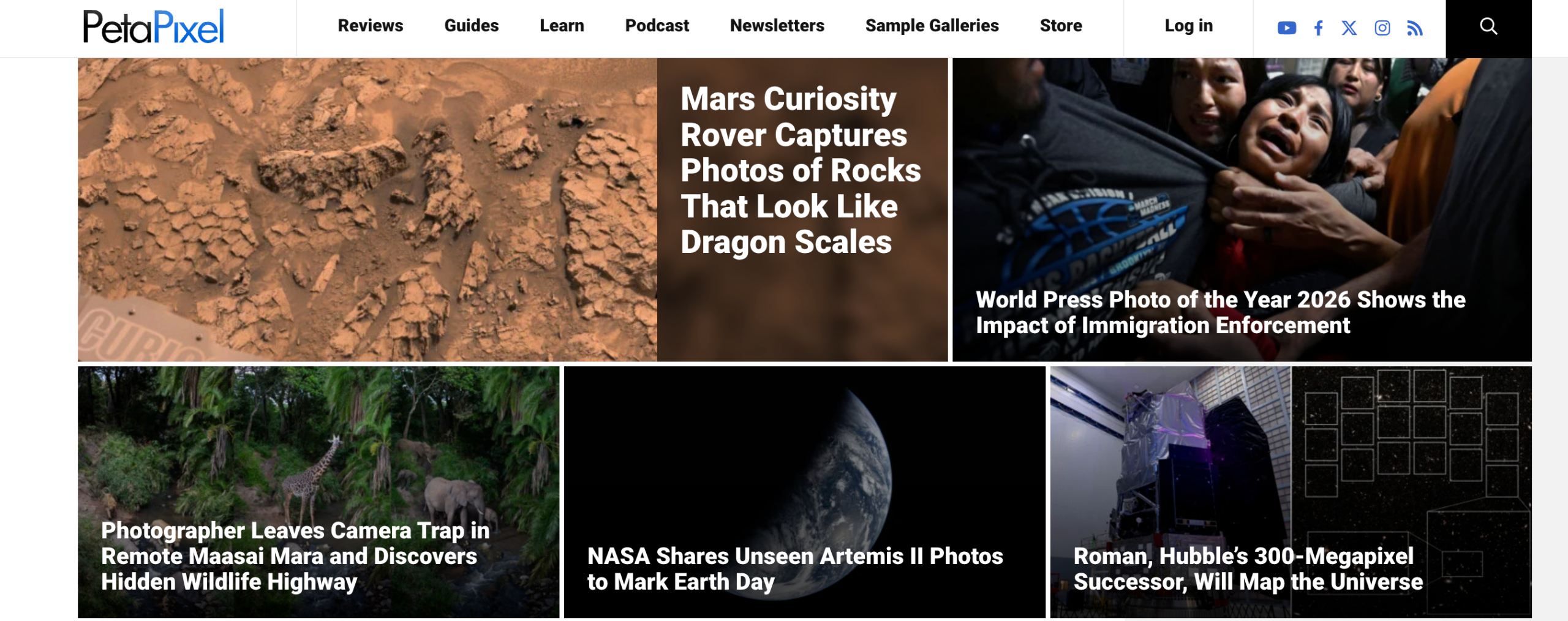
3. PetaPixel
| Established In | 2008 |
| Founder | Michael Zhang |
| Category | Photography News |
| Social Media | YouTube, Instagram, Facebook |
PetaPixel is all about different photographic trends, news, creative insights, and reviews. This blog mostly talks bout the newest cameras, lenses, and accessories.
But what makes it more interesting is their simple tutorials on technical topics and detailed editing workflows.
And not just photography trends: PetaPixel also publishes stories about shooting with vintage cameras and using analog film. This makes this blog more approachable and enjoyable for almost everyone.
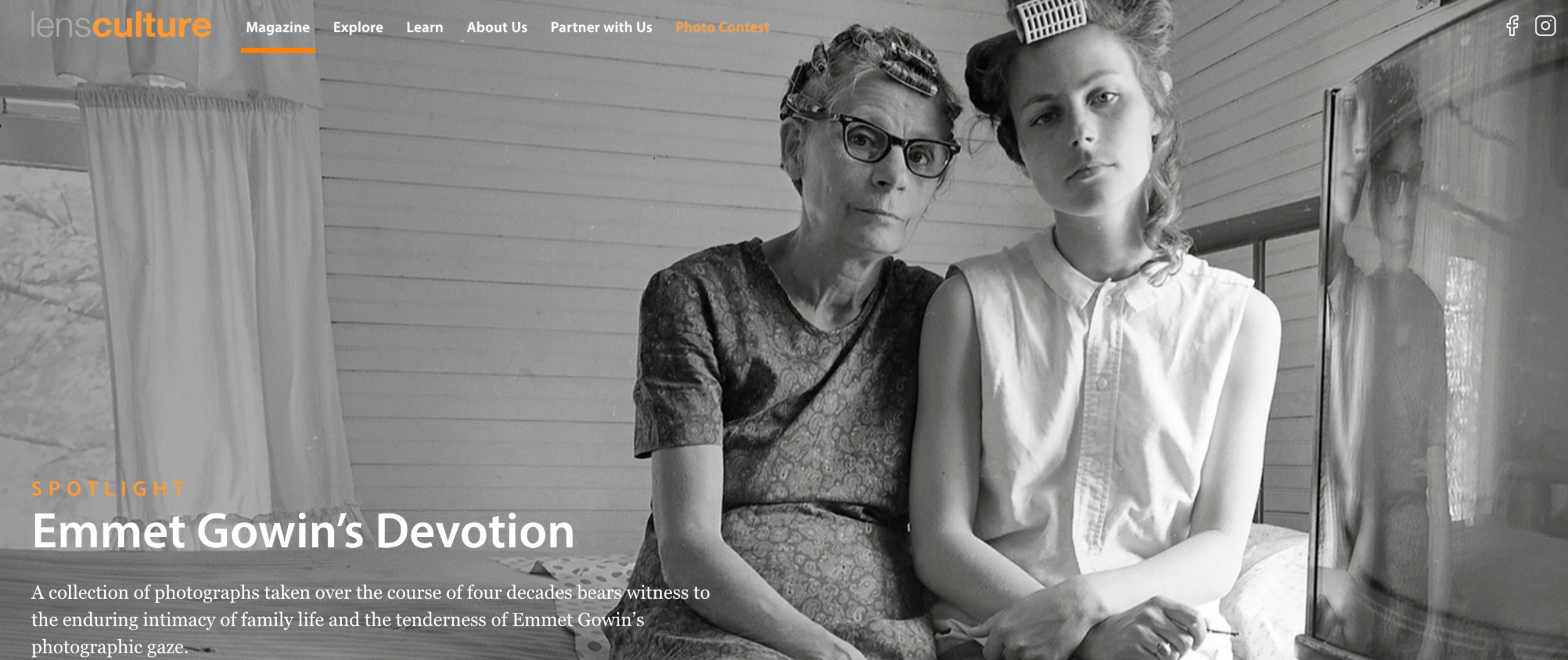
4. LensCulture
| Established In | 2004 |
| Founder | Jim Casper, Laura Sackett |
| Category | Contemporary photography |
| Social Media | Instagram, Facebook |
LensCulture is a dedicated community blog that posts everything about modern photography. Creative people and photographers around the globe use this blog as a platform to share their pictures, participate in contests, and learn new things about photography.
The focus of this blog is primarily on sharing powerful photography styles that tell stories or provoke thought. I would say it is an excellent resource for anyone interested in artistic photography and becoming a part of the global photo community.
5. Fstoppers
| Established In | 2010 |
| Founder | Patrick Hall, Lee Morris |
| Category | Photography education, News, and Community |
| Social Media | Instagram, YouTube, Facebook, Pinterest |
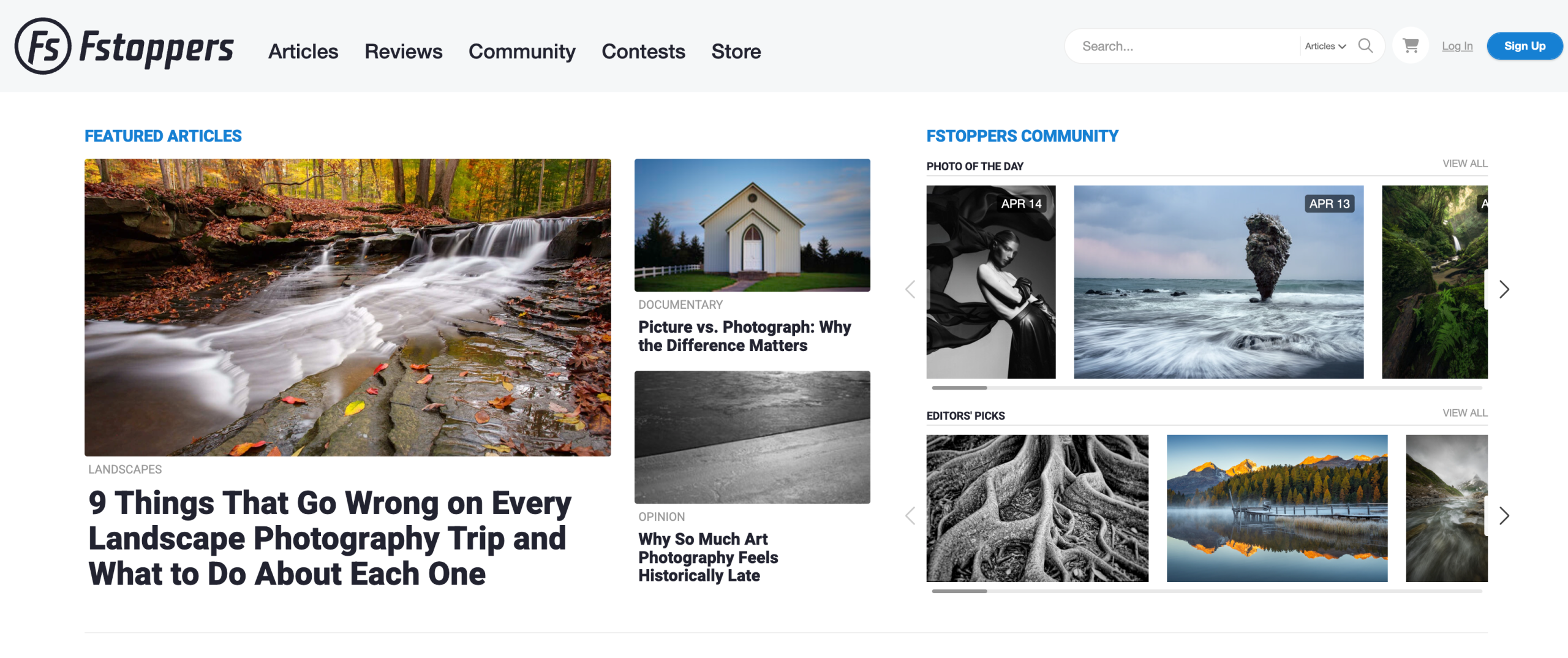
This is another blog that posts everything a photographer would want to know or learn. It is essentially a blog that also serves as a community where photographers worldwide share tips, tricks, reviews, and real-life shoot experiences and ideas.
Fstoppers not only shares creative content but also guides us through tutorials, industry insights, and easy-to-follow editing tricks.
So next time, when you want to learn about cameras, lighting, editing, or even the latest gear, you know where to go!
6. The Phoblographer
| Established In | 2009 |
| Founder | Chris Gampat |
| Category | Photography guides and psychological aspects |
| Social Media | Instagram, YouTube, Facebook |
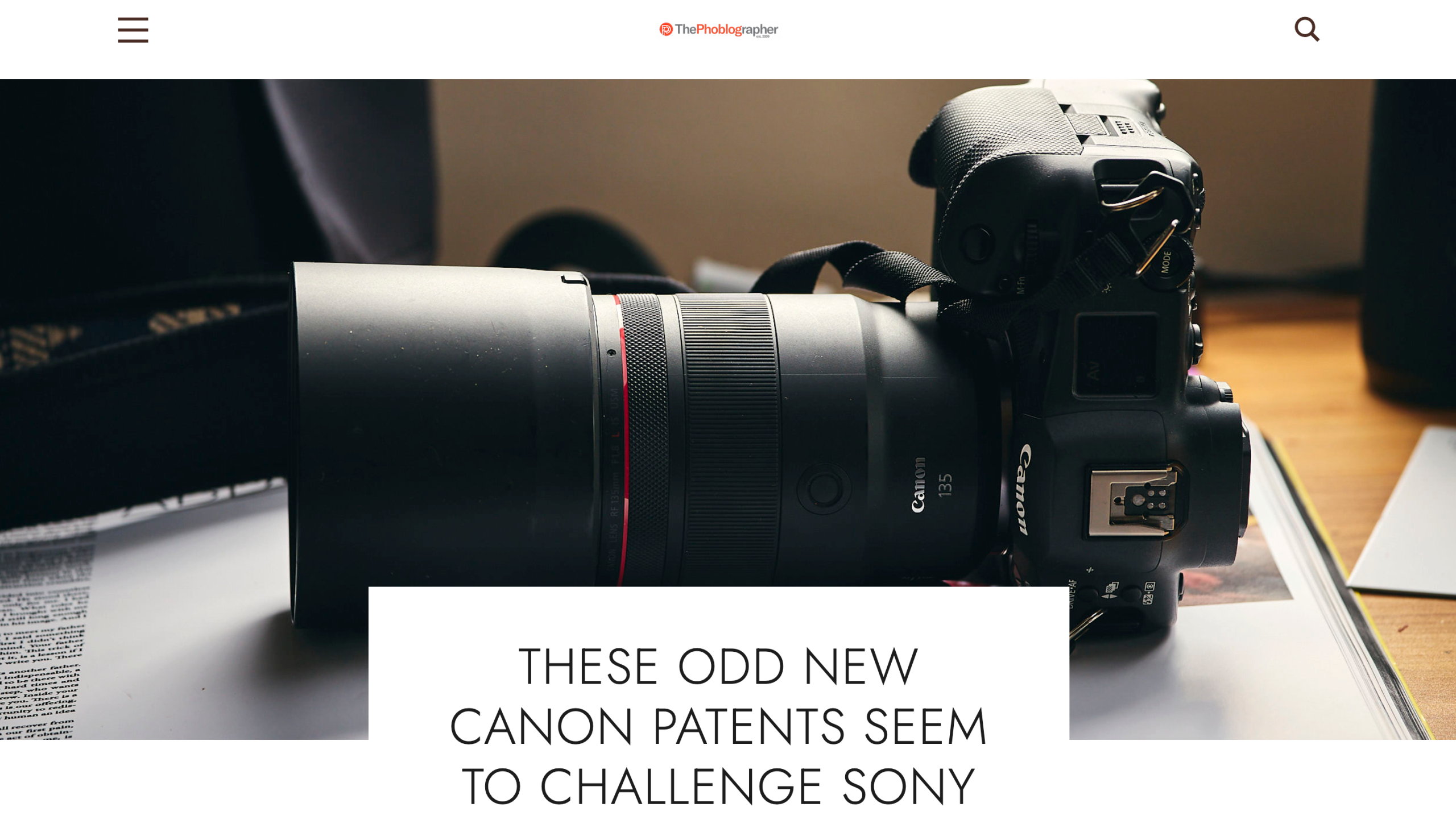
Next, the Phoblographer is a detailed blog that covers, in particular, how-to guides and reviews of everything related to photography.
Why this blog is on my list is because I am impressed by how it covers everything needed to get started in photography. They have shared honest reviews of each camera, lens, and accessory to help us make smart purchases.
Moreover, one unique point I have noticed is that they cover the art and psychology behind the photography. Plus, updates on the latest trends and products make this blog a great resource to follow in 2026.
7. Great Big Photography World
| Established In | 2000 |
| Founder | Skip Heine |
| Category | Photography tutorials, reviews, and guides |
| Social Media | Instagram, YouTube, Facebook, Pinterest |
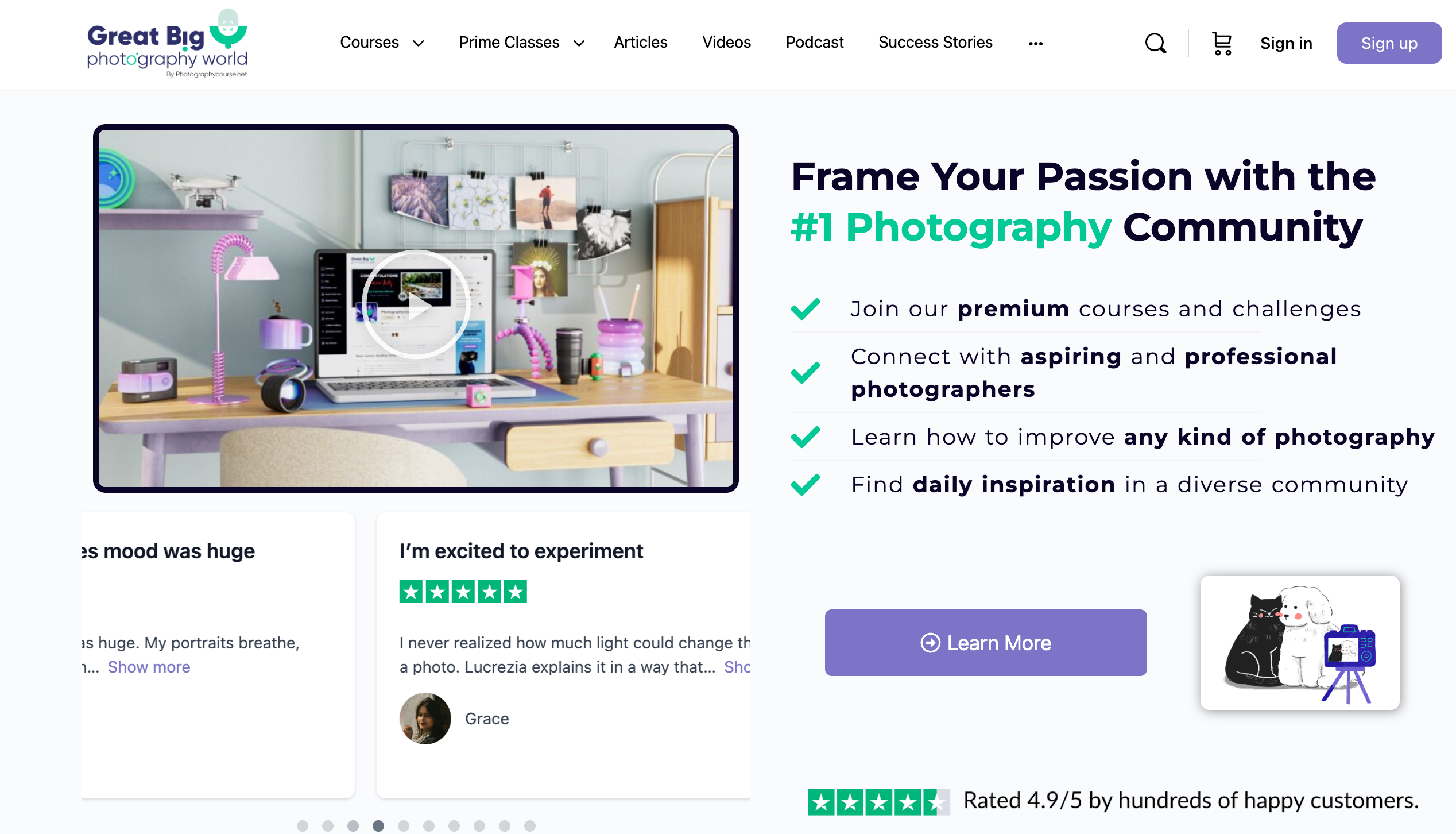
Great Big Photography World has been known as one of the top communities for beginner and experienced photographers for more than 20 years.
Here you will find a variety of art styles and portraits, landscapes, fashion, and product photography.
Plus, this blog also hosts the Great Big Photography World Podcast, where you get honest conversations and advice from top photographers and artists.
This blog is one of my favorites because it has everything you need to improve your skills and become part of an exclusive community of top photographers.
Best Websites & Platforms for Photographers in 2026
The following list of website builders makes it simple to showcase your portfolio, sell photos, and manage clients, all in one place.
1. Squarespace – Best for Beautiful Portfolios

Squarespace is a popular website builder known for its SEO-friendly templates.
It has a drag-and-drop editor and ecommerce features that let you sell products, including digital downloads. With Squarespace, you can create an online store, sell services or content, and even book appointments, all from one platform.
Key Features
- Website templates
- Designer fonts
- Color palettes
- Email marketing, social media, and SEO tools
- eCommerce for selling
- Built-in analytics
Pros & Cons
| Pros | Cons |
| Build a website using thousands of templates | Limited design flexibility |
| Create an online store or sell your services. | A few third-party apps |
| Drag-and-drop website builder | |
| Built-in SEO and marketing tools | |
| Send invoices for free. |
Pricing
- Basic – $16/month: For simple websites and portfolios. Includes unlimited storage, a free domain for year one, and basic sales tools. Charges a 2% transaction fee on product sales.
- Core – $23/month: The sweet spot for most users. Adds advanced analytics, custom code, promotional pop-ups, and 0% transaction fees on online store sales.
- Plus – $39/month: For growing ecommerce brands. Includes abandoned cart recovery, point-of-sale, and advanced shipping.
- Advanced – $99/month: For high-volume sellers. Subscriptions, advanced discounts, and the lowest processing fees.
All prices are billed annually.
Who is it best for? Squarespace is best for photographers and small businesses who want unique and ready-made websites without coding.
2. Wix – Flexible Drag-and-Drop Builder
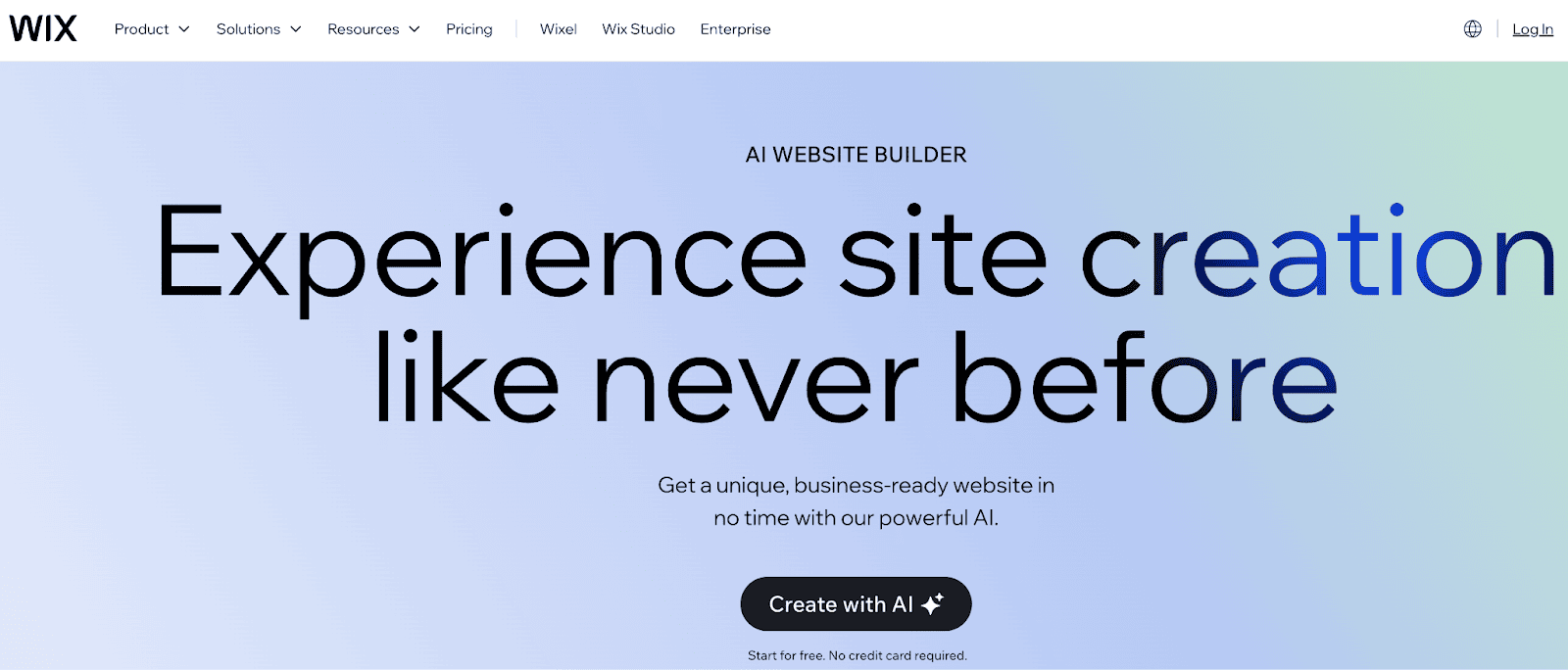
Wix is an excellent choice if you’re looking for a beginner-friendly drag-and-drop builder. It offers an AI website builder that lets you build stylish websites in minutes.
Wix also offers AI tools to generate content at scale. It also provides solutions like scheduling, online stores, event management, and more.
Want to rank your photography site higher on Google? Check out these SEO tips and tricks.
Key Features
- Free domain for 1 year
- 2 GB storage space, even with the basic plan
- Multi-cloud hosting
- Marketing suite
- Accept payments
- eCommerce tools
- Scheduling and services
Pros & Cons
| Pros | Cons |
| It is one of the user-friendly website builders | Free plan shows Wix ads |
| Access to over 900 templates with a drag-and-drop editor. | Slower site loading speeds compared to its competitors. |
| Built-in AI features to create and customize your site. | |
| Offers reliable hosting with 99.99% uptime | |
| Offers a forever-free plan with basic features. |
Pricing
- Light: At $17/mo, this plan provides 2 GB of storage and a basic marketing suite for those who need the essentials.
- Core: For $29/mo, the Core plan includes 50 GB storage, a basic eCommerce suite, and multi-cloud hosting.
- Business: At $39/mo, this plan provides 100 GB storage, a standard eCommerce suite, and scheduling services for growing brands.
- Business Elite: Priced at $159/mo, this plan offers unlimited storage, advanced eCommerce, and advanced developer tools, ideal for large-scale businesses.
Who is it best for? Wix is best for beginners and photography business owners who want an easy drag-and-drop website with lots of templates and apps.
3. SmugMug – Built for Photographers
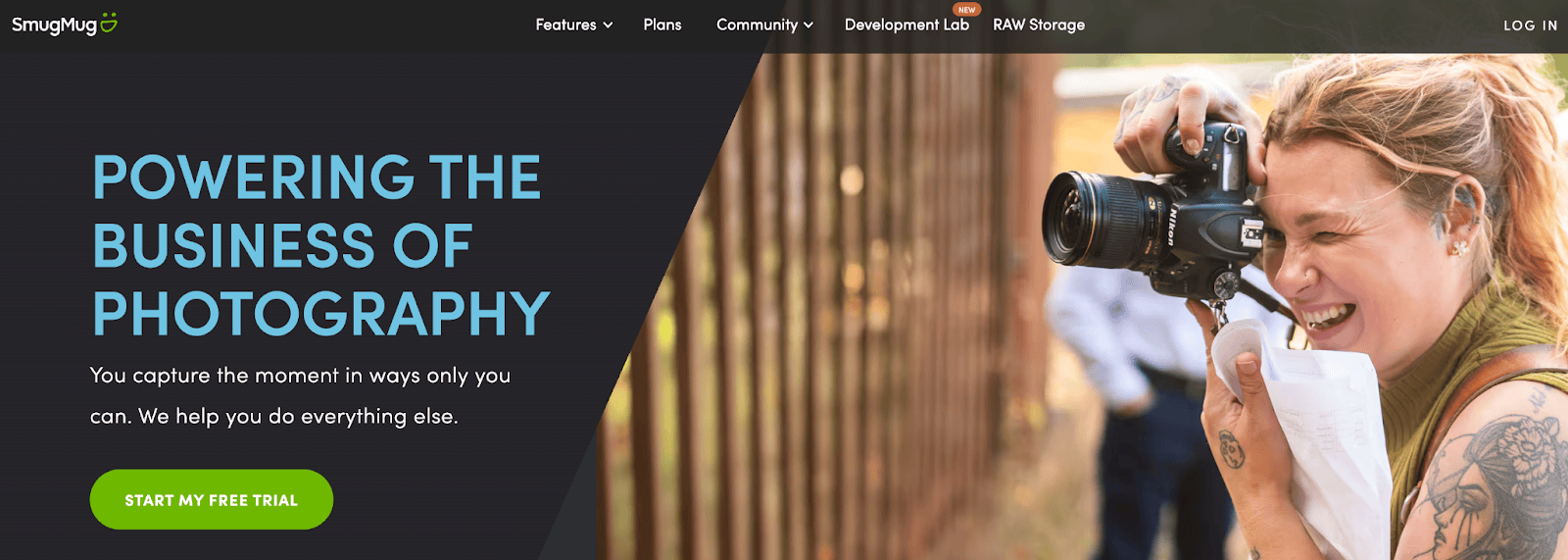
SmugMug is a top choice for most photographers and full-time photography professionals who want to showcase their work in beautiful galleries.
It offers unlimited storage, top-notch privacy controls, mobile-friendly designs, and tools to sell prints directly to clients.
Key Features
- Lightroom integration
- Watermark and photo theft protection tools
- eCommerce for Prints
- Offers a mobile app
- 24/7 live human support
Pros & Cons
| Pros | Cons |
| Unlimited storage to keep all your photos | No free plan |
| Quick and easy digital delivery | Limited design and customization options compared to WordPress/Wix |
| Built-in eCommerce tools to sell prints and downloads | |
| Mobile-friendly responsive designs | |
| Integration with Adobe Lightroom |
Pricing
- Direct – $20/month: Best for photographers who just want fast, secure photo delivery to clients. Unlimited storage.
- Portfolio – $23.50/month: For photographers selling prints and digital downloads with an organized archive.
- Pro – $37/month: The full business toolkit — custom price lists per gallery, packages, coupons, and branded packaging.
Monthly billing costs are higher: $29 (Direct), $35.50 (Portfolio), and $52 (Pro). SmugMug takes a 15% markup on print sales.
Who is it best for? SmugMug is best for photographers who need unlimited storage, client galleries, and tools to sell their photos online.
4. Zenfolio – Great for Client Galleries
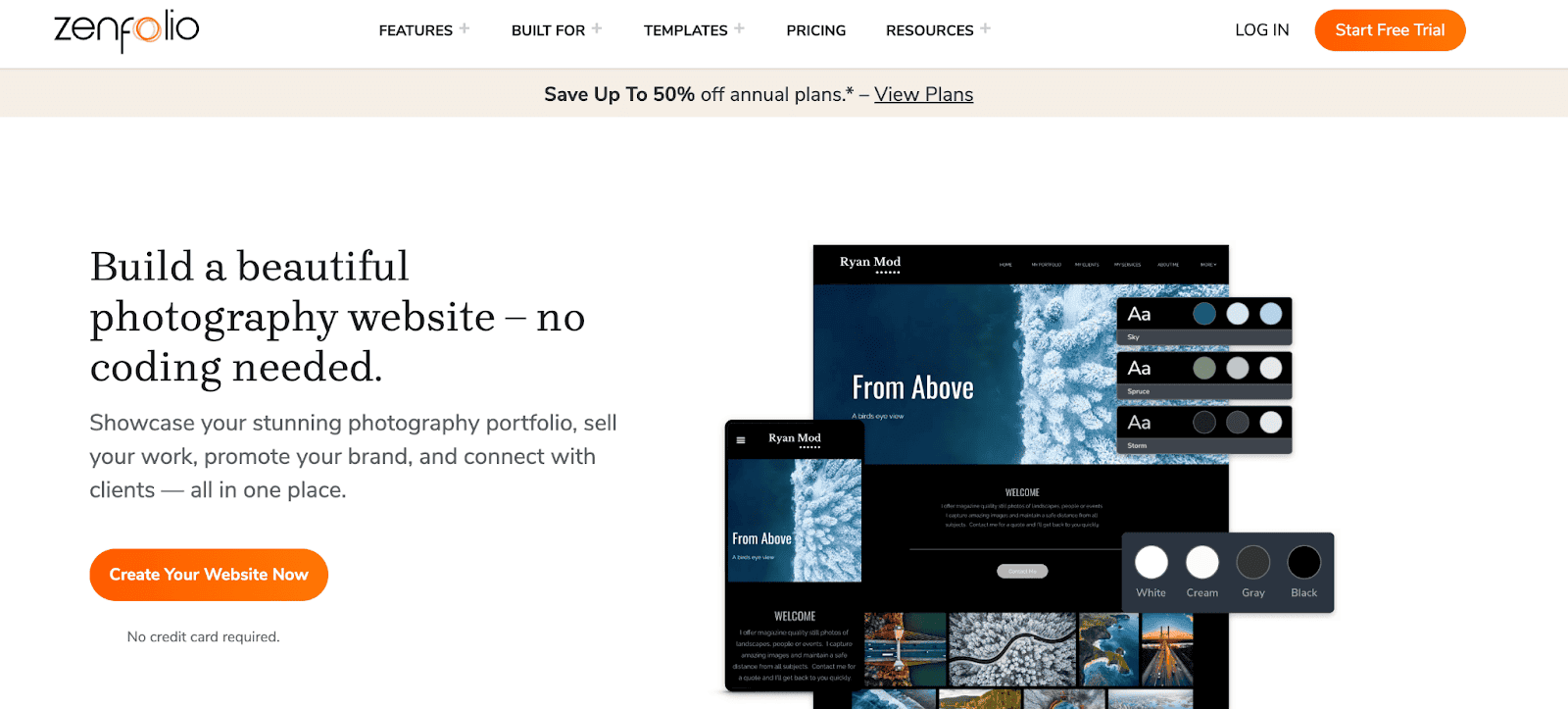
Zenfolio makes it easy for photographers to build a website with customizable templates that fit their style. You can sell photos and services directly from your site, share updates through your blog, and improve visibility with built-in SEO tools.
Key Features
- Customizable Layouts
- Booking & Scheduling
- Automated Marketing
- Photo Culling
- Email Templates
- Digital Downloads
- Add Custom Video Clips
- Social Sharing
- Online Proofing
- AI Gallery Creation & Tagging
Pros & Cons
| Pros | Cons |
| Access to galleries, ecommerce, booking, and marketing tools. | Limited template options |
| Drag-and-drop editor | Exporting galleries or bulk downloading is slow |
| Password-protected galleries and watermarking | |
| Mobile-friendly layouts | |
| Built-in testimonials and Instagram feed |
Pricing
- Basic – $9/month: For beginners sharing client galleries. 15GB storage, HD video.
- Professional – $23/month: For photographers growing their business and selling. 150GB storage, Lightroom plugin, ecommerce, marketing automation.
- Advanced – $40/month: The full business toolkit. Unlimited JPEG storage, 4K video, AI gallery creation, booking and scheduling, and unlimited custom products.
Annual billing cuts these nearly in half: $7, $11.50, and $20, respectively.
Who is it best for? Zenfolio is best for photographers who want client proofing, booking, and eCommerce tools all in one platform.
5. Format – Clean Design, Simple UX
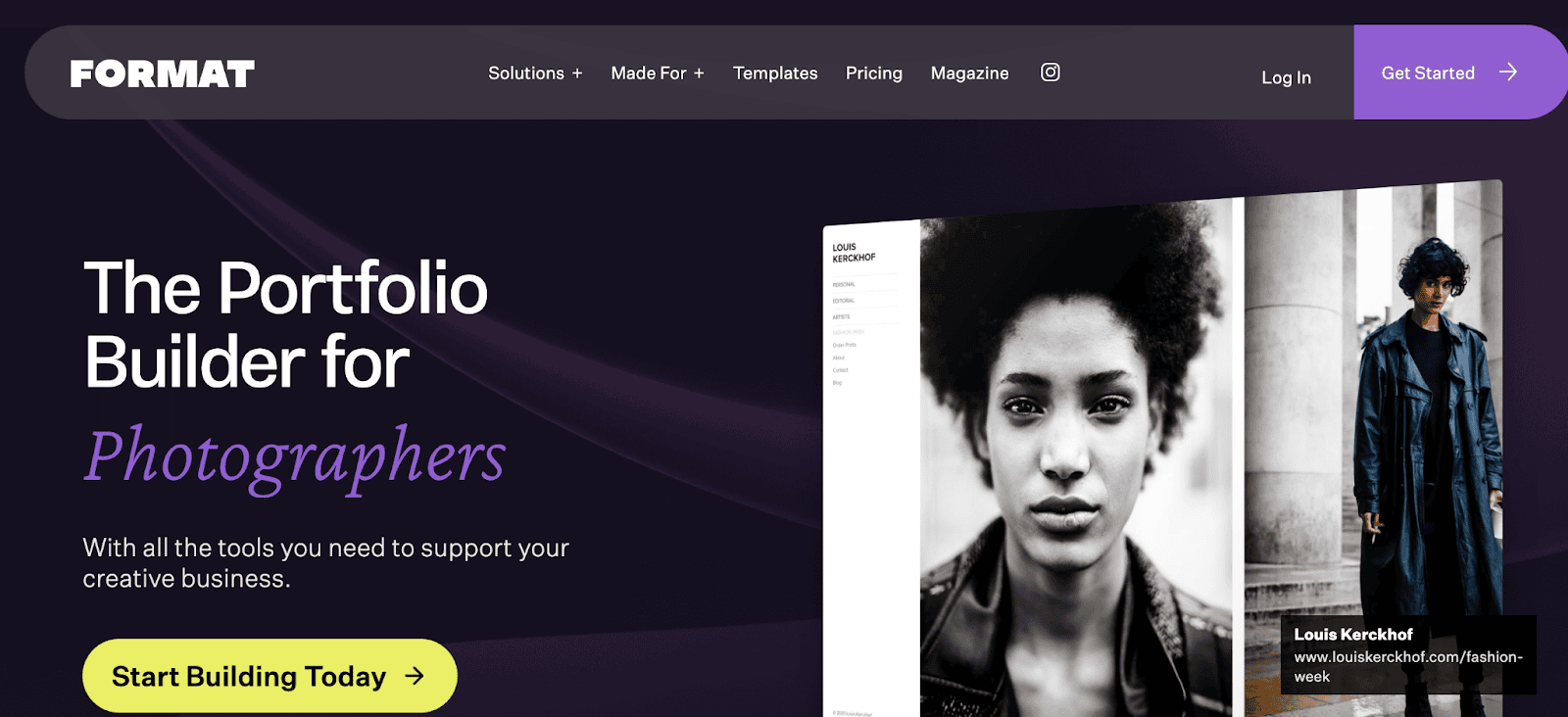
If you’re looking to build a professional online portfolio without any coding, try Format website builder. You can showcase your work, manage clients with branded galleries, and secure contracts using this platform.
It also offers easy file sharing and offers all the tools you need to sell products, services, and digital downloads, all without paying any commission.
Key Features
- Custom pages
- Themes
- Design Editor
- Hosted Video
- Designer Fonts
- Lightroom Integration
Pros & Cons
| Pros | Cons |
| Easy-to-use and beginner-friendly interface. | Not as powerful or flexible as WordPress or Wix. |
| Access to over 90 themes, primarily made for photographers, artists, and designers | Limited templates compared to competitors |
| Create any type of site, including portfolio, store, and client galleries. | |
| Hosting + custom domain included | |
| Drag-and-drop builder. |
Pricing
- Basic – $10/month ($120/year): For hobbyists. 15 pages, 100 images, 3 products.
- Pro – $17/month ($204/year): The most popular. Unlimited pages, 1,000 images, hosted video, and ecommerce.
- Pro Plus – $26/month ($312/year): For wedding and event photographers. Higher image and gallery allowances, unlimited products, and free site build.
Monthly billing: Basic $14, Pro $24, Pro Plus $36.
Who is it best for? Best for photographers who want a professional portfolio site that’s ready to launch in minutes.
6. Elementor – Custom and Scalable

Elementor is one of the most popular website builders for photographers. It is used by over 18 million WordPress sites worldwide.
Elementor makes website building easy with AI tools that suggest layouts, designs, and content. It also offers 100+ powerful WordPress widgets, including forms, galleries, sliders, and more, to customize your site the way you want.
Thinking of building with Elementor? Don’t miss this Elementor Pro Discount Code to save huge on their plans.
Key Features
- Theme Builder
- Landing Page Builder
- Popup Builder
- Form Builder
- Contact Buttons
- Workflow Optimization
- Elementor AI
- AI Site Planner
Pros & Cons
| Pros | Cons |
| An easy-to-use drag-and-drop builder for creating any type of website. | Potential conflicts may arise if you switch to another page builder. |
| Hundreds of ready-made templates | |
| Works well with most WordPress themes and plugins | |
| A variety of widgets (buttons, pop-ups, forms, sliders, etc.) | |
| Easy customization options |
Pricing (billed yearly)
- Essential – $59/year: For a single site. 50+ Pro widgets, Theme Builder, Form Builder, and Popup Builder.
- Advanced Solo – $84/year: For one site with more features. Adds WooCommerce Builder, more Pro widgets, and higher AI credit limits.
- Advanced – $99/year: For freelancers running up to 3 sites. Unlocks 86+ Pro widgets.
- Expert – $199/year: For up to 25 sites. Expert support, more cloud templates.
- Agency – $399/year: For agencies managing up to 100 sites.
Who is it best for? Best for those photographers who want complete creative control to design an appealing website without coding.
7. Pixpa – All-in-One Creative Platform
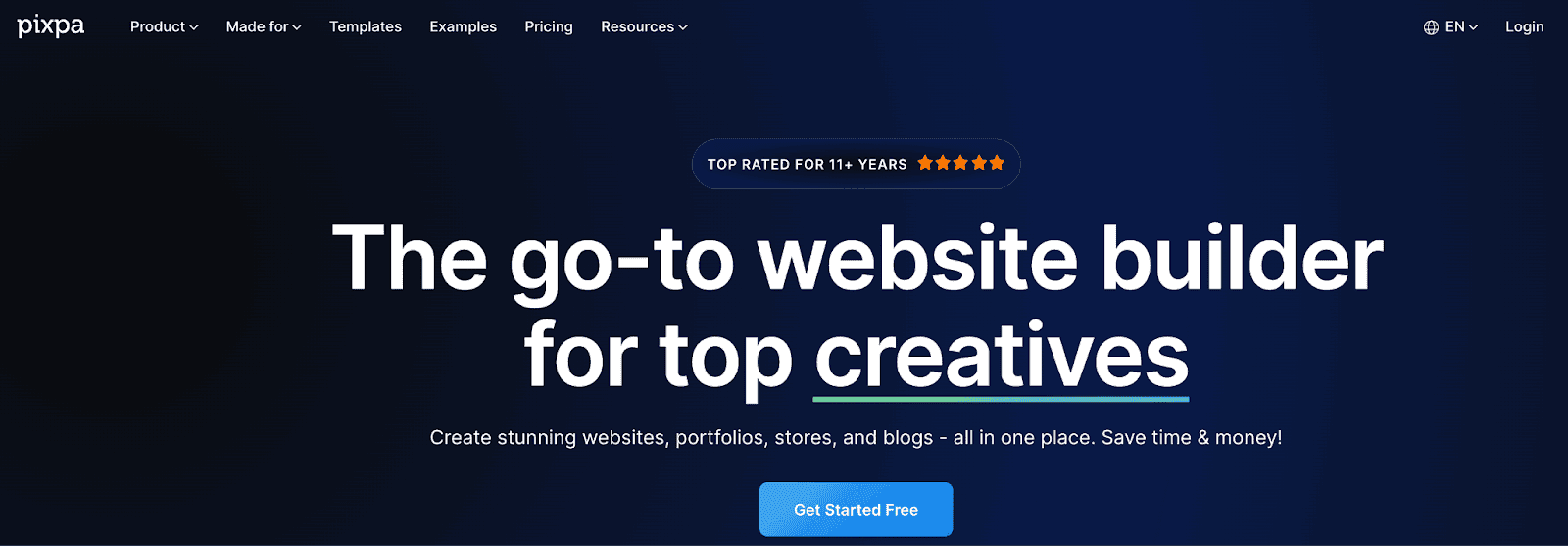
Pixpa is another powerful platform for creating all kinds of websites, including online stores, blogs, and client galleries.
Customization is easy thanks to the drag-and-drop design. You can also pick from 200+ stunning, mobile-friendly templates made for creatives.
Key Features
- Offers an integrated eCommerce platform
- Access to over 200 responsive templates
- Sell products, services, and digital files
- Photogallery apps
- Marketing and SEO tools
Pros & Cons
| Pros | Cons |
| Sell products, services, images, and digital downloads in one place. | Restrictions on basic plans. |
| Drag and drop builder. | The storage is slightly limited. |
| Hundreds of mobile-responsive templates | |
| Create any type of design, including websites, portfolios, stores, and more. | |
| 24/7 live chat & email customer support |
Pricing (billed annually)
- Basic – $6/month: Personal website with 10 pages, 3 products, 3GB storage.
- Creator – $12/month: Unlimited pages, 5 products, blogging, zero commission on sales.
- Professional – $18/month: For showcasing and selling. 50 products, 25GB storage, marketing pop-ups.
- Advanced – $25/month: Sell unlimited products, customer accounts, abandoned cart recovery, and inventory management.
Who is it best for? Best for those who want to build stylish websites, portfolios, stores, and blogs – all in one place.
8. Shopify – Best for Selling Photos Online
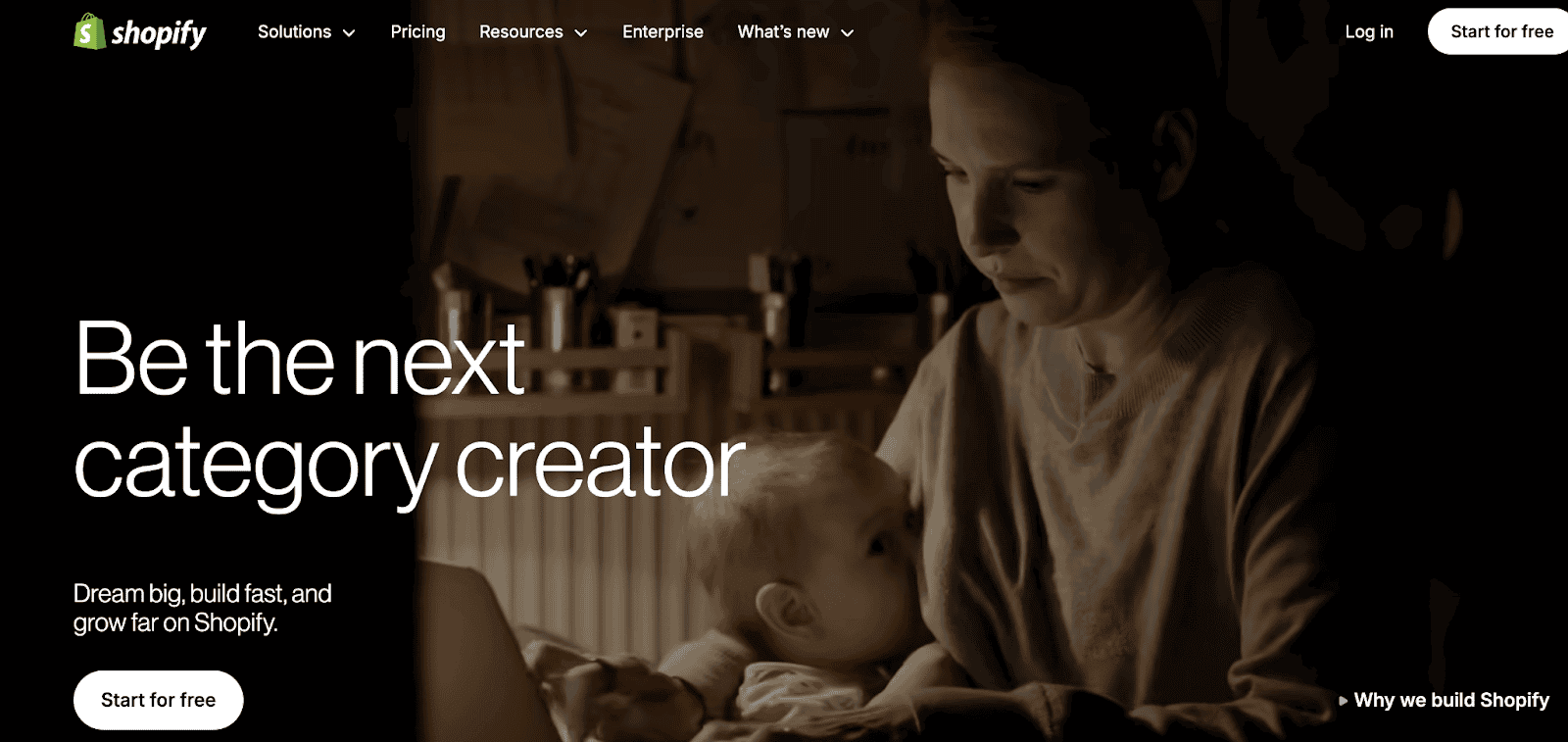
Shopify is an excellent choice for photographers because it’s simple and easy to use.
It also offers all the essential tools you need to build and customize a professional store, showcase photo prints, manage orders, and accept payments.
Looking for reliable hosting to get your site online? Discover the top web hosting options for speed, security, and value.
Key Features
- Drag-and-drop website builder
- In-depth website analytics
- 10 inventory locations
- 24/7 chat support
- In-person selling by phone or a POS device
Pros & Cons
| Pros | Cons |
| Hundreds of professional templates with an eCommerce focus | The monthly cost is higher than that of its competitors, like Weebly or Wix |
| Secure payments with hundreds of integrations | |
| Offers a Shopify App Store with 13,000+ commerce apps | |
| Automatically send emails to customers who abandon their carts. |
Pricing
- Basic – $29/month ($39 monthly billing): For solo entrepreneurs. 10 inventory locations, 24/7 support.
- Grow – $79/month ($105 monthly billing): For small teams. 5 staff accounts, enhanced support, lower transaction fees.
- Advanced – $299/month ($399 monthly billing): For scaling stores. 15 staff accounts, priority support, custom report builder.
- Plus – $2,300/month: For enterprise brands. Requires a 1- or 3-year term. 200 inventory locations, unlimited staff.
Who is it best for? Photographers who want to sell prints, albums, or digital downloads with an easy online store setup.
9. Photoshelter – Designed for Professionals & Agencies
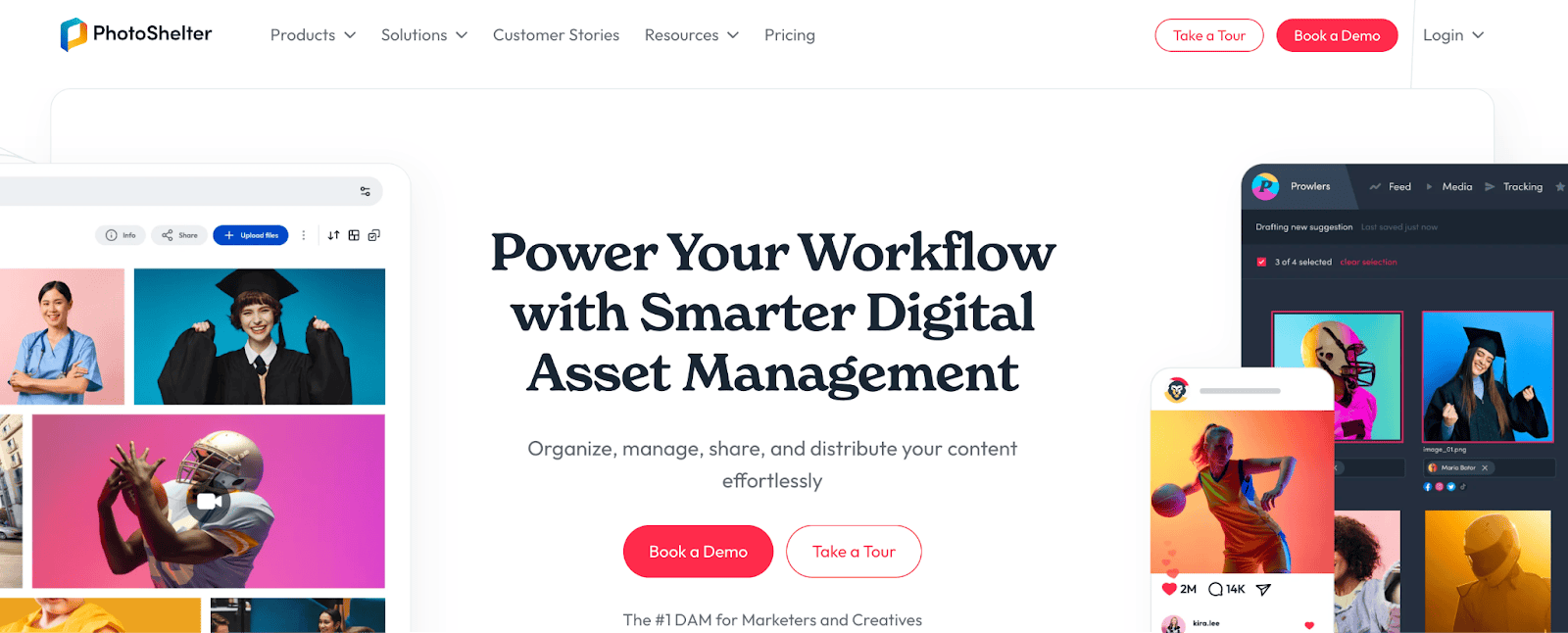
If you’re looking for an all-in-one platform to create a beautiful portfolio website, organize photos, share private galleries with clients, and sell prints online, Photoshelter is a top choice for you.
Key Features
- 1 TB of storage is offered even with the basic plans
- AI tagging
- AI Visual Search & Similarity Search
- Social Content Distribution
- Analytics
- 1:1 Onboarding
Pros & Cons
| Pros | Cons |
| Keep all your files in one place, as you can upload, organize, and share easily | It is expensive than its competitors. |
| Use AI to quickly find images with visual search, auto-tagging, and similar matches. | There are some limitations in video support and filtering. |
| Connect with hundreds of apps. | |
| Capture real photos, videos, and stories from your audience. | |
| Track performance on social media channels |
Pricing: Please contact their support team for pricing information on each plan.
- Starter: Best for small teams, this plan includes 2 library seats, unlimited invited users, and 1 TB of storage.
- Standard: Best for growing teams, this plan includes 3 library seats, unlimited invited users, and 2 TB of storage.
- Pro: Best for professional teams, this plan offers 4 library seats, unlimited social content publisher seats, unlimited invited users, and 3 TB of storage.
- Premium: Best for large teams, this plan includes 5 library seats, unlimited social content publisher seats, unlimited invited users, and 5 TB of storage.
Who is it best for? Best for photographers who want a portfolio site with strong content distribution and image delivery tools.
10. Adobe Portfolio – Free with Creative Cloud

Adobe Portfolio is an online tool for building amazing websites. It is developed by Adobe, the company behind Photoshop and Lightroom.
It offers an intuitive, beginner-friendly editor, and you can choose from ready-made templates. It comes with unlimited pages, and you can build galleries, project pages, and a contact page.
Key Features
- Access to thousands of Adobe Fonts
- Access to a ton of fully customizable themes
- Automatically resizes images
- Publish up to five Portfolio sites
- Showcase your images, including those from Lightroom, in responsive grids.
Pros & Cons
| Pros | Cons |
| Edit, customize, and publish in just a few clicks. | You need a Creative Cloud subscription |
| All of its themes are responsive. | |
| Offers portfolio’s password protection | |
| 0% platform fees on asset sales and freelance projects | |
| No coding is necessary, as it offers an intuitive interface. |
Pricing
- Photography Plan – $19.99/month: Best for photographers. Includes Photoshop, Lightroom, Lightroom Classic, 1TB cloud storage, and Adobe Portfolio.
- Single App – $22.99/month: Any single Creative Cloud app (Photoshop, Illustrator, etc.) unlocks Adobe Portfolio.
- Creative Cloud Pro – $69.99/month: Full suite of 20+ apps with Adobe Portfolio included.
Who is it best for? Creative professionals who are looking for a platform to showcase their photography.
11. Weebly – Budget-Friendly Option
Weebly is the ideal platform for photographers seeking affordable web hosting plans. All its plans are budget-friendly, starting at $10 and going up to $26 per month.
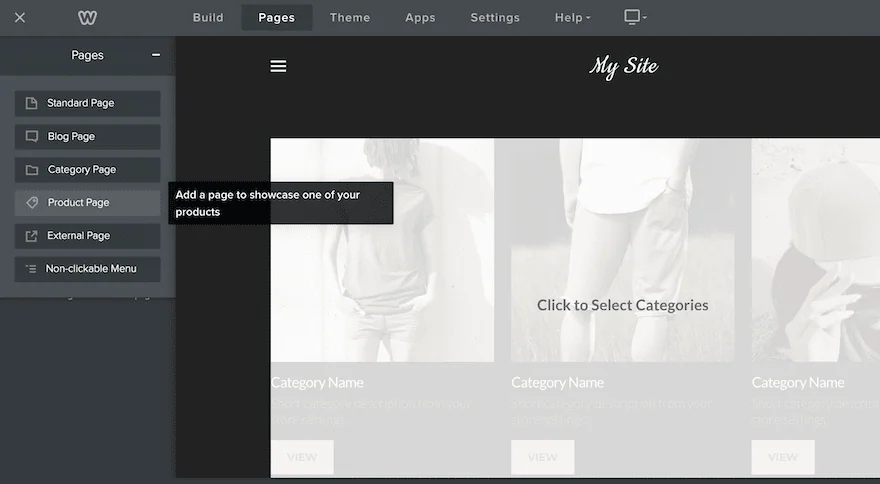
It offers an editor that allows you to quickly add pages to showcase your photos, create galleries, and even sell prints online.
Here’s what it looks like;
Key Features
- A lot of customizable webpage designs
- Automated email campaigns
- Free SSL Security
- Unlimited Storage with professional plans
- Password Protection
Pros & Cons
| Pros | Cons |
| Drag-and-drop builder | Comes with basic SEO tools and is not suitable for those who want unlimited customizations. |
| eCommerce tools for order management, shipping, and payments | |
| Mobile-friendly templates | |
| Offers a free plan |
Pricing: It offers a free plan for basic use. For more features, grab their paid plans.
- Personal: At $13/mo, this plan lets you connect a custom domain to your website.
- Professional: For $15/mo, this plan allows you to connect your domain and add more customization features.
- Performance: Priced at $32/mo, this plan includes features that help you grow and manage your business operations.
Who is it best for? Beginners and small businesses looking for an easy drag-and-drop website builder.
Do You Need a Blog or SEO for a Photography Site?
If you’re a photographer looking for more clients, having your own blog helps a lot.
It can improve SEO (Search Engine Optimization), helping you attract the right clients to your blog or website.
Not only that, but having a blog helps you share your photos, showcase your skills, and connect with more people.
For SEO, learn and implement the basics right, such as;
- Use ALT text on every photo
- Make sure your site loads fast (Use a CDN, caching plugin, faster hosting provider, etc)
- Always choose a template that’s responsive on all devices
- Do basic keyword research to find relevant topics
- Build backlinks through guest posts, email outreach, epic content creation, social bookmarking, etc.
Final Thoughts + My Recommendation
Each website builder listed above has its own merits and demerits.
Here are my top recommendations for photographers;
- Wix: Ideal for beginners seeking an easy-to-use drag-and-drop portfolio.
- Squarespace: Best for stylish website templates.
- Elementor: Ideal for WordPress users seeking complete control and unlimited design options.
- Shopify: Suitable for photographers who focus on selling prints, products, or digital downloads.
- Weebly: Great for those looking for a budget-friendly option.
What are your thoughts on the website builders listed here? Do you have any more questions? Let us know in the comments.
FAQs
Here are some FAQs about websites for photographers:
Yes, a blog helps photographers showcase their work, create content, and attract clients.
Squarespace, Wix, and Adobe Portfolio are great for photographers to showcase their work.
Photographers get noticed by creating online content (through blogs), sharing video tutorials, and networking on social media.
Yes, Wix is one of the best platforms for photographers. It’s affordable and offers hundreds of pre-made templates.
There’s no single “best” photography blog, but top picks include PetaPixel, The Phoblographer, and Fstoppers.




![GeneratePress vs Astra [Why I Migrated to Astra From GeneratePress] – Honest Opinion (2026)](https://bloggerspassion.com/wp-content/uploads/2022/05/generatepress-vs-astra-300x157.jpg)


Hi Rahul,
Your roundup is really thoughtful — love how you paired inspiration (blogs) with practical platforms to build a photography site. It gives creators both vision and tools. Thanks for making choices so clear!