


Google is NOT just a search engine anymore.
It’s where you check your email, store your files, find directions, watch videos, and even run your blog. Most of us use 5-6 Google apps every single day without thinking about it.
But here’s the thing: Google has 100+ apps and tools. And most people use only the essentials, like Gmail, Chrome, and Maps.
You’re missing out on so many powerful apps that can save you hours every week.
In this post, I’ve handpicked the 25 best Google apps you should be using in 2026. Some are perfect for daily life. Others are built for bloggers, marketers, and creators (like me).
Ready? Let’s dive in.
The Only 25 Google Apps List You Need in 2026 (A Quick Glance)
| App | What It Does? | No. of Downloads |
| Google Search | Find anything on the internet with text, voice, or image search | 10bn+ |
| Gmail | Organize and manage all your emails in one place | 10bn+ |
| Google Chrome | Free web browser for your computer, phone, and tablet. | 10bn+ |
| Google Maps | Navigation, directions, and local discovery | 10bn+ |
| YouTube | Watch, create, and share videos on any topic | 10bn+ |
| Google Drive | Store and share files securely in the cloud | 10bn+ |
| Google Photos | Auto-backup, organize, and edit your photos | 10bn+ |
| Google Authenticator | Two-factor authentication for account security | 100m+ |
| Google Docs | Create and collaborate on documents in real time | 1bn+ |
| Google Sheets | Build and analyze spreadsheets | 1bn+ |
| Google Slides | Create and present slideshows online | 1bn+ |
| Google Tasks | Simple to-do lists that sync across devices | 10m+ |
| Google Lens | Search for anything using your camera | 1bn+ |
| Google Translate | Translate text, voice, and images in 249 languages | 1bn+ |
| Google Assistant | Voice-powered assistant for smart tasks | 5bn+ |
| Google Meet | Secure video meetings and group calls | 10bn+ |
| Files by Google | Clean up, organize, and share files on Android | 5bn+ |
| Google Wallet | Store payment cards, tickets, and digital IDs | 1bn+ |
| Gboard | Smart keyboard with search, GIFs, and glide typing | 10bn+ |
| Google Arts & Culture | Explore museums, art, and history from your phone | 10m+ |
| Google Gemini | AI assistant for writing, research, and creativity | 1bn+ |
| Google Calendar | Schedule events, set reminders, and manage your time | 5bn+ |
| Google Keep | Quick notes, checklists, and voice memos | 1bn+ |
| Google NotebookLM | AI-powered research tool for your own documents | 10m+ |
| Google Earth | Explore the planet in 3D satellite imagery | 500m+ |
1. Google Search
| Total Downloads | 10 Billion+ |
| Size | Varies with device |
| Platforms | Android, iOS, Web |
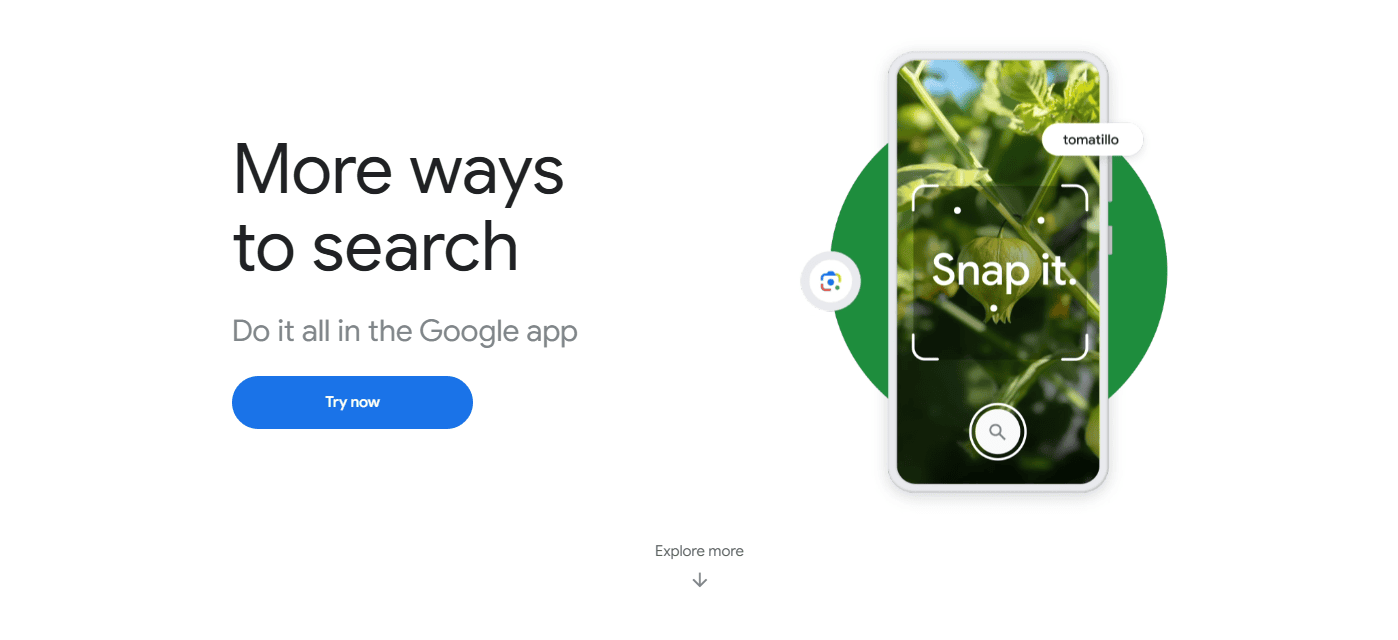
The #1 App on the list is, of course, Google Search.
Google Search is the largest search engine on the internet, receiving more than 14 billion searches each day.
It serves as the default app for almost all devices, making your everyday searches easier and more convenient. You can search for literally anything in different formats, such as text, voice search, or images.
Additionally, the app has been updated with new features, including AI Overview and AI Mode, which help you summarize all SERP results in concise overviews. This is really a great feature when you are looking for a quick answer. No need to jump from site to site looking for the exact answers.
Google Search is still evolving, and yes, it is one of the most innovative apps you will have on your device.
2. Gmail
| Total Downloads | 10 Billion+ |
| Size | ~47–400 MB |
| Platforms | Android, iOS, Web |
Gmail is Google’s email service and a major part of its Workspace suite. It is used by over 1.8 billion active users worldwide.
This app makes it easy to keep all your emails well organized and handy without you needing to micromanage one by one.
It automatically separates important emails from secondary emails by categorizing them into social and promotional categories. And with its powerful built-in search, finding that one email from months ago takes just a few seconds.
No doubt, Gmail works well with the other Google Workspace apps. This means you can easily attach files, schedule a meeting, or even join one directly from your inbox.
Spammy emails? Well, Gmail automatically filters out more than 99.9% of spam emails and separates them from all your primary emails.
3. Google Chrome
| Total Downloads | 10 Billion+ |
| Size | ~165 MB (varies) |
| Platforms | Android, iOS, Web |
Google Chrome has always been people’s first choice as a reliable web browser. No other browser offers such excellent features as Chrome. To be precise, over 3.45 billion people use Google Chrome as their primary web browser!
Indeed, it is known for its secure and fast web browsing. All you need to do is sign up with your email address, and Google Chrome will customize the browser to your needs.
Syncing is the real feature here. You can access the same Chrome account on all your devices with automatic sync.
Plus, Chrome offers a “Discover” feature on the dashboard, where you can explore articles, news, and even YouTube videos related to your browsing history.
What’s more? If you want secure and secret browsing without using your Chrome account, you can use “incognito Mode.”
4. Google Maps
| Total Downloads | 10 Billion+ |
| Size | 140 MB / ~200 MB |
| Platforms | Android, iOS, Web |
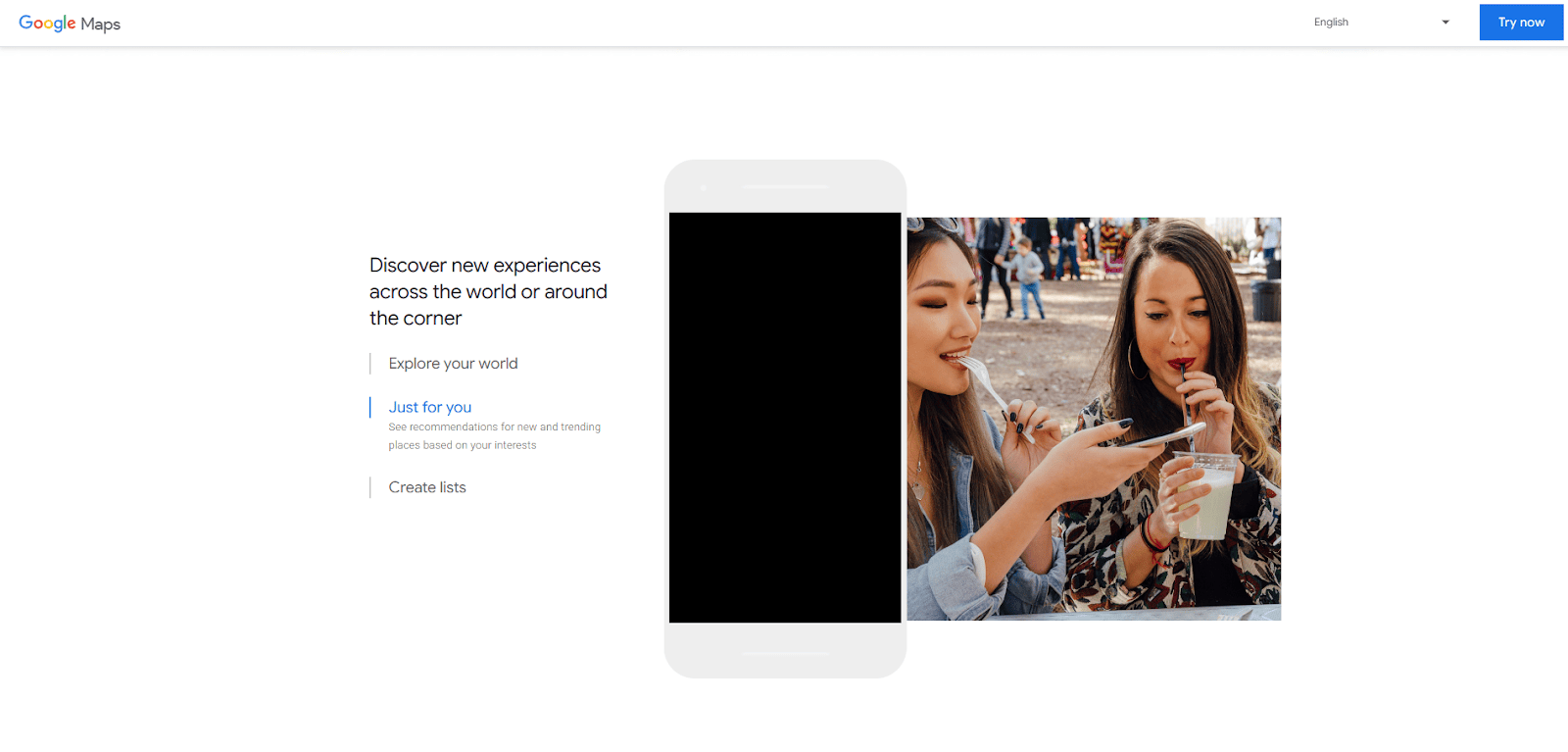
Consider Google Maps as your personal navigation and local discovery guide. This Google app is way more useful than you think.
You just need to type in wherever you want to go, and Google Maps will come up with the best possible route. No need to ask anyone for directions at places new to you.
And not just a route, it also provides accurate directions with a voice assistant, traffic on the route, and an approximate arrival time. These features actually save you a huge amount of time when you already know how to reach the place by taking the most suitable route.
I use Google Maps to find popular places to visit nearby. Other than for directions, I also use its Street View feature to see what it actually looks like.
And if you are in a new city, I suggest using the “Explore” tab. It lets you explore popular places and those rated highest by other people.
5. YouTube
| Total Downloads | 10 Billion+ |
| Size | 100–320 MB |
| Platforms | Android, iOS, Web |
Next, on our list is YouTube. It is definitely a must-have Google app for watching videos about literally anything.
It is used by over 2.9 billion users worldwide to create, watch, and share video content.
Name it, and you will find a video about it on this platform. You can even use it to solve your daily queries or just for entertainment.
In addition to long-form videos, YouTube Shorts feature lets you enjoy short videos with endless scrolling.
YouTube eventually understands what you like and what your interests are. And then it suggests related videos that might be your choice.
And with endless playlists and an offline download function, there is always something worth checking out.
6. Google Drive
| Total Downloads | 10 Billion+ |
| Size | 40–200 MB (varies) |
| Platforms | Android, iOS, Web |
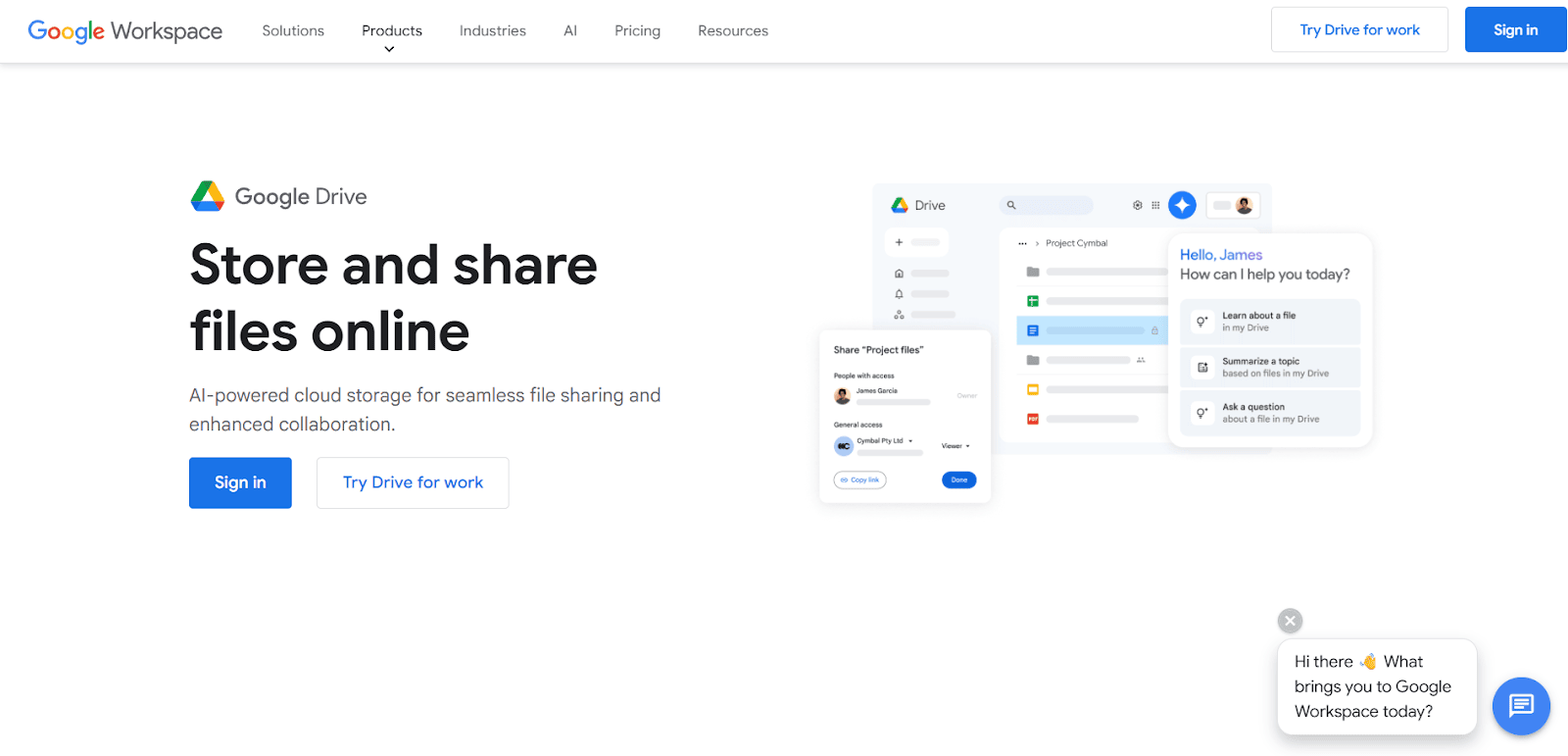
Google Drive lets you store, organize, and share all types of files in the cloud with security.
I use it all the time to properly maintain my blog drafts, PDFs, images, and documents. And since they are stored in the cloud system, you will never lose them.
Other than this, this app makes it easy to share heavy files with literally anyone. All you need to do is share a link to the file with edit/view access, and the other person can work on it without downloading or sending large files.
So, next time you want to share a large file, just go to your Drive and share a link to it.
7. Google Photos
| Total Downloads | 10 Billion+ |
| Size | 30-180 MB |
| Platforms | Android, iOS, Web |
Google Photos has replaced your typical photo Gallery on your phone. This app automatically backs up your pictures and videos.
It arranges all your gallery by faces, places, and even objects. So when you want to search for a specific image, you already know which album has it.
For example, you can search with basic words like “college party” or “selfies,” and Google Photos will instantly get you the right shots from your albums.
What I like is that this app reminds you of past memories, like watching an old album. Plus, you can edit right in the app or share albums with anyone in just seconds.
8. Google Authenticator
| Total Downloads | 100 Million+ |
| Size | 17 MB / ~245 MB |
| Platforms | Android, iOS, Web |
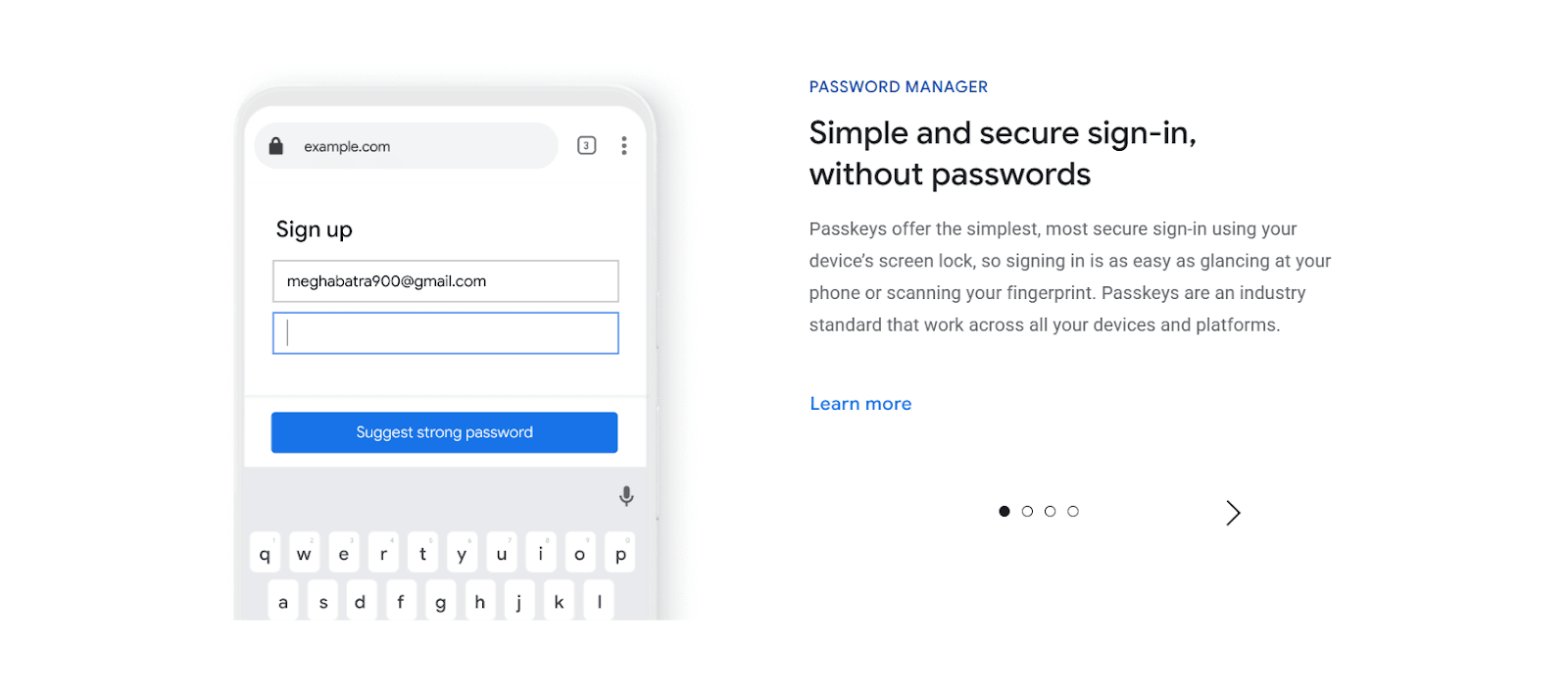
Google Authenticator is a security app that adds an extra layer of protection to your online accounts using two-factor authentication (2FA). If you’re serious about online security, this app is non-negotiable.
Here’s how it works: after entering your password, the app generates a unique 6-digit code that changes every 30 seconds. This code is only available on your phone. So even if someone steals your password, they still can’t get into your account without that code.
You can use it for your Google account, social media, banking apps, WordPress, and hundreds of other services that support 2FA.
9. Google Docs

| Total Downloads | 1 Billion+ |
| Size | Varies by device |
| Platforms | Android, iOS, Web |
If you are still carrying thumb drives to update your working files on the go, you’re doing it all wrong.
In this future present of ours, online backups are the way to go: just keep your files stored online, and you will be able to access them anywhere
Google Docs is definitely one of the best tools for anyone who writes. Everything is automatically saved from time to time.
The best thing about Google Docs is that you can share your document with anyone with the link. It lets you work on the same document or project simultaneously.
10. Google Sheets
| Total Downloads | 1 Billion+ |
| Size | 30–200 MB |
| Platforms | Android, iOS, Web |
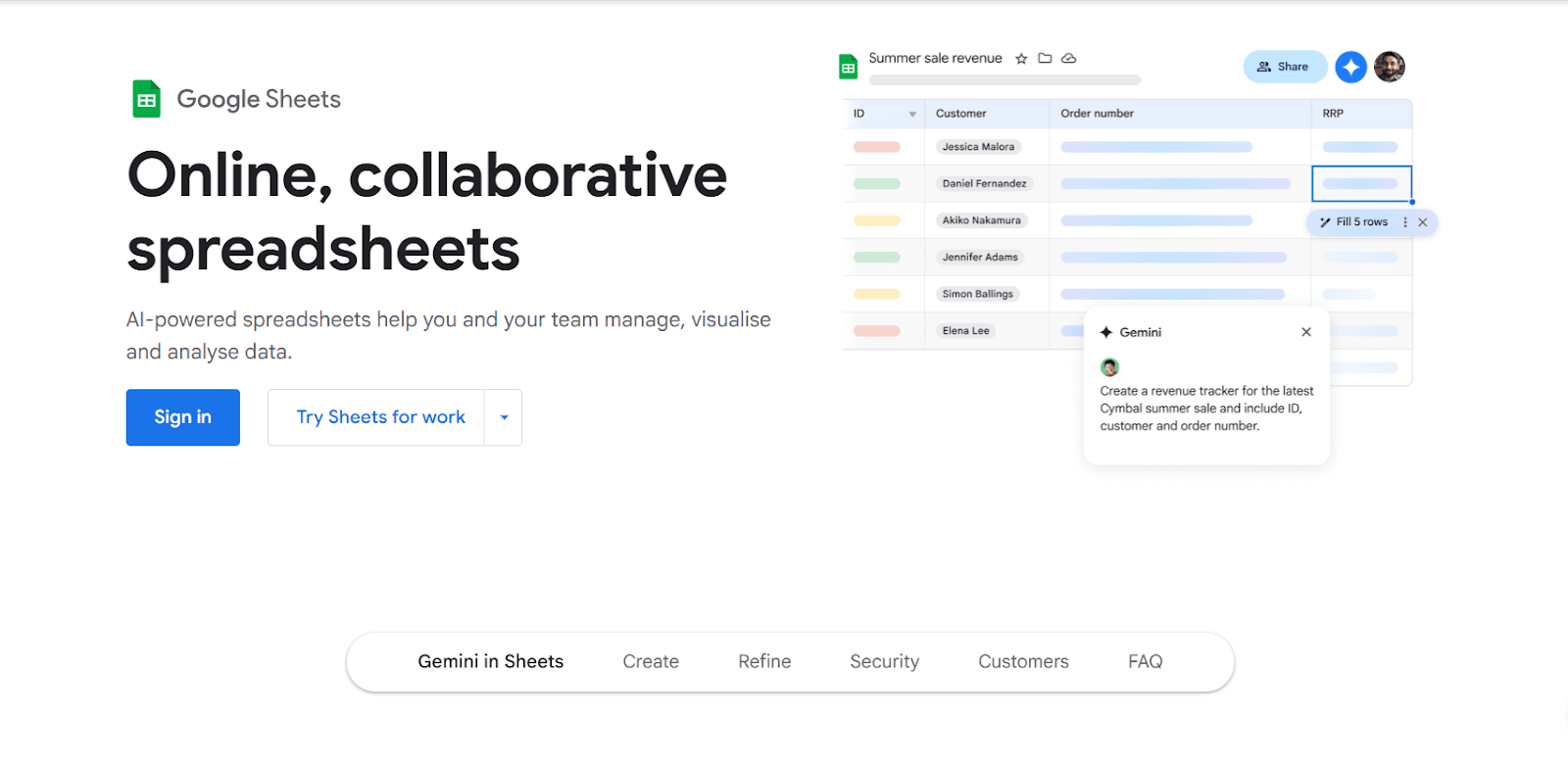
Google Sheets is a spreadsheet program that lets you create online spreadsheets for free. It is probably one of the most useful Google apps for creating and editing online spreadsheets.
Using Google Sheets, you can create, edit, share, and collaborate with colorful charts and graphs. If you are looking for a free and better alternative to MS Excel, you should definitely try this ultimate Google app.
Plus, multiple people can work on the same sheet simultaneously. And let’s not forget the powerful features like visualization charts, pivot tables. These make all your data work so much easier. (No need to edit big data one by one.)
Even if you are just using it for basic lists or simple calculations, Sheets adapts to your needs.
11. Google Slides

| Total Downloads | 1 Billion+ |
| Size | Varies / 250 MB |
| Platforms | Android, iOS, Web |
Google Slides is a presentation tool from Google that lets you create online presentations for free. It is one of the best Google apps to use for online presentations.
It also offers a free Google Slides app that lets you create, edit, and collaborate on presentations on your Android phone, iPhone, or tablet.
Be it adding images, videos, or charts, Google Slides makes it simple and impressive till the last slide.
And if you are handy with PowerPoint, trust me, the switch to Google Slides is super smooth. Google Slides even supports .pptx files.
12. Google Tasks
| Total Downloads | 10m+ |
| Size | 12 MB |
| Platforms | Android, iOS, Web |
If you are looking for a to-do list app to manage ALL your tasks, Google Tasks is one of the best Android apps.
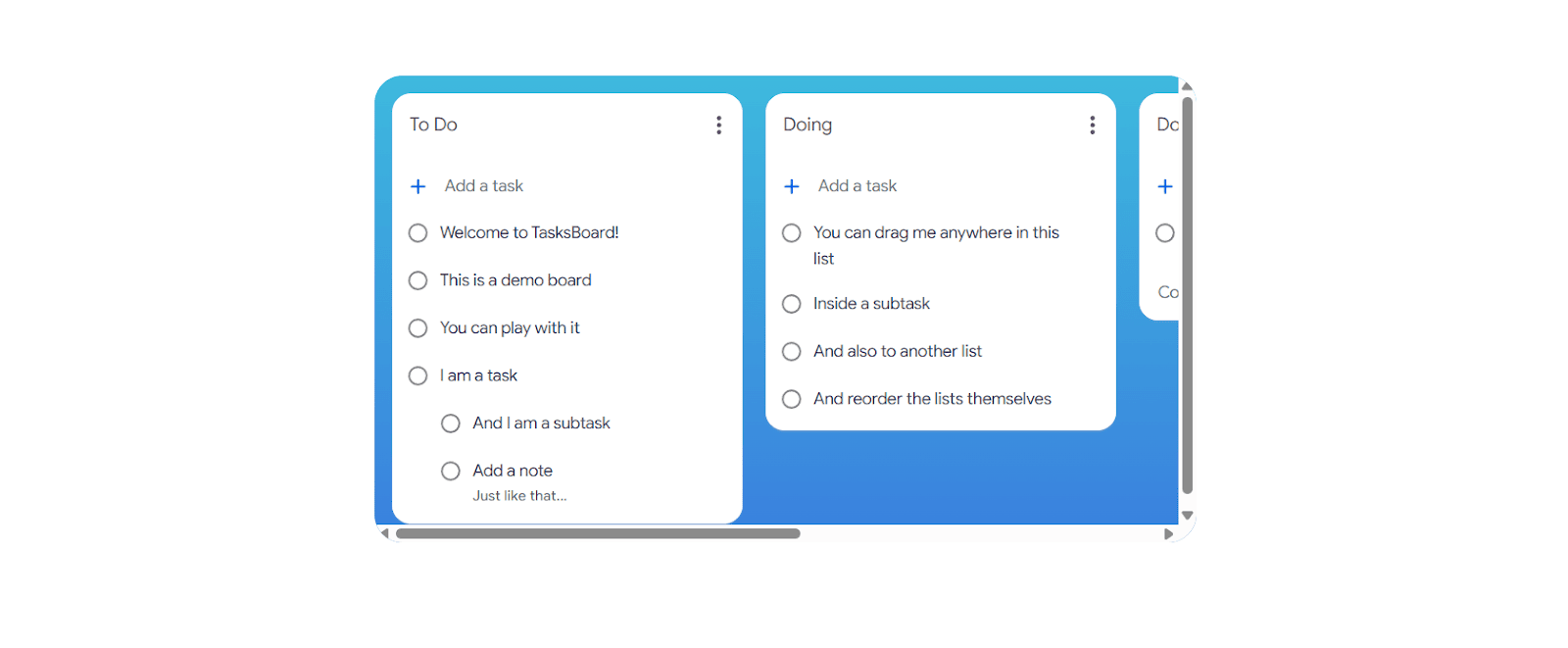
With this app, you can add, edit, and check off tasks from your phone, computer, or tablet. They will all be in sync.
The best part about Google Tasks is that it keeps things simple with features like creating lists, adding subtasks, setting due dates, and receiving notifications. Also, it’s extremely easy to use, as you can just sign in with your Google account and get started.
13. Google Lens
| Total Downloads | 1bn+ |
| Size | 35–80 MB (varies) |
| Platforms | Android, iOS, Web |
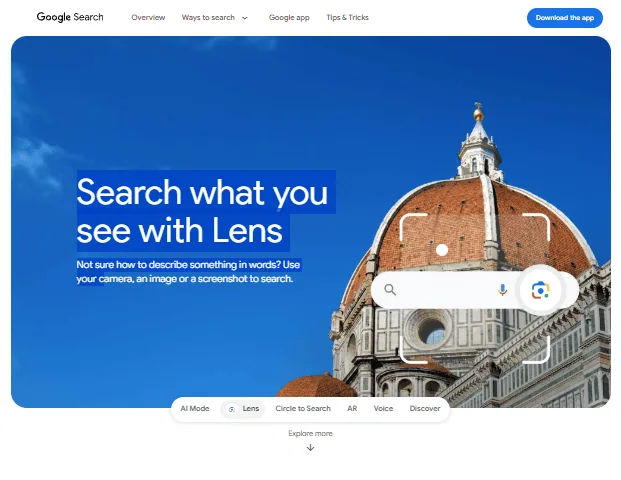
This is the most innovative app Google has developed. Google Lens lets you find instant information just by scanning anything with your camera.
It is very simple to use and even better than the text search we usually do. You can just scan anything with your camera, and Google will find the best results related to it. It will tell you what it is, translate it, or provide you with related information in seconds.
It is fast, super visual, and incredibly helpful in everyday moments.
And the best part? You don’t need to type a thing. Just look, scan, and let Lens deliver the best results.
14. Google Translate
| Total Downloads | 1 Billion+ |
| Size | Varies by device (35–60 MB typical) |
| Platforms | Android, iOS, Web |
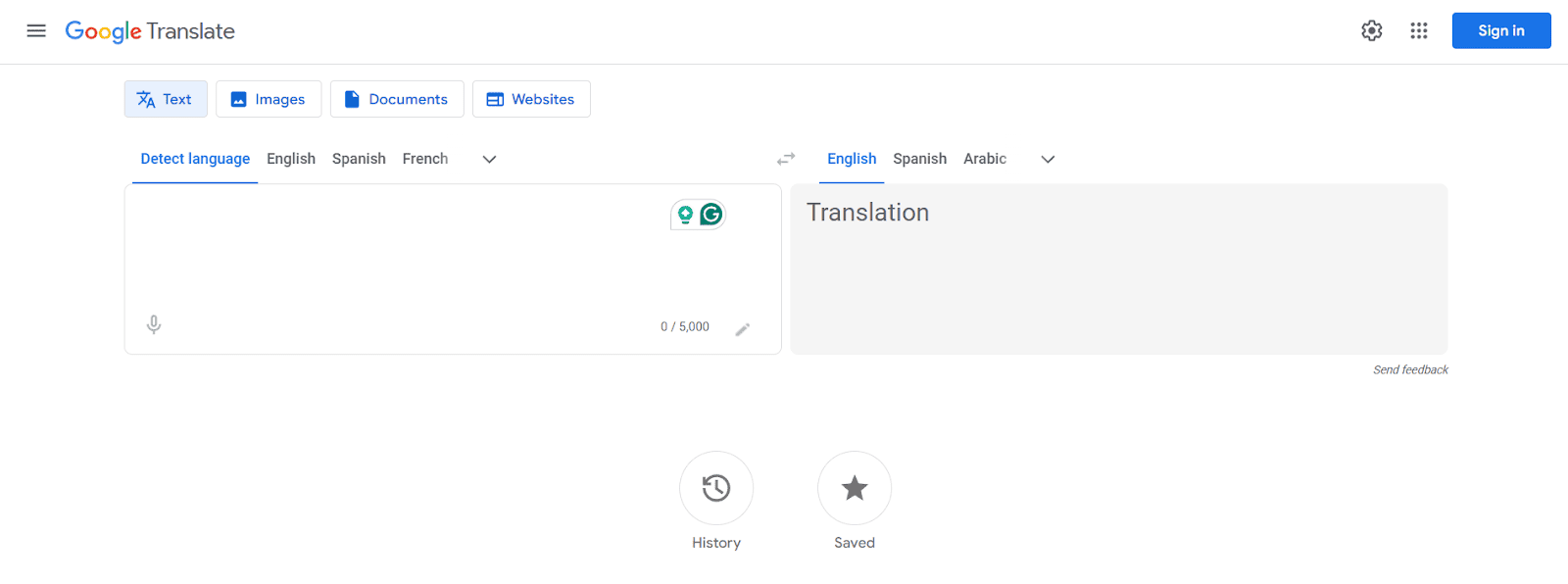
Google Translate is a language translation tool that supports over 249 languages and works across text, voice, and camera inputs.
You can type a sentence, speak into your phone, or even point your camera at a sign or menu. Google Translate handles all of it.
There’s also handwriting input, which you can use to draw characters on your screen, and Translate will recognize them instantly.
What’s new in 2026? Google now powers Translate with its Gemini AI models, which means it handles idioms, slang, and conversational phrases way better than before.
15. Google Assistant
| Total Downloads | 5 Billion+ |
| Size | Varies, approx 50–150 MB |
| Platforms | Android, iOS |
Think of Google Assistant as your personal AI assistant.
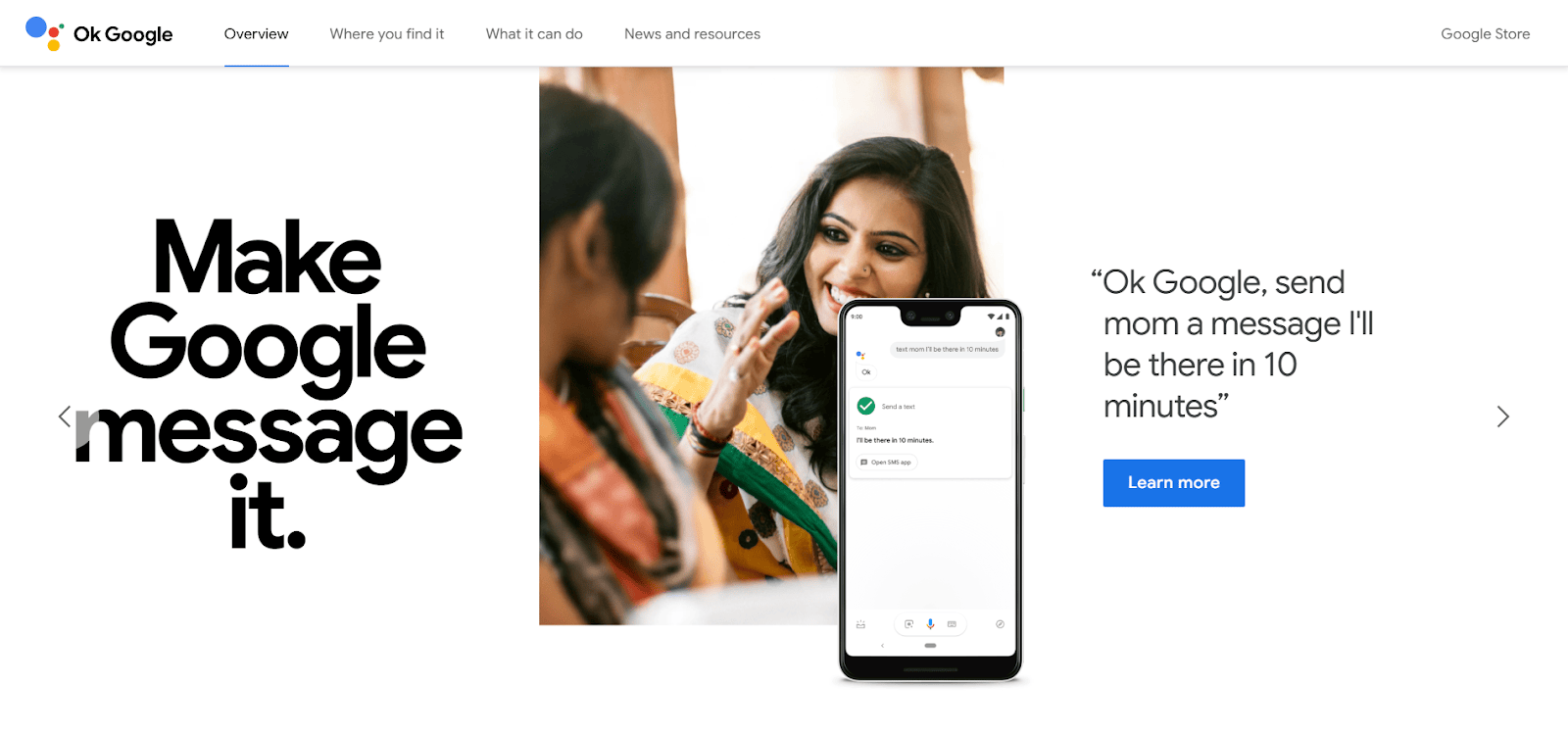
Google Assistant is a voice-powered AI assistant built into most Android devices, smart speakers, and even some home appliances.
Just say “Hey Google” to set alarms, send texts, play music, or get weather updates. No need to type anything.
Just talk to it like you’d talk to another person. Ask it to “remind me to call Mom at 6 PM” or “what’s the traffic like to the airport?” and it handles it smoothly.
Important update for 2026: Google is gradually replacing Assistant with Google Gemini as the default voice assistant on Android devices.
16. Google Meet
| Total Downloads | 10 Billion+ |
| Size | 45–220 MB |
| Platforms | Android, iOS, Web |
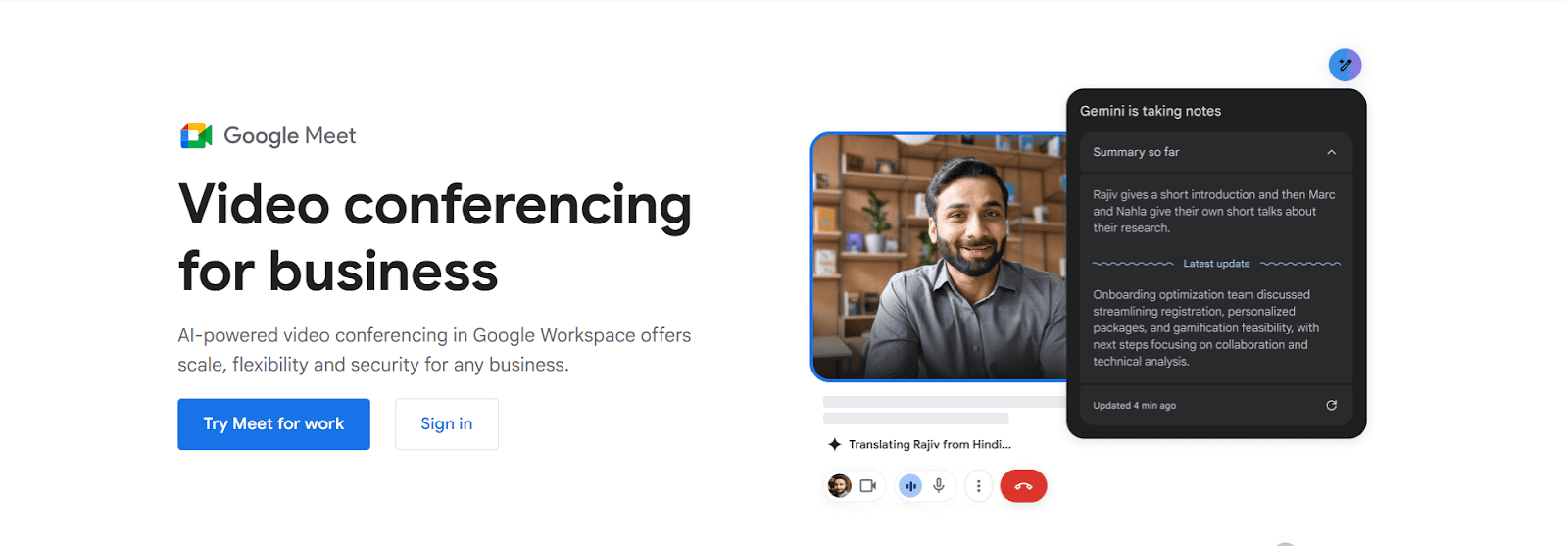
Google Meet is Google’s answer to smooth, reliable video meetings, whether it is for business, school, or catching up with friends.
The app is known for excellent video and audio quality. It offers good custom grid views along with advanced noise cancellation during an ongoing meeting.
Plus, its built-in tools like polls and Q&A make your meeting much more engaging, interactive, and well-organized.
It allows you to share your screen when you want to present anything. Additionally, real-time captions and integration with Google Suite make your meetings smart and worthwhile.
17. Files by Google
| Total Downloads | 5 Billion+ |
| Size | Varies with device (20–35 MB) |
| Platforms | Android (exclusive) |
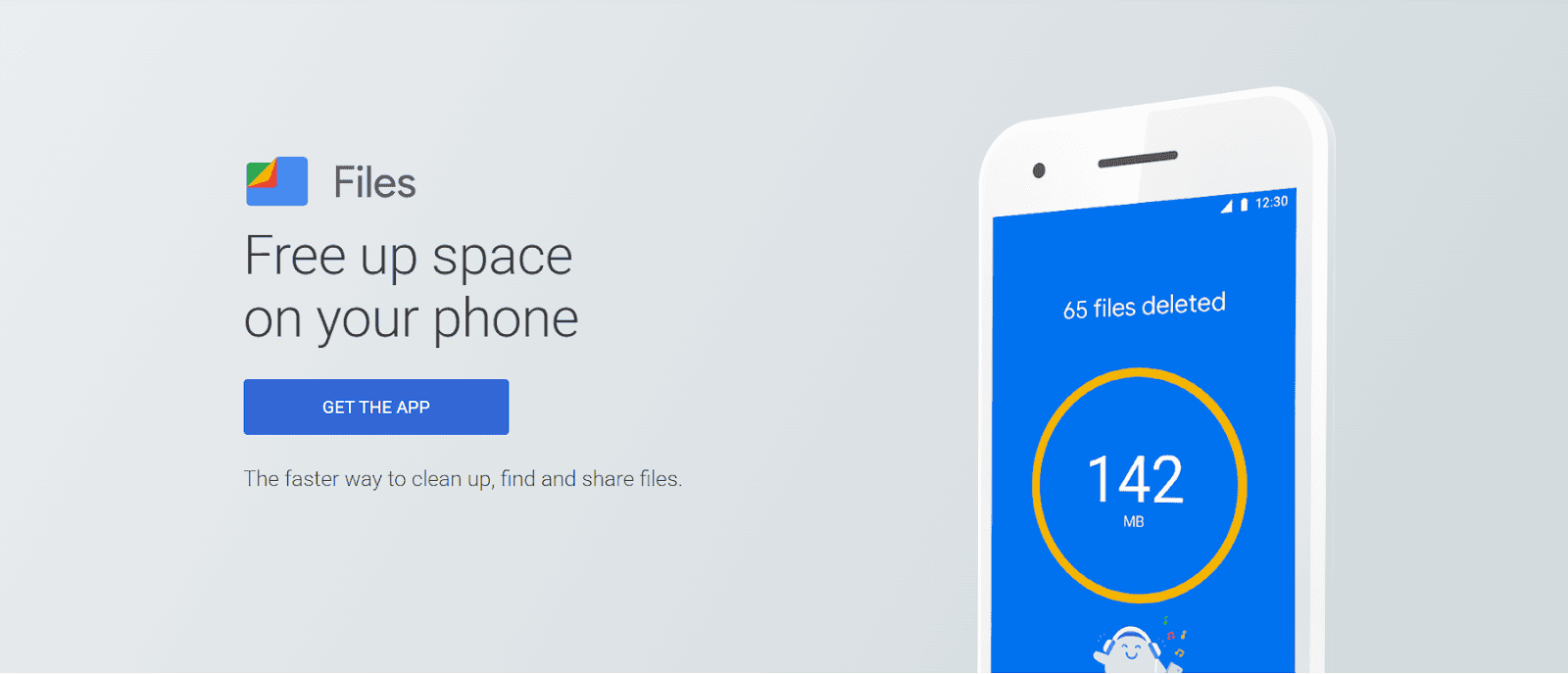
Files by Google is an innovative file manager that does way more than just help you find your downloads.
It is designed to help you take control of your phone’s storage without needing to go through heavy folders or guess what is taking up your device’s space.
It is great with its built-in cleanup suggestions. It will show you all the junk files, duplicate photos, unused apps, and large files on your device that you might have forgotten about. With just one tap, you can delete the unnecessary files from your storage.
18. Google Wallet
| Total Downloads | 1bn+ |
| Size | Varies (30–120 MB) |
| Platforms | Android, iOS |
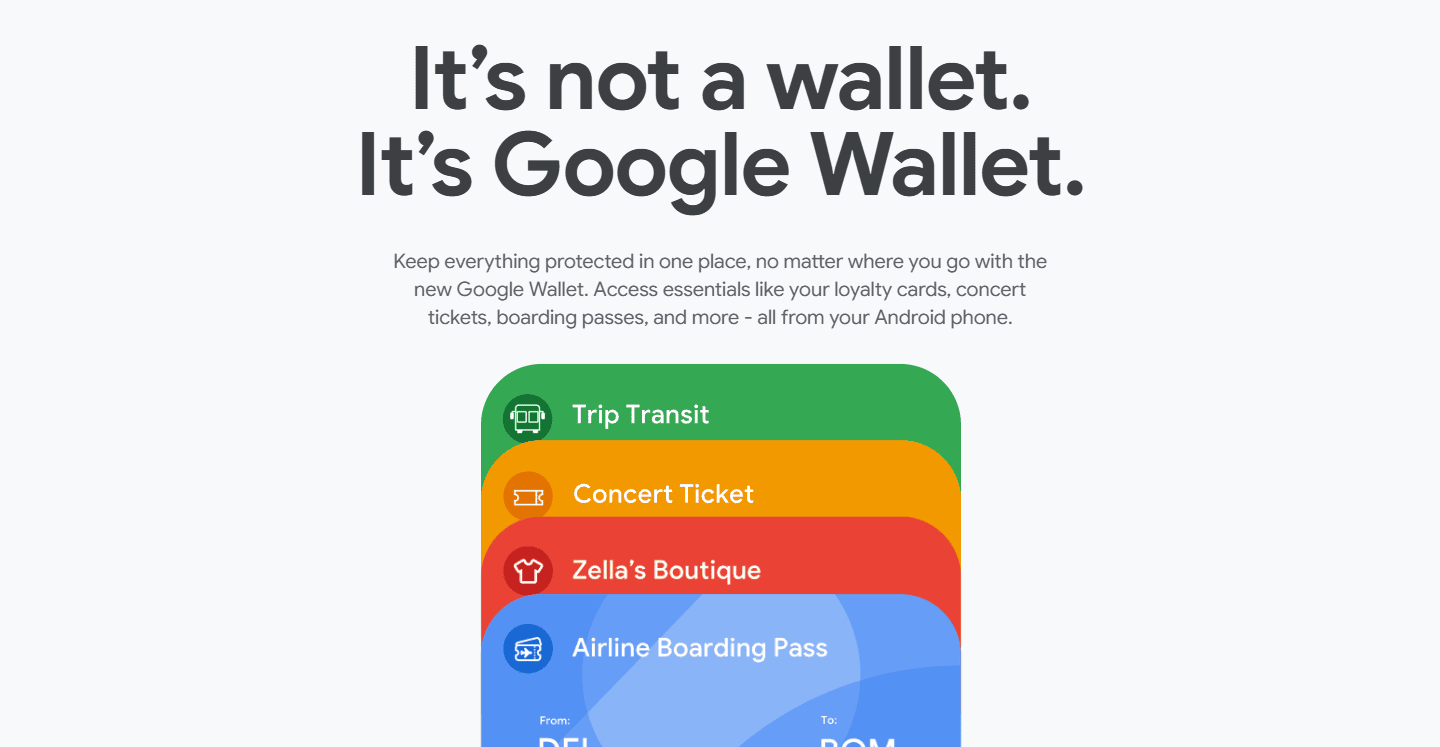
Google Wallet stores everything from your credit and debit cards to movie tickets.
In addition, it saves your loyalty programs, passes, and even your digital IDs in supported regions.
It speeds up your online payments and everyday access, making them much faster and way more convenient.
With just a tap, you can pay at stores that support contactless payments. It is backed by Google’s security layers, so all your payment information stays protected.
It is linked with Gmail and Calendar, so it automatically sends notifications, such as flight details or show tickets, when needed.
A big plus is that if you ever lose your phone, you can remotely lock your wallet to keep everything safe.
19. Gboard
| Total Downloads | 10 Billion+ |
| Size | 35–85 MB (varies) |
| Platforms | Android, iOS, Web |
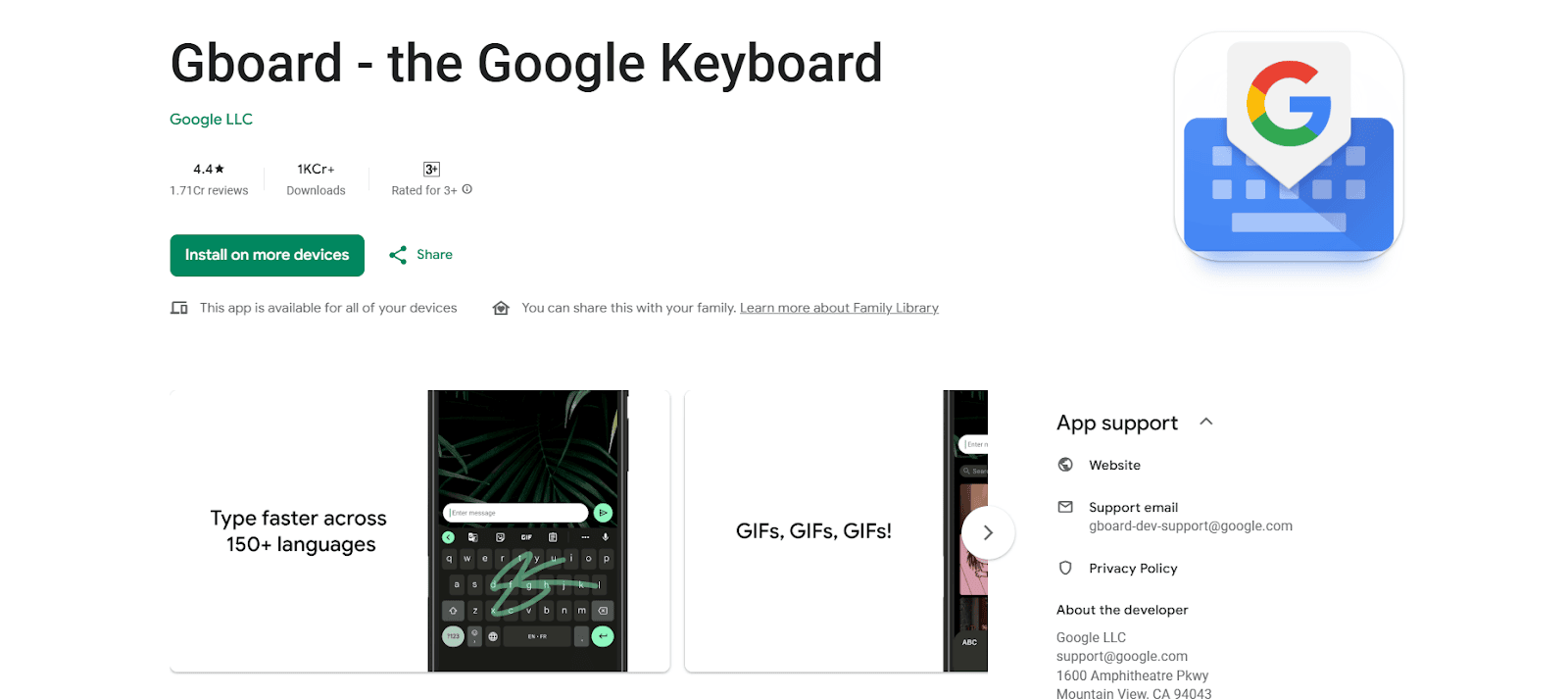
Gboard is Google’s keyboard app that offers smart typing functions across all Android and iOS devices.
With the help of this keyboard, you can search Google, send GIFs, translate text, or even glide-type on the keyboard.
It also supports multiple languages at once and offers voice typing that is surprisingly accurate. Gboard learns your style over time, so suggestions get better the more you use it.
20. Google Arts & Culture
| Total Downloads | 10M+ |
| Size | 31–248 MB (varies) |
| Platforms | Android, iOS, Web |
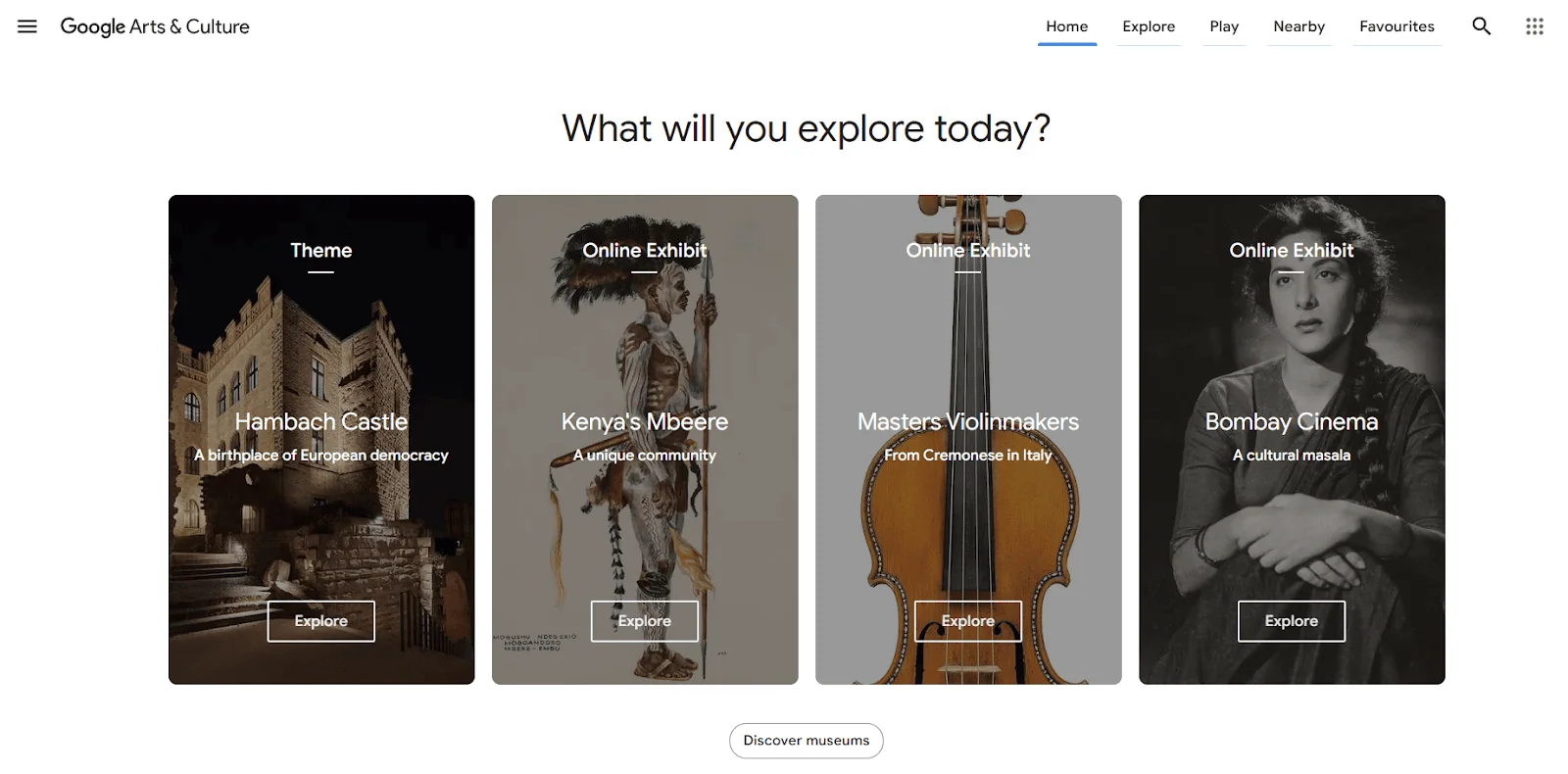
Google Arts & Culture is Google’s online place where you can experience the world’s museums, galleries, and even historical sites.
This app takes you on an online tour of over 3,000 historical places and museums in more than 80 countries. It is a real experience with high-resolution images of artworks, artifacts, and immersive experiences.
Along with the artwork, you can read about its history and the story behind it. The app lets you explore more with related suggestions that interest you.
21. Google Gemini
| Total Downloads | 1+ Billion |
| Size | 50–150 MB (varies by device and updates) |
| Platforms | Android, iOS, Web |
Google Gemini (previously Google Bard) is Google’s most advanced AI assistant.
You can ask Gemini anything in plain language. Write an email, summarize a video, brainstorm blog post ideas, or even generate images. It handles all of it.
What makes Gemini powerful is its integration with Google Workspace. It can craft replies in Gmail, create content in Google Docs, and generate meeting notes in Google Meet.
The best part? A free tier is available for everyone. For the premium experience with 2TB of storage, you can upgrade to Google One AI Premium at $19.99/month.
22. Google Calendar
| Total Downloads | 5+ Billion |
| Size | 50–150 MB (varies by device and updates) |
| Platforms | Android, iOS, Web |
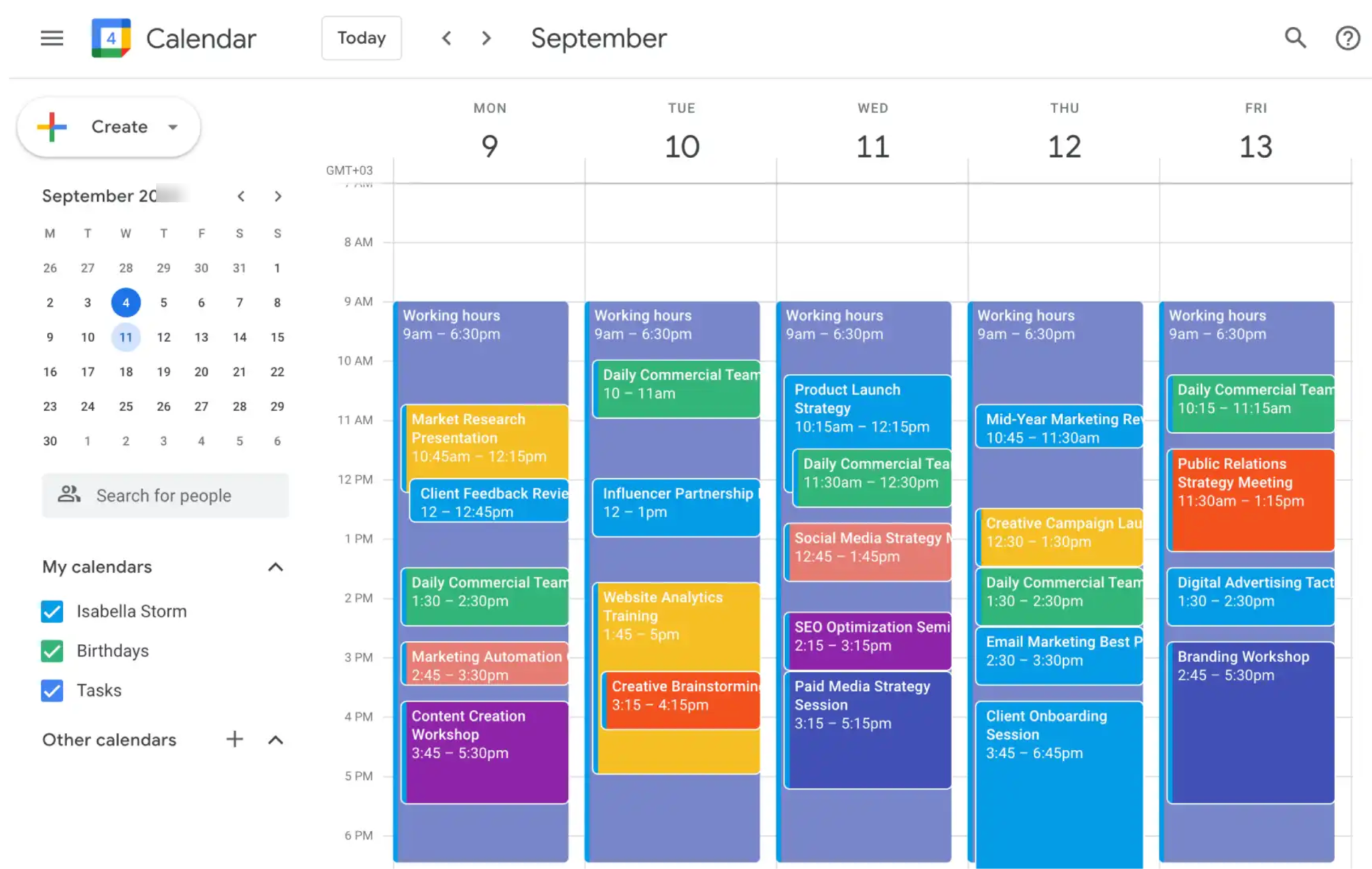
Google Calendar is one of the essential apps for most users.
It lets you create events, set reminders, and share your calendar with anyone. The best part? It works directly with Gmail. When you get a flight confirmation or hotel booking email, Calendar automatically adds it as an event. No manual entry needed.
You can create separate calendars for work, personal, and side projects. Color-code them so you know exactly what your day looks like at a glance.
It also integrates with Google Meet. You can schedule a video call and add the meeting link to a calendar event in just two clicks.
23. Google Keep
| Total Downloads | 1+ Billion |
| Size | 50–150 MB (varies by device and updates) |
| Platforms | Android, iOS, Web |
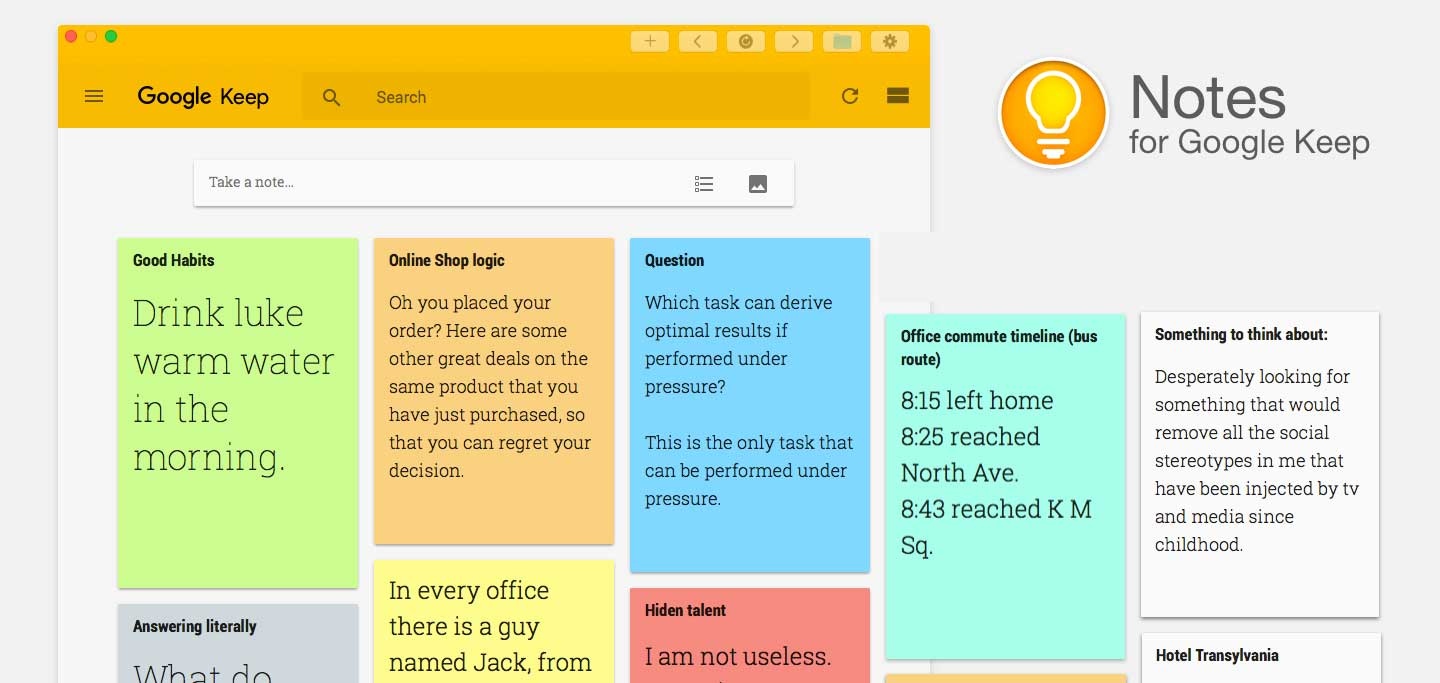
Google Keep is a simple note-taking app that lets you create quick notes, checklists, and voice memos in seconds. The best part? All your notes sync across devices automatically. So you can note something down on your phone and pick it up later on your laptop.
Need a reminder tied to a specific time or location? Google Keep handles that too. For example, you can set a reminder to “buy groceries” that pops up when you’re near a supermarket.
It also works directly with Google Docs. You can drag any Keep note straight into a document and start building on it.
24. Google NotebookLM
| Total Downloads | 10+ million |
| Size | 50–150 MB (varies by device and updates) |
| Platforms | Android, iOS, Web |
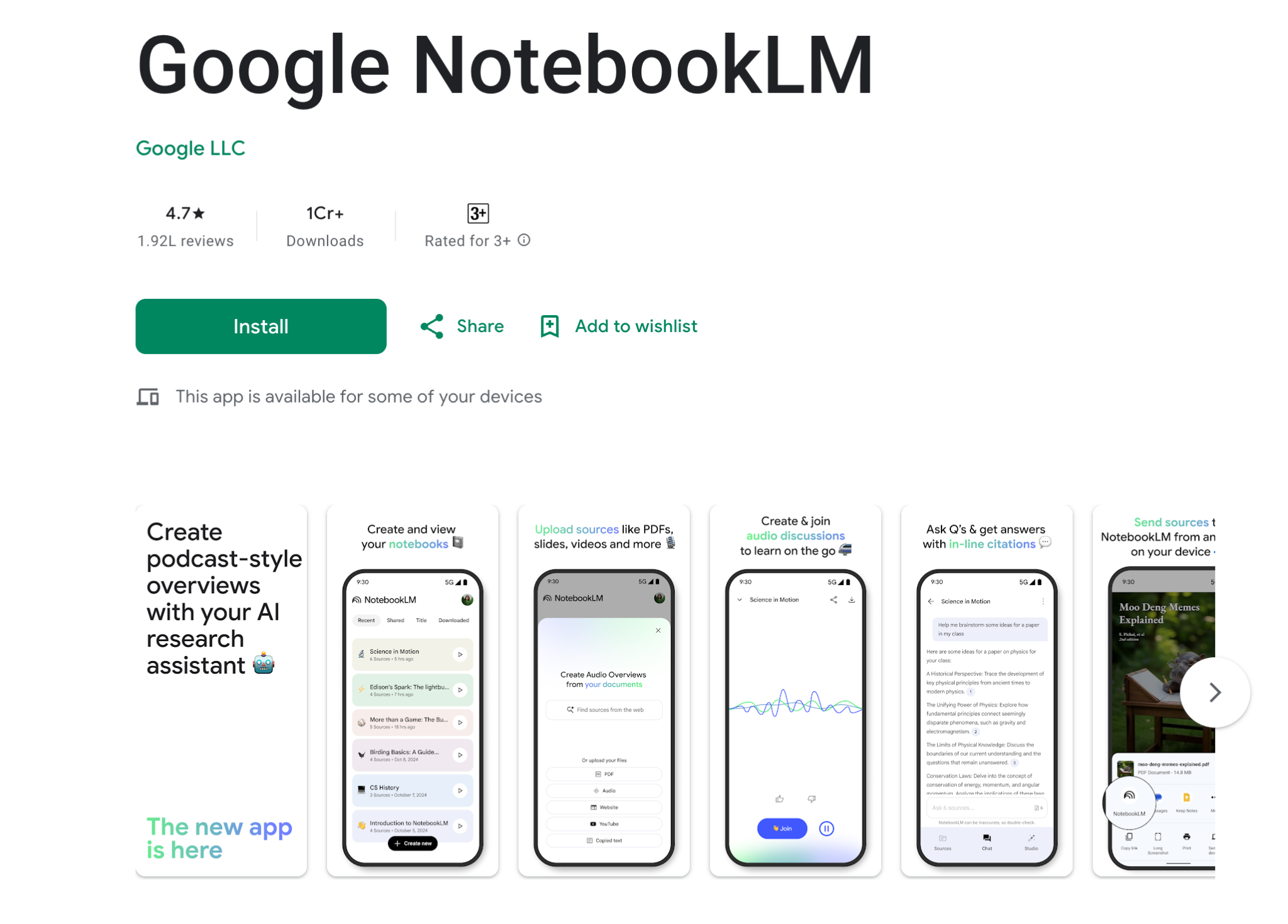
Google NotebookLM is an AI-powered research tool that most people haven’t tried yet.
Here’s how it works: upload your files, such as PDFs, Google Docs, and even YouTube videos. NotebookLM reads them and lets you ask questions. The answers come only from your content, not random internet stuff.
It can also generate audio overviews. You can also ask NotebookLM to identify new trends, generate new product ideas, and uncover hidden opportunities.
For bloggers and content creators, NotebookLM is a great tool for quickly researching topics, summarizing competitor articles, or pulling insights from multiple sources at once. And the best part? It’s completely free.
25. Google Earth
| Total Downloads | 500M+ |
| Size | 50–150 MB (varies by device and updates) |
| Platforms | Android, iOS, Web |
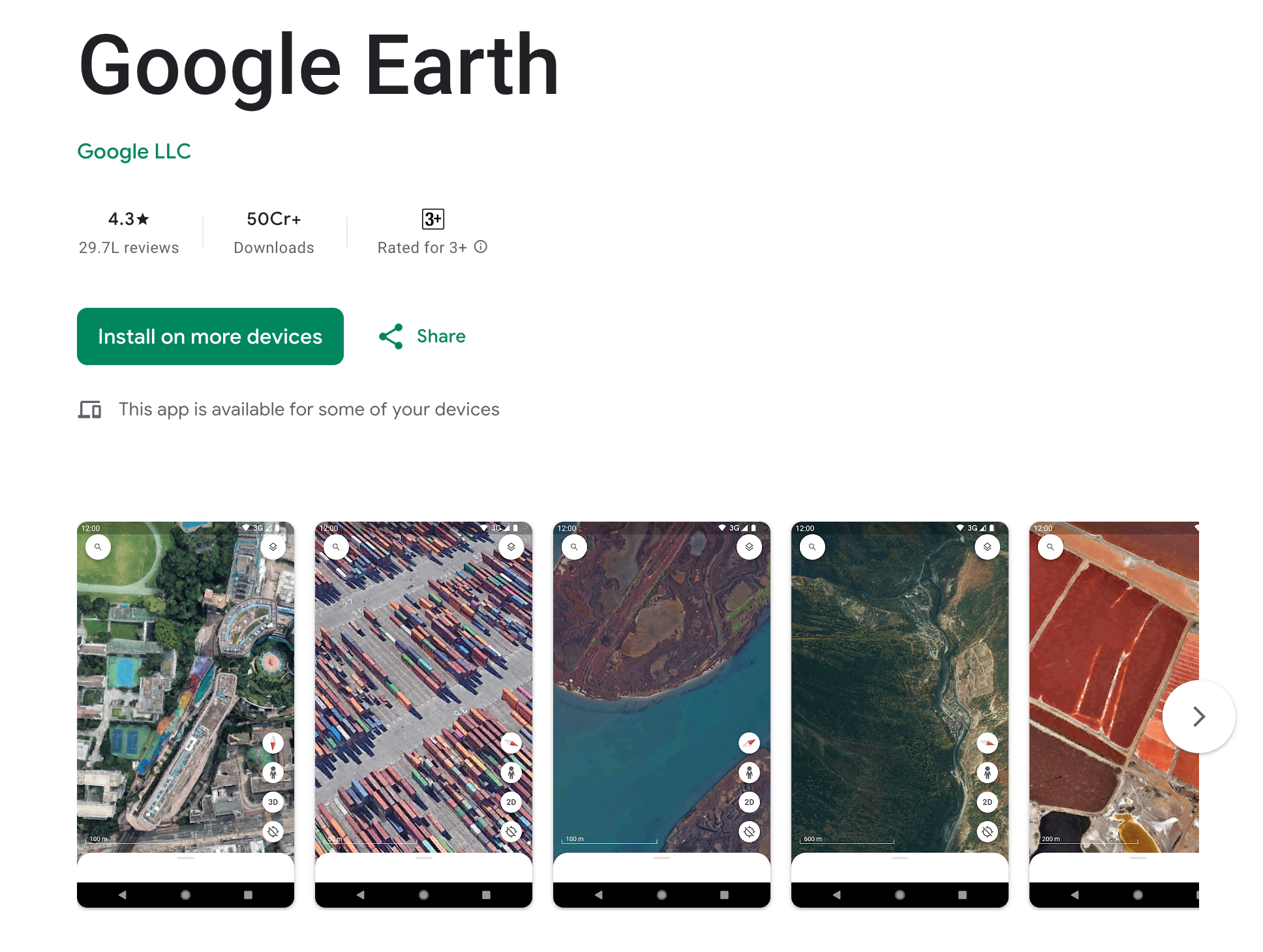
Google Earth takes Google Maps to a whole new level. While Maps helps you navigate, Earth lets you explore the planet in stunning 3D satellite view.
You can fly over any city, zoom into any street, and even see terrain elevation.
Want to check out the Grand Canyon from above or virtually visit a remote village? Google Earth makes it possible from your couch.
Final Thoughts on the top Google apps for 2026
You don’t need all 25 apps on this list. Pick the ones that solve a real problem for you.
If you’re a blogger, start with Google Docs, Search Console, and Gemini. If you’re a student, NotebookLM and Drive will save you a ton of time. If you run a business, Workspace is worth every penny!
The best part? Almost everything here is completely free.
Pick three apps from this list that you haven’t tried yet. Install them today. Give them a week.
Let us know your favorite Google apps that you can’t live without. Share them in the comments below.
Are Google Apps Really Free?
Yes. Every app on this list works for free with a standard Google account. No credit card needed.
But there are limits with the free account. You get 15 GB shared across Gmail, Google Drive, and Google Photos.
When you need more space, Google One plans start at just $1.99/month for 100 GB. The 2 TB plan at $9.99/month is the popular choice for most users.
FAQs | Top Google Apps to Use in 2026
Here are a few questions you may want to refer to if you would like to learn more about using the top Google apps listed here.
Gmail, Google Drive, and Google Docs. These three cover email, file storage, and document creation.
Undoubtedly, it’s Google Docs, as it lets you create, edit, and collaborate on documents from your Android phone or iOS device. You don’t even need to worry about losing your work, as everything is saved automatically as you type, and it also gives you access to store your data offline, so you won’t lose anything!
Here are some of the leading Google apps.
→ Gmail
→ Calendar
→ Google Meet
→ Docs
→ Sheets
→ Slides
→ Drive
Google uses the Play Store, where you can download tons of apps, games, and digital content for your Android devices.
Yes. Every Google app listed here has a free tier. Gmail, Drive, Docs, Sheets, Slides, Keep, Calendar, Meet, Photos, Maps, YouTube, and Gemini are all free.
Absolutely. Almost every Google app has a dedicated iPhone app available in the Apple App Store. You just need a free Google account.
Google Docs for writing, Google NotebookLM for AI-powered research, and Google Drive for organizing materials.
Google Gemini is gradually replacing Google Assistant as the default voice assistant on Android devices.
Gmail, Google Docs, Google Sheets, Google Slides, Google Drive, Google Maps (with downloaded areas), Google Keep, and YouTube (with downloaded videos) all work offline.
Every Google account comes with 15 GB of free storage shared across Gmail, Google Drive, and Google Photos.







It's amazing how many cool and useful apps have been made by Google. Google Maps is very impressive to me. Just the scale of the project seems quite mind boggling, especially to the level of detail they are going into. As for Google Docs, I've tried it but for the moment I'm sticking with Dropbox for the most part. I'm looking forward to Google's soon to be released competitor for Dropbox though.